

Varsity life is a juggle... assignments, that new AAA game, and a laptop that groans every time you open Chrome. Sound familiar? For South African students, slow storage isn't just an inconvenience; it's a bottleneck holding back your grades and your gaming. The fix is simpler and more affordable than you think. The right SSD storage solution can completely transform your student experience, turning frustrating lag into lightning-fast productivity. ⚡
Why SSD Storage is a Must-Have for Students in SA
Remember the days of waiting ages for your laptop to boot up, just to get that assignment started? Mechanical hard disk drives (HDDs) are the culprit. An upgrade to a Solid-State Drive (SSD) is one of the most impactful performance boosts you can make.
For students, the benefits are massive:
- Blazing Speeds: Applications launch in seconds, files transfer in a flash, and your entire operating system feels more responsive. This means less time waiting and more time studying... or gaming.
- Durability: SSDs have no moving parts, making them far more resistant to the bumps and drops that come with carrying a laptop around campus. Your precious data is safer.
- Power Efficiency: SSDs consume less power than HDDs. During load shedding, that extra battery life can be the difference between meeting a deadline and a last-minute scramble.
Finding the perfect SSD storage solution for South African students doesn't have to be complex. It's about matching the tech to your specific needs and budget.
Choosing the Right SSD Storage Solution
Not all SSDs are created equal. The two main types you'll encounter are SATA and NVMe. Think of it like choosing between a reliable family car and a Formula 1 race car.
NVMe vs. SATA: What's the Real-World Difference?
A SATA SSD is a fantastic upgrade from any old HDD, offering speeds up to 550MB/s. It's the most cost-effective way to make an old laptop feel brand new. For general use—writing essays, browsing, and casual gaming—it's more than enough.
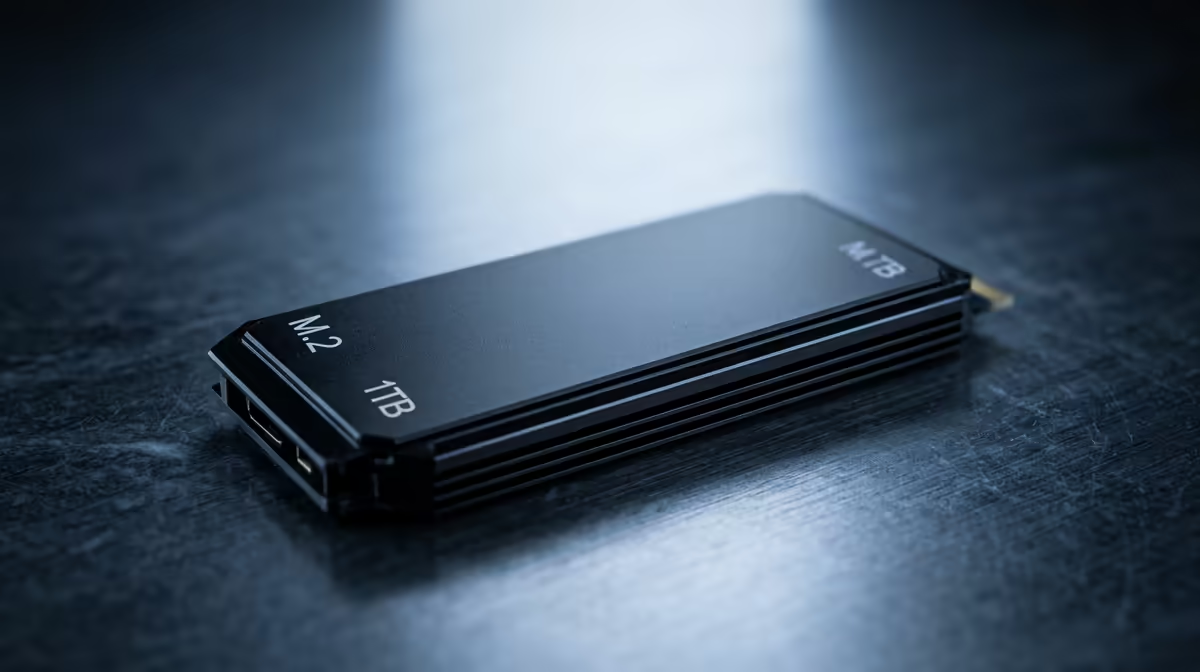
An NVMe SSD, on the other hand, plugs directly into the motherboard and delivers mind-blowing speeds, often exceeding 3,500MB/s or even 7,000MB/s on newer models. If you're studying engineering, video editing, or are a competitive gamer where every millisecond counts, the investment in NVMe is well worth it. Many of the best gaming laptop deals now feature NVMe SSDs as standard.
Check Your M.2 Slot! 🔧
Before buying a super-fast NVMe SSD, check if your laptop's motherboard has a compatible M.2 slot. A quick search for your laptop model's specs or opening the back panel will tell you. Don't buy a race car engine if you can only fit it in a go-kart!
How Much Storage Do You Actually Need?
Storage capacity is a balancing act between price and necessity. Here’s a quick guide for students:
- 256GB: The absolute minimum. Fine for cloud-heavy users and basic document work, but you'll run out of space quickly with modern games and large project files.
- 512GB: The sweet spot. This gives you enough room for your OS, essential apps, a few favourite games, and your varsity work without constantly needing to delete files.
- 1TB and Beyond: The ideal choice for serious gamers, content creators, or computer science students running multiple virtual machines. It's a quality-of-life upgrade that means you rarely have to think about storage space again. 🚀
Upgrading vs. Buying a New Laptop
So, you need a faster drive. Do you upgrade your current machine or invest in a new one?
Upgrading the SSD in an older laptop is a brilliant, budget-friendly move. For a few hundred ZAR, you can breathe new life into a machine that's become sluggish. However, if your processor, RAM, and graphics card are also showing their age, a new SSD might just be a temporary fix.
Sometimes, the smarter long-term investment is a new laptop. Modern devices offer better CPU performance, more RAM, and superior battery life, with a fast SSD already included. Whether you're looking for the multi-core power of great deals on AMD laptops or the renowned efficiency of powerful Intel laptops, a new machine ensures all your components work together seamlessly for years to come.
Ultimately, the best SSD storage solution for a South African student is one that fits your workflow and your wallet. By understanding your options, you can make a smart choice that boosts both your productivity and your play.
Ready for a Lag-Free Student Life? Stop waiting and start doing. Explore our wide range of laptop specials for sale in South Africa and find the perfect high-speed machine for your studies and gaming sessions.











