


Glorious Keyboard Switches Explained: Which Switch Is Right for You?
Glorious Keyboard Switches Explained: Which. Plain-English explanation of what it means, why it matters & how it affects your buying decisions in SA.
Read moressd vs hdd: Discover why solid-state drives run cooler and quieter than hard drives, lowering heat, cutting noise, and boosting battery life for laptops and quiet PCs. 🔇❄️
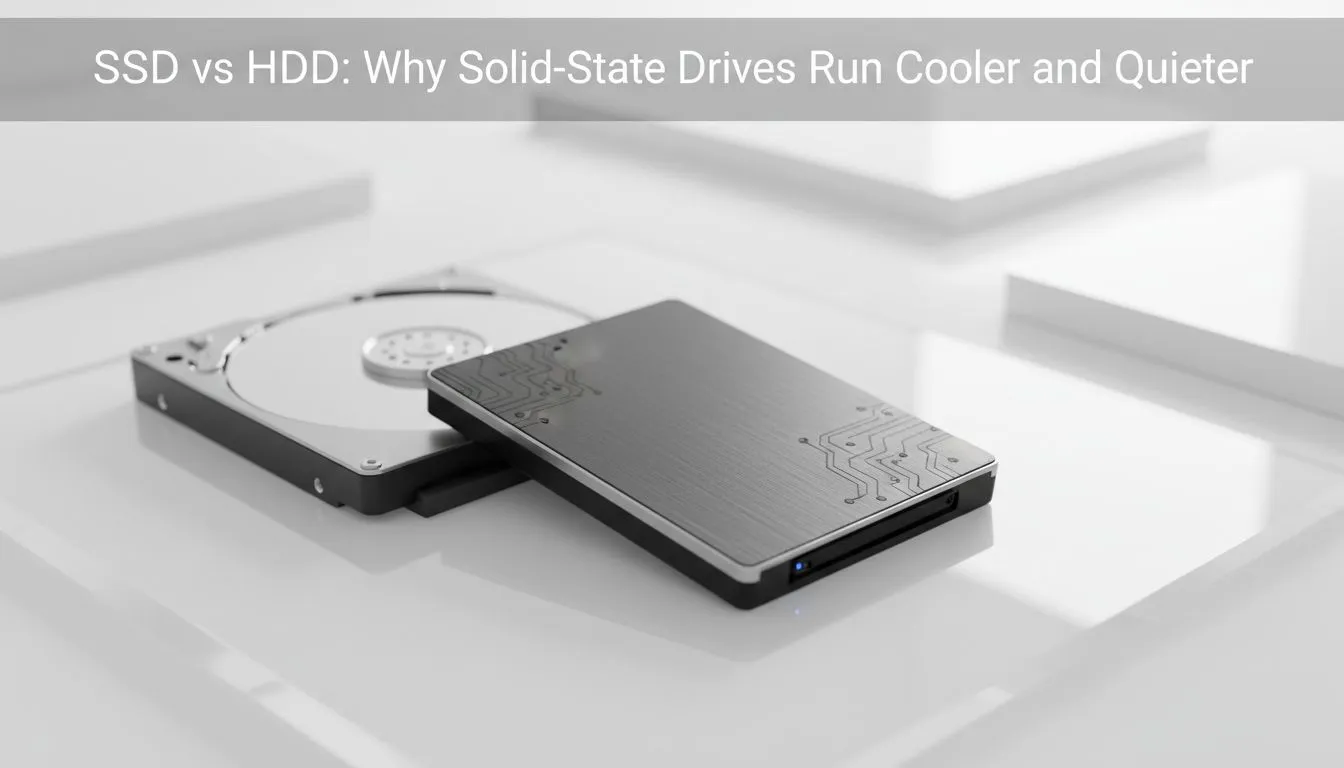
Tired of your PC sounding like a jet taking off from OR Tambo? Whether you are gaming in the heat of a Jozi summer or pushing your workstation to the limit... heat and noise are the enemies of performance. Understanding SSD vs HDD: Why Solid-State Drives Run Cooler and Quieter is the first step toward a more reliable... serene computing experience. ✨
Traditional Hard Disk Drives (HDDs) are mechanical wonders... but they are also tiny heaters. Inside the metal casing... a motor spins magnetic platters at speeds up to 7,200 RPM. A physical read/write arm moves across these platters to access data. This constant movement creates friction... and friction always generates heat. In a compact PC case during a humid Durban afternoon... this extra heat can cause your system fans to ramp up... creating a distracting drone. If you are looking for a more efficient storage solution... Western Digital offers a variety of flash-based alternatives that eliminate these moving parts entirely.
Solid-State Drives (SSDs) are fundamentally different. They use NAND flash memory... which has no moving parts. This means there is no mechanical friction and no motor noise. When you buy solid-state drives... you are essentially buying silence. Brands like ADATA have led the way in creating drives that stay cool even under heavy workloads. Because there is no vibration... your PC case won't hum or rattle... making for a much more pleasant environment for gaming or creative work. 🔧
To keep your SSD running at peak efficiency... always leave about 10% to 15% of the drive empty. This allows the controller to perform wear levelling and "garbage collection" more effectively. This simple habit prevents thermal throttling and extends the lifespan of your drive.
High-performance storage used to mean dealing with extreme temperatures. However... modern engineering has changed how we handle data. The latest Gen 5 (NVME) drives are designed with thermal management in mind. They often include integrated heatsinks to dissipate heat quickly. This ensures that even during a long gaming session... your drive won't slow down to protect itself. You get consistent speeds without the hairdryer noise of struggling cooling fans. Spending an extra ZAR 500 on a quality SSD instead of an old-school mechanical drive is the best upgrade you can make for your peace of mind. 🚀
If you often work in coffee shops or quiet libraries in Cape Town... a noisy hard drive is a major distraction. Mechanical external drives are not just loud... they are also sensitive to physical bumps. Switching to an external SSD gives you peace of mind and total silence. You can browse the External form factor range to find a pocket-sized drive that stays cool to the touch. It is a small investment that makes a massive difference in your daily workflow. ⚡
Ready to Find Your Perfect Match? The SSD vs HDD debate is simple when you value silence and speed. For maximum power... choice... and value in South Africa... solid-state technology is hard to beat. Explore our massive range of SSD specials and find the perfect drive to silence your system.
Yes. SSDs lack spinning platters and motors, so they produce far less heat than HDDs, helping lower system temperatures and fan activity.
SSDs have no moving parts, so they generate virtually no mechanical noise compared to HDD spin and seek sounds, making systems much quieter.
Generally yes. SSDs consume less power during active and idle states, which reduces heat output and improves battery life in laptops.
Often. Lower SSD heat and power draw can cut fan spin-up events, resulting in quieter laptop operation and fewer thermal throttling cycles.
High-performance NVMe drives can run warm during sustained transfers; heatsinks or motherboard M.2 cooling often mitigate thermal throttling.
Excessive heat can reduce flash endurance, but typical SSD operating temps are lower than HDDs, which generally helps long-term reliability.
No. HDDs use motors and experience friction that creates more heat than SSDs, so they rarely offer cooling advantages over solid-state drives.
Glorious Keyboard Switches Explained: Which. Plain-English explanation of what it means, why it matters & how it affects your buying decisions in SA.
Read more
Winter Keyboard Buying Guide. Everything you need to know with SA pricing, step-by-step instructions & expert recommendations.
Read more
Keyboard Buying Guide. Everything you need to know with SA pricing, step-by-step instructions & expert recommendations.
Read more
LGBTQ+ Gamers Keyboard Guide: January Edition. Everything you need to know with SA pricing, step-by-step instructions & expert recommendations.
Read more
Keyboard Maintenance Guide Gamers. Everything you need to know with SA pricing, step-by-step instructions & expert recommendations.
Read more
Accessibility Focused Keyboard Guide: January. Everything you need to know with SA pricing, step-by-step instructions & expert recommendations.
Read more
Snapdragon X2 NPU Explained: How 80 TOPS Changes. Plain-English explanation of what it means, why it matters & how it affects your buying decisions in SA.

HBM? High Bandwidth Memory Used in GPUs and AI. Plain-English explanation of what it means, why it matters & how it affects your buying decisions in SA.

How much should you spend on sim racing accessories in South Africa for a realistic setup? We break down budgets by quality tiers, so you buy smart gear and avoid overspending 🎮💸

G-Sync and FreeSync? Variable Refresh Rate. Plain-English explanation of what it means, why it matters & how it affects your buying decisions in SA.

AMD Laptop: Value. SA-focused analysis with local pricing data, real-world insights & actionable buying advice.

How MacBook Neo Handles 30+ Chrome Tabs with Only. SA-focused analysis with local pricing data, real-world insights & actionable buying advice.

Why Apple Put 8GB RAM in MacBook Neo: The A18 Pro. SA-focused analysis with local pricing data, real-world insights & actionable buying advice.

Upgrade your work laptop with a New Motherboard. Step-by-step instructions with SA-specific tips, common pitfalls to avoid & expert recommendations.
Glorious Keyboard Switches Explained: Which. Plain-English explanation of what it means, why it matters & how it affects your buying decisions in SA.
Winter Keyboard Buying Guide. Everything you need to know with SA pricing, step-by-step instructions & expert recommendations.
Keyboard Buying Guide. Everything you need to know with SA pricing, step-by-step instructions & expert recommendations.
LGBTQ+ Gamers Keyboard Guide: January Edition. Everything you need to know with SA pricing, step-by-step instructions & expert recommendations.