


PCIe 5.0 vs PCIe 4.0 for Cinematic Story Games in SA
PCIe 5.0 and PCIe 4.0 differ most in lane support, compatibility, and upgrade value for cinematic story games. SA buyers should match the choice to their actual hardware and games.
Read moreFor a first-time buyer, standalone VR wins: a Quest works straight out of the box with no PC, no Link cable and no Wi-Fi tuning required. PC-VR adds setup complexity and a capable GPU to the cost, so most beginners start standalone and upgrade later.
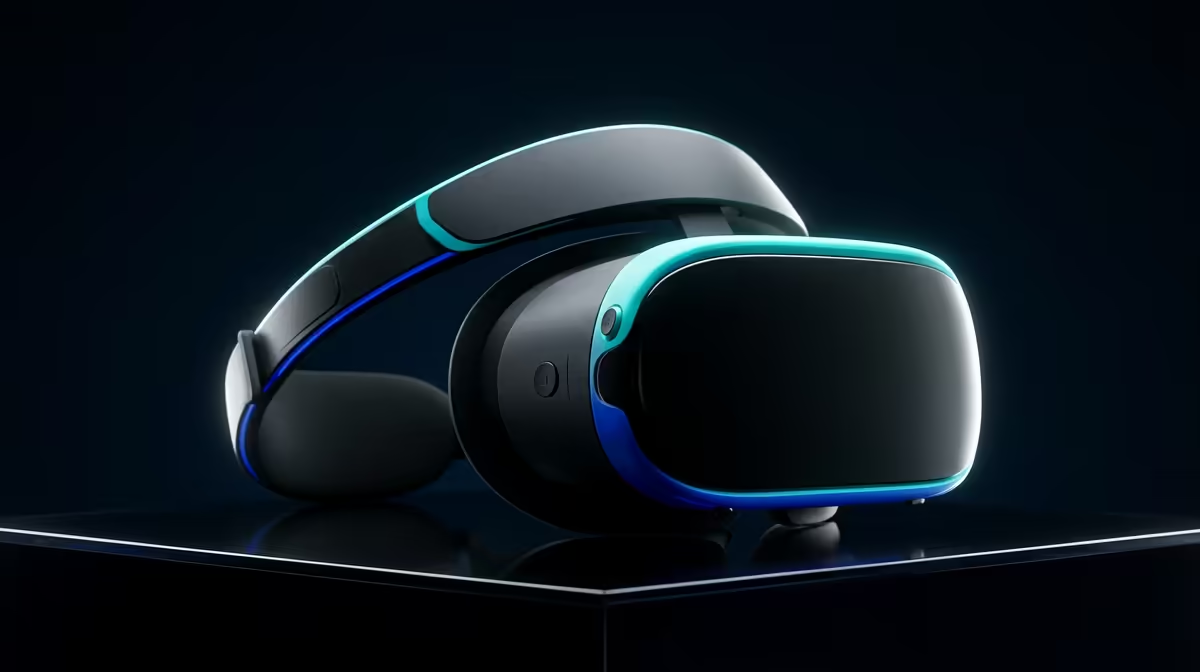
A first VR headset should get you into a game on the same evening you unbox it, not send you down a rabbit hole of cables and driver settings. That single difference decides most beginner purchases: a standalone headset runs on its own, while PC-VR borrows the power of a gaming rig and the setup that comes with it. Get the choice right and you spend your first weekend playing rather than troubleshooting.
For a first-time buyer, standalone wins. A modern standalone headset like a Quest works straight out of the box with no PC, no Link cable and no Wi-Fi tuning, and you can still connect it to a gaming PC later if you want more graphical muscle. PC-VR delivers sharper, more demanding experiences but adds a capable GPU and real setup time to the bill.
A standalone headset has its processor, battery and storage built in. You put it on, set up a play boundary and launch a game from the headset itself. There is no external box, no cable to a tower and nothing to install on a computer. For someone who has never used VR, that simplicity removes almost every reason a first session goes wrong.
The trade-off is raw power. A self-contained headset uses a mobile-class chip, so the most graphically intense PC titles either run in a simplified form or not at all. For the games most beginners actually want to try first, social spaces, rhythm games, fitness titles and lighter shooters, that ceiling rarely gets in the way early on.
PC-VR runs the headset as a display for a gaming computer, which does the heavy lifting. That unlocks the most visually impressive simulators and high-detail worlds, and it scales with whatever GPU you own. The catch is that it only works well with a genuinely capable graphics card, plus either a quality cable link or a carefully configured wireless connection.
For a beginner with no gaming PC, that means two purchases instead of one, and the PC side is by far the larger cost. Even if you already own a rig, expect to spend an evening getting tracking, room scale and link quality dialled in before everything feels smooth.
The headset is only half the equation. A smooth PC-VR experience leans on a strong GPU and enough system memory to keep frame rates high, because dropped frames in VR are far more noticeable, and more nauseating, than on a flat monitor. If you are pricing a build to drive PC-VR, the AR and VR glasses section is a useful place to see what current headsets pair with that kind of machine.
Both paths have improved hugely on comfort and tracking. Inside-out tracking, where cameras on the headset map the room, means most modern headsets need no external sensors mounted on your walls. That alone makes standalone setup a matter of minutes rather than an afternoon.
Where beginners stumble is play space and motion. Whichever route you pick, clear a sensible area, set your boundary honestly and ease into movement-heavy games to avoid motion discomfort. Standalone makes this easier simply because you can carry the headset to wherever you have room.
A standalone headset runs on its internal battery, typically giving a couple of hours before a recharge, and you are completely untethered while playing. PC-VR either ties you to a cable or depends on a robust wireless link, which adds a layer of fiddliness that a first-time user does not need.
The headline difference people notice first is sharpness. PC-VR can drive high-resolution panels at high refresh rates because the computer supplies the rendering power, which produces crisper text, finer detail and smoother motion in demanding scenes. That clarity is part of why simulators and detailed worlds feel so immersive on a tethered rig.
Standalone headsets have closed much of that gap, and modern panels are sharp enough that most beginners never feel short-changed in the games they actually play. The limit shows up only when you push the most graphically heavy content, where the mobile chip has to simplify what a gaming PC would render in full. For a first headset, that ceiling is far away.
Standalone platforms have their own curated stores stocked with games built specifically for self-contained hardware, so there is plenty to play on day one without any extra purchases. PC-VR opens access to larger libraries of more demanding titles, including the heavyweight simulators. A useful way to think about it: standalone gives you a generous, polished starting library, while PC-VR adds the high-end ceiling once you are ready for it.
For most South African beginners, standalone is the cheaper and saner starting point. One device, no dependency on owning a powerful PC, and a clear upgrade path: many standalone headsets can later connect to a gaming computer, so you are not locked out of PC-VR if your interest grows.
If you already own a strong gaming rig, PC-VR becomes more attractive because the expensive part is already paid for. Even then, plenty of people buy a standalone headset first to learn what they enjoy, then graduate to tethered play once they know it is for them. Browsing what other buyers pick up alongside a headset in the accessories best sellers gives a quick sense of the straps, cases and cables worth budgeting for.
Yes. Many standalone headsets support a wired or wireless link to a gaming PC, so you can start untethered and add PC-VR later if you want more demanding titles. That makes standalone a low-risk first purchase.
Not for standalone, which runs entirely on its own hardware. You only need a capable gaming PC for PC-VR, and that PC, especially the GPU, is usually the largest part of the total cost.
For the games most beginners want first, yes. Social, fitness, rhythm and lighter action titles run well on standalone. The most graphically intense simulators are where PC-VR pulls ahead.
A cleared area of roughly two by two metres covers most room-scale games, and many titles work in a smaller seated or standing space. Set your play boundary honestly so the headset can warn you before you reach a wall.
It can early on, but easing into movement-heavy games and starting with comfortable, stationary titles reduces it quickly for most people. Good frame rates help, which is one reason smooth standalone or well-tuned PC-VR matters.
Not sure which headset suits your first step into VR? Browse the AR and VR glasses range at Evetech to compare standalone and PC-VR options, and match the headset to whether you already own a gaming rig.
Yes. Many standalone headsets support a wired or wireless link to a gaming PC, so you can start untethered and add PC-VR later if you want more demanding titles. That makes standalone a low-risk first purchase.
Not for standalone, which runs entirely on its own hardware. You only need a capable gaming PC for PC-VR, and that PC, especially the GPU, is usually the largest part of the total cost.
For the games most beginners want first, yes. Social, fitness, rhythm and lighter action titles run well on standalone. The most graphically intense simulators are where PC-VR pulls ahead.
A cleared area of roughly two by two metres covers most room-scale games, and many titles work in a smaller seated or standing space. Set your play boundary honestly so the headset can warn you before you reach a wall.
It can early on, but easing into movement-heavy games and starting with comfortable, stationary titles reduces it quickly for most people. Good frame rates help, which is one reason smooth standalone or well-tuned PC-VR matters.
PCIe 5.0 and PCIe 4.0 differ most in lane support, compatibility, and upgrade value for cinematic story games. SA buyers should match the choice to their actual hardware and games.
Read more
ATX 3.1 vs ATX 3.0 for streaming on Twitch and YouTube buyers - what changes is mostly about compatibility, budget, upgrade path, and setup fit. SA buyers should check device support and real needs before expecting a clear win from either option.
Read more
OLED vs Mini-LED for video editing in 4k is mainly about fit, features, compatibility, cost, and upgrade path, not one automatic winner. SA buyers should match the choice to the setup.
Read more
The real world difference between IPS and VA for streaming on Twitch and YouTube is colour consistency versus contrast. For SA creators, match the panel to OBS previews, chat visibility, camera work, and long editing sessions after live streams.
Read more
IPS vs OLED for Couch Co-Op Gaming comes down to contrast, motion, burn-in care, refresh needs, desk use, and game type. SA buyers should match the choice to their setup instead of assuming one option always wins.
Read more
FSR 4 and FSR 3.1 affect competitive esports only if they preserve clarity, latency, and stable frame pacing. SA players should compare response feel, motion quality, and support in the specific titles they grind.
Read more
Wi-Fi 7 vs Wi-Fi 6e for cinematic story games comes down to router support, latency goals, device compatibility, and coverage. SA buyers should match the choice to the real network setup.

The real world difference between PCIe 5.0 and PCIe 4.0 for MMO and live-service games is usually about loading, patches, and headroom. SA players should weigh NVMe speed, GPU lanes, CPU limits, and platform cost.

Windows 11 gaming laptop dead pixel checks begin with a full-screen colour test. This how to fix dead pixel windows 11 gaming laptop guide helps SA users compare settings, drivers, external screens, and warranty routes.

AM5 motherboard stuck pixel fixes in South Africa start with panel, cable, GPU output, and Windows checks. Use a clean test path before blaming the motherboard or replacing screen hardware.

FPS drops blamed on a wireless mouse often point to input, driver, USB, network, or system-load checks. Use a quick SA-friendly troubleshooting flow to isolate software, firmware, thermals, storage, and game settings before replacing hardware.

How to fix fps drops on steam deck starts with power profile, shader cache, storage health, and per-game settings. For South Africa, check charger quality, heat, and download stability before assuming the handheld needs repair. Retest after updates.

How to fix low FPS after an RTX 5080 build upgrade starts with driver cleanup, display settings, thermals, and power mode. For SA gamers, verify GPU usage, PCIe speed, RAM profile, and CPU limits before changing parts.

Hollow Knight Silksong at 4K needs a GPU matched to settings, VRAM, CPU balance, and monitor goals. Use this SA guide to compare tiers without treating FPS target or prices as fixed.
How to fix FPS drops after a Ryzen 9 9950X3D starts with BIOS, chipset, EXPO, power, and GPU driver checks. It helps isolate upgrade stutter on high-end SA gaming rigs before you change hardware, reinstall Windows, or retune cooling.
PCIe 5.0 and PCIe 4.0 differ most in lane support, compatibility, and upgrade value for cinematic story games. SA buyers should match the choice to their actual hardware and games.
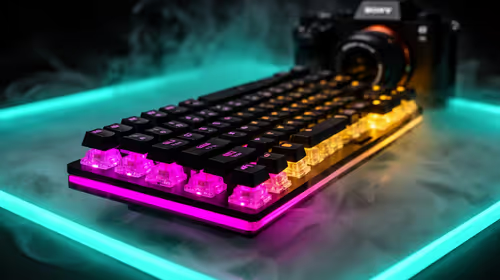
FPS drops Windows 11 mechanical keyboard issues can come from USB polling, keyboard utilities, power settings, or overlays. This gaming checklist helps test input-device causes before deeper GPU or CPU troubleshooting.
ATX 3.1 vs ATX 3.0 for streaming on Twitch and YouTube buyers - what changes is mostly about compatibility, budget, upgrade path, and setup fit. SA buyers should check device support and real needs before expecting a clear win from either option.