

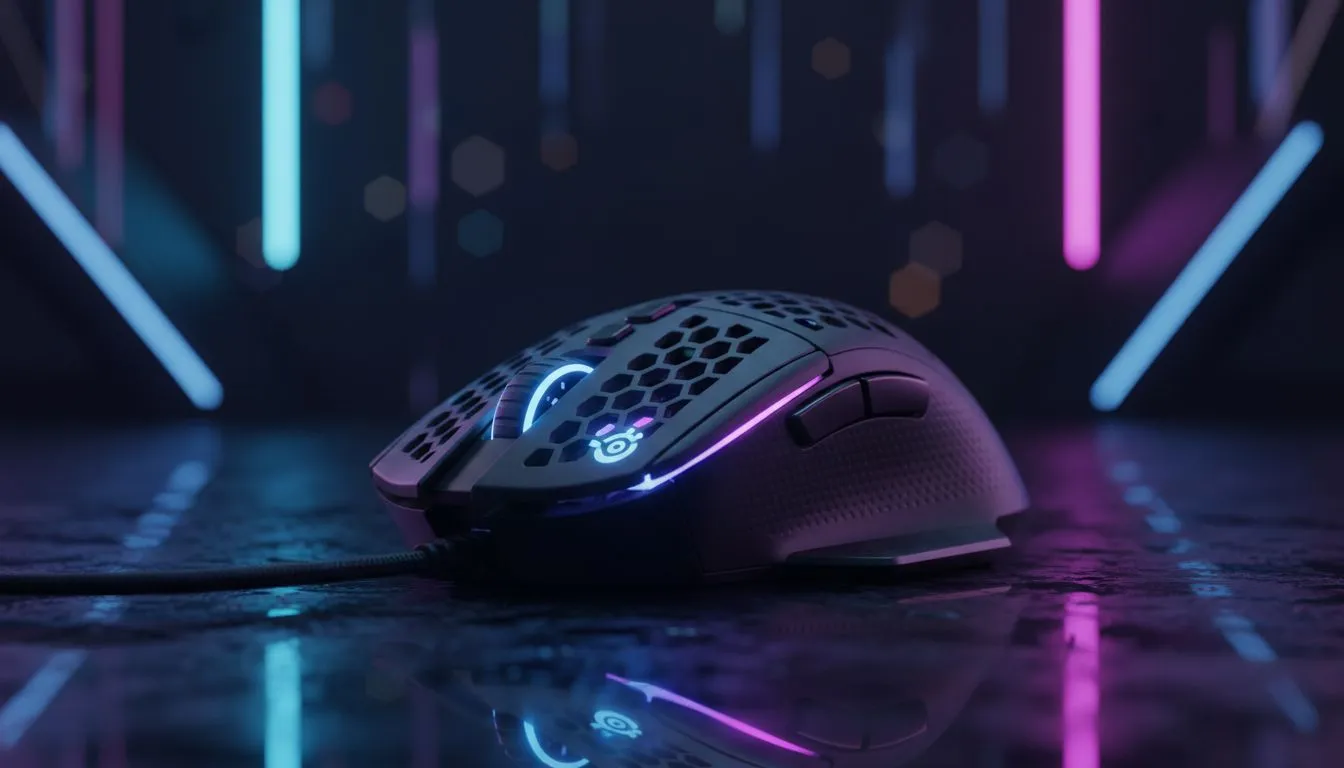
Unlock SteelSeries Engine for better mouse control 🔧
Want tighter aim, smarter macros, and a mouse that actually feels like yours? SteelSeries Engine is the software that lets you tune sensitivity, RGB and button maps until your SteelSeries mouse behaves exactly how you play. If you're in South Africa, this quick guide shows what matters, what to avoid, and where to buy the right hardware for your setup. ⚡
Quick setup: Install and profile basics
Install SteelSeries Engine, create a profile per game, and save it to your device or the cloud. Start simple: one DPI shift, two game-specific button remaps. Many local players skip calibration; don’t be one of them. For new shoppers, browse Evetech’s full gaming mouse range to match hardware with software features: check the gaming mouse category for choices that fully support SteelSeries Engine. https://www.evetech.co.za/components/gaming-mouse-117.aspx
Pro tip for profiles and cloud sync
Create a default Windows desktop profile and a competition profile with minimal lighting and a higher polling rate. That keeps everyday work smooth and gives you the competitive edge when you need it.
Precision Setup ⚡
a simple two-profile system: "Desktop" with 800–1200 DPI, and "Play" tuned to your game's preferred DPI. Keep the polling rate consistent (500–1000 Hz) to avoid input jitter.
Tuning performance: DPI, polling and angle snapping
Want to get the most from your SteelSeries mouse? Focus on three settings in Engine: DPI stages, polling rate, and angle snapping. Turn angle snapping off for FPS titles; enable it for pixel-art design work. If you’re shopping for high-DPI sensors or ultralight shells, see Evetech’s best gaming mouse deals for models that pair well with Engine’s advanced controls. https://www.evetech.co.za/best-gaming-mouse-deals/x/054.aspx
Macros, keybinds and game-specific scripts
SteelSeries Engine lets you assign macros and complex actions to any button. Keep macros short and test them in training modes. For MMO or productivity heavy-users, consider wireless models with robust battery life and low-latency modes; Evetech lists wireless options if you prefer cable-free setups. https://www.evetech.co.za/buy-wireless-mouse/x/1597.aspx
Wired vs wireless: what to choose in 2026?
Latency differences are small on modern gear, but battery, weight, and convenience matter. If you favour absolute minimal input lag, wired mice still make sense. If you want freedom of movement, modern wireless options match wired performance. Compare wired picks on Evetech to decide. https://www.evetech.co.za/buy-wired-mouse/x/1596.aspx
Keep your kit clean and customisable 🚀
Small habits like cleaning the sensor and feet once a month keep tracking accurate. Don’t forget accessories: extra grips, skates and replacement feet can completely change feel. Find matching mouse accessories at Evetech. https://www.evetech.co.za/buy-mouse-accessories/x/1595.aspx
Final checklist and local insight
- Create two profiles: Desktop and Play.
- Calibrate per-surface in Engine.
- Test macros offline before using them live. A small tweak in SteelSeries Engine often yields big comfort and control improvements. Want hands-on help choosing a model that pairs perfectly with Engine? Our links above will take you to curated ranges and deals tailored for South African gamers.
Ready to Find Your Perfect Match? The Mac vs Windows debate is complex, but for maximum power, choice, and value in South Africa, Windows is hard to beat. Explore our massive range of laptop specials and find the perfect machine to conquer your world.











