

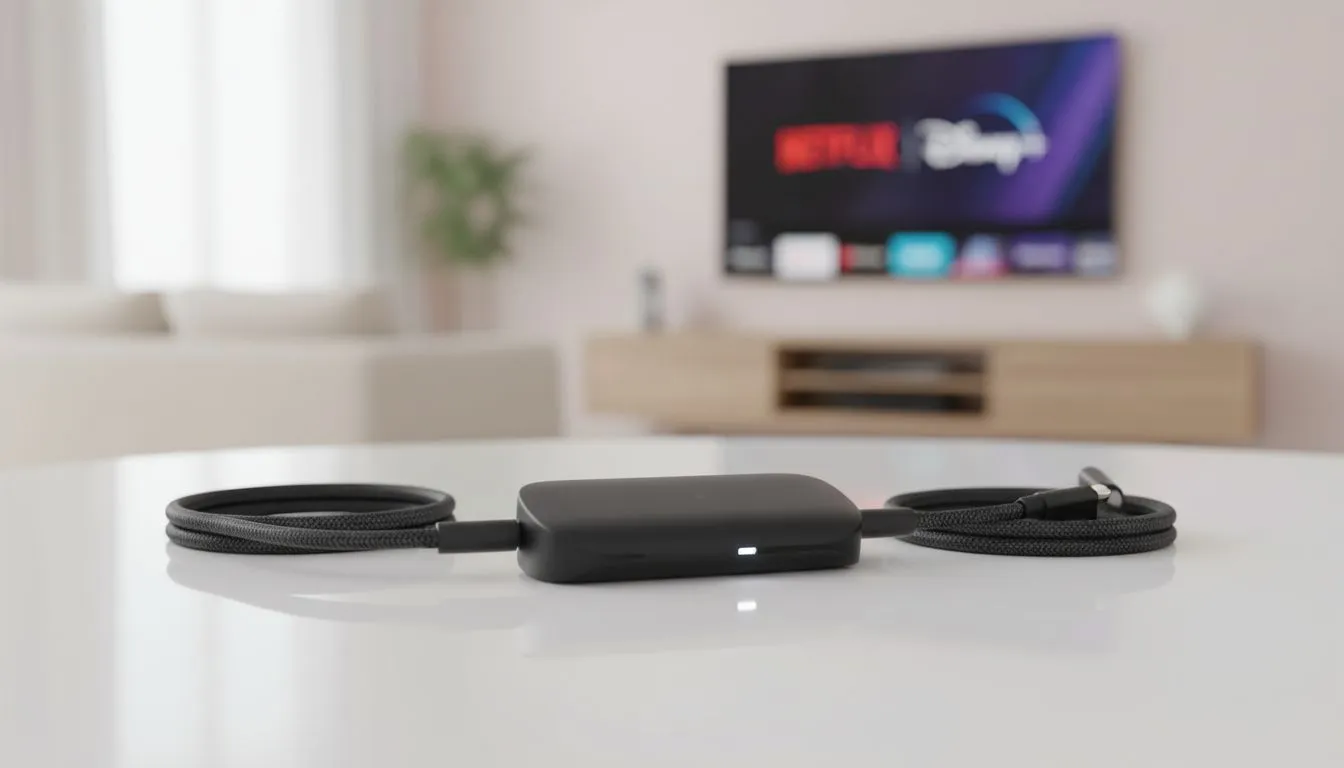
Quick fix for streaming black screens — south africa edition 🔧✨
If you’ve ever tried to Stream Netflix and Disney Plus Wirelessly Without Black Screens and ended up staring at a frozen TV, you’re not alone. South African home cinemas, cramped student digs and long-distance LAN lounges all share the same pain: audio plays, video doesn’t. This guide shows practical steps — no jargon — to stop black screens and keep your binge nights rolling.
Common causes and easy checks
Start simple. Reboot the streaming device and the TV or PC. Reconnect to the 5 GHz Wi‑Fi band if available; that often cuts interference in shared buildings. Switch the streaming app off and on, and make sure both the app and the device firmware are up to date. If you need a replacement cable or dongle, Evetech stocks a wide range of gaming and streaming accessories for fast swaps and affordable upgrades — check their gaming accessories section for options. https://www.evetech.co.za/PC-Components/buy-gaming-accessories-160.aspx
Hardware handshake: HDCP, HDMI and adapters
Black screens commonly come from handshake issues between player and display. An older TV or a cheap adapter can trip HDCP or resolution mismatches. Try a direct HDMI-to-TV connection first, then add adapters one by one to identify the culprit. If you’re shopping for quality adapters or spare controllers, browse current accessory deals and compare prices in ZAR to keep within your budget. https://www.evetech.co.za/gaming-accessories-deals/x/229.aspx
Network tips that actually help ⚡
If multiple people stream or game while you cast, quality drops and video may fail to initialise. Prioritise the device in your router’s QoS, or momentarily pause other heavy streams. For Chrome casting, close extra tabs that use hardware acceleration. Need robust wireless kit? Evetech’s gaming accessories category has routers, USB dongles and network gear that can keep your latency low and your streams steady. https://www.evetech.co.za/PC-Components/buy-gaming-accessories-160.aspx?category=Gaming+Accessories
When apps and DRM cause trouble
Some apps enforce DRM that can block casting between certain devices. If you see a logo splash but no picture, try using the app natively on the TV or a certified streaming stick. Updating or reinstalling the app clears corrupted files that sometimes produce black screens.
Quick Pro Tip ✨
Keep one dedicated streaming device for Netflix and Disney Plus if possible. It reduces compatibility surprises and makes troubleshooting a one-device job.
Real‑world fix — a micro story
I had a flatmate who could stream everything on his phone, but the TV stayed black. We swapped his cheap HDMI adapter for a tested spare from my kit and the picture returned instantly. No drama. That spare adapter cost R199 but saved a weekend of frustration.
Final checklist before you start a binge
- Reboot devices.
- Use direct HDMI when possible.
- Move to 5 GHz Wi‑Fi or prioritise traffic.
- Update apps and firmware.
- Swap adapters or cables with a known-good spare.
Ready to Find Your Perfect Match? The Mac vs Windows debate is complex, but for maximum power, choice, and value in South Africa, Windows is hard to beat. Explore our massive range of laptop specials and find the perfect machine to conquer your world.











