

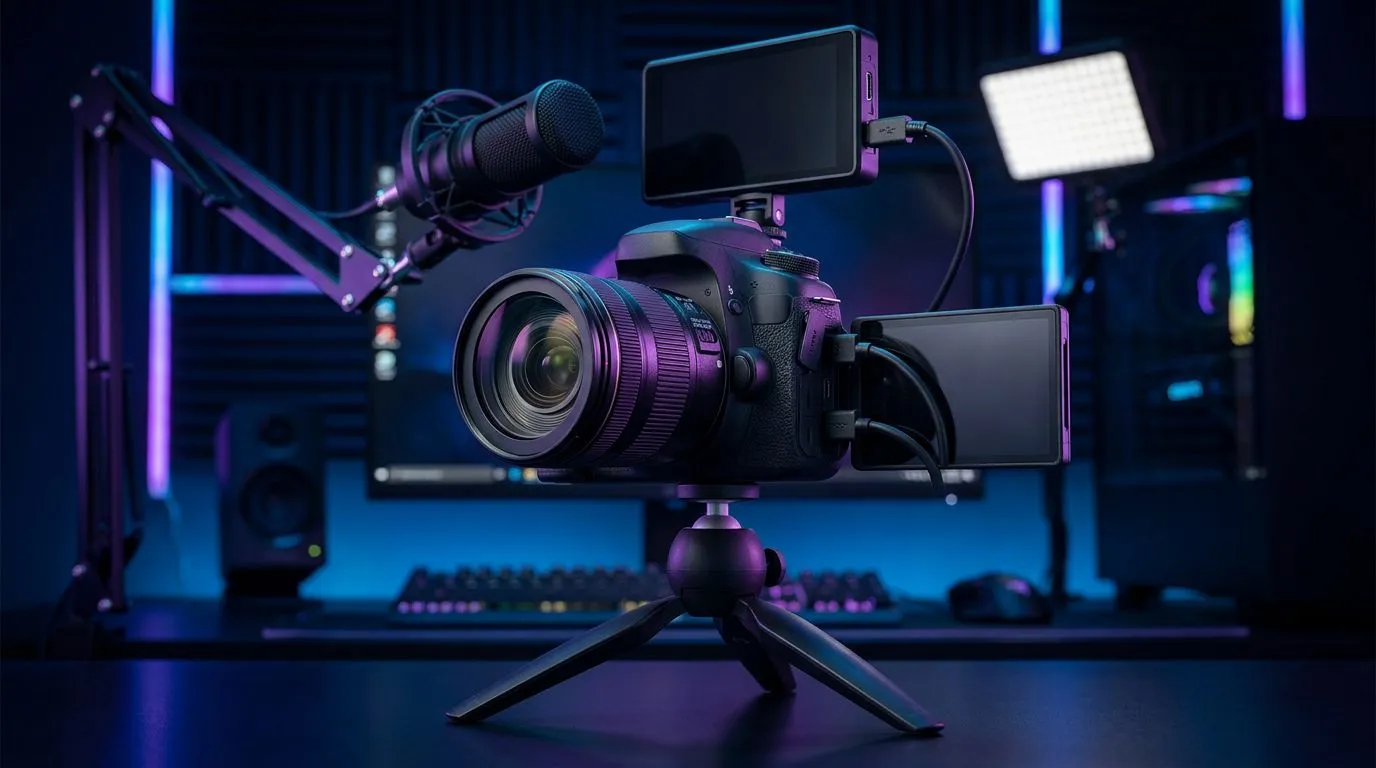
Streaming camera setup checklist — quick pre-live checks 🔧🚀
South African streamers: need a fast, reliable pre‑flight routine before you hit "Go Live"? This streaming camera setup checklist cuts the noise. In the next few minutes you'll learn which hardware to inspect, which settings to lock, and how to run a clean test stream — so viewers see you at your best, not buffering.
Streaming camera setup checklist — camera & capture checks
Start with the camera itself. Check lens cleanliness, autofocus behaviour and that your webcam or camera is set to the desired resolution and frame rate. Most USB webcams list specs and prices on Evetech's webcam hub — it's a quick way to compare models and features before buying shop webcams at Evetech.
If you're using a DSLR or mirrorless, confirm your capture card works and that the camera is set to "clean HDMI" output. For USB webcams, check whether they require drivers or an app for manual exposure controls. Finally, plug the camera into your streaming PC and confirm the OS recognises it.
Streaming camera setup checklist — settings, software & stream quality ⚡
Open your encoder (OBS, Streamlabs, XSplit) and confirm the correct video device is selected. Check colour range, resolution, and frame rate in the video capture settings. If you prefer budget webcams, there are solid options under R1,000 to test before upgrading — browse affordable picks here: budget webcams under R1,000.
Stream Settings Tip ⚡
Test both 30fps and 60fps for your content type. Lower frame rates save bandwidth and CPU; higher fps smooths gameplay. Use a short private stream to judge which looks cleaner for your rig.
Also verify your encoder bitrate and audio bitrate match your upload capability. Don’t forget to set a fallback bitrate profile in your encoder if your connection fluctuates.
Streaming camera setup checklist — lighting, framing & audio ✨
Good lighting fixes most camera shortcomings. Use three‑point or soft frontal light to avoid heavy shadows. Consider mid-range webcams for improved low-light performance — take a look at popular mid-tier picks around R2,000 here: mid-range webcams ~R2,000.
Framing matters: position the camera at eye level and use the rule of thirds. Test audio separately; camera mics are convenient but often thin. If you use a dedicated microphone, check levels, room noise and sync with the video feed.
Streaming camera setup checklist — final pre-live tests & upgrade paths
Before you go live run a 3–5 minute private stream or local recording. Watch for dropped frames, audio drift and CPU/GPU spikes. If you want the cleanest, most professional look, premium webcams or cam + capture card setups offer better image pipelines — see higher-end webcams here: premium webcams ~R3,000.
Psychological nudge: a short checklist and the right kit reduce stress and keep chat focused on your content — not your tech.
Ready to Find Your Perfect Match? The Mac vs Windows debate is complex, but for maximum power, choice, and value in South Africa, Windows is hard to beat. Explore our massive range of laptop specials and find the perfect machine to conquer your world.











