

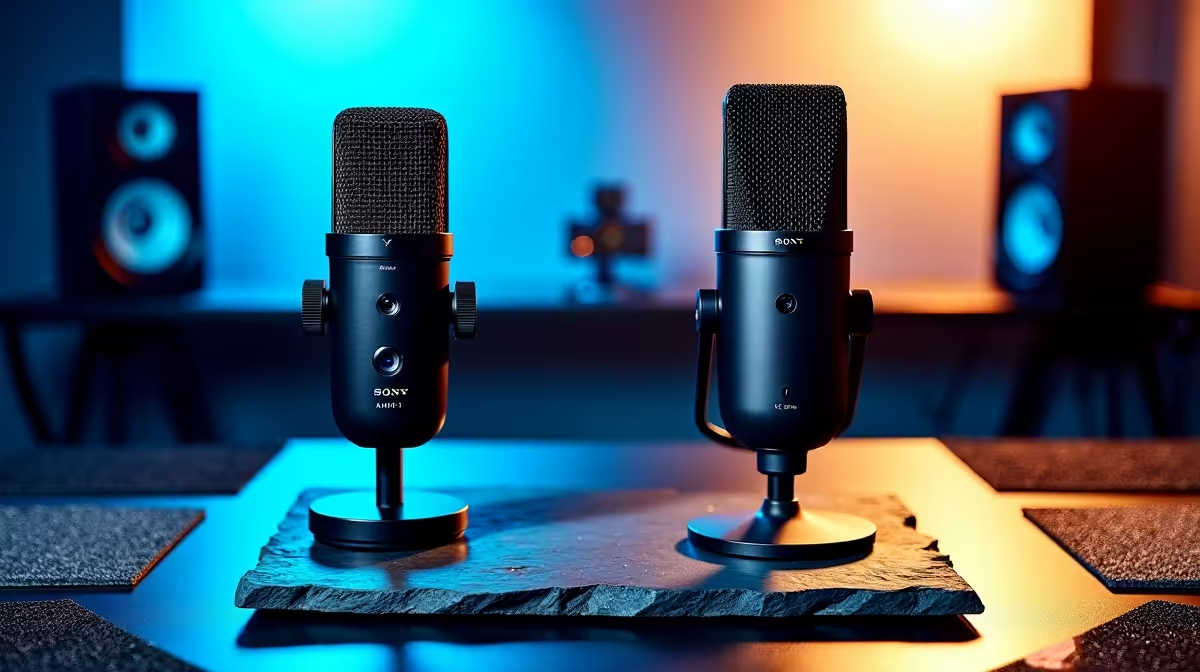
Ever bought a "stream-ready" webcam that makes you look like a pixelated ghost during a load shedding power-cut? Or a mic that picks up the neighbour's hadedas better than your own voice? You're not alone. In South Africa, buying streaming gear can feel like a gamble. That's why we don't just sell products; we put them through a rigorous, locally-focused gauntlet. This is the Evetech process for streaming gear testing in South Africa, designed to find what truly works… right here, right now.
Why Our Gear Testing Process is Built for SA
Anyone can read a spec sheet online. But does that spec sheet account for an unstable internet connection or the hum of an inverter kicking in? We didn't think so. Our process goes deeper, simulating the real-world conditions South African creators face daily.
We're not just checking if a device turns on. We're asking:
- Can it handle a bit of lag? We test capture cards and software for resilience against fluctuating pings.
- How does it perform in low light? 💡 Crucial for those late-night sessions when the power grid is unpredictable.
- Is it truly plug-and-play? We prioritise gear that doesn't require complex setups, saving you time and frustration.
This hands-on approach ensures that when we recommend a piece of kit, it's been vetted for our unique environment.
The Engine Room: Stress-Testing PCs for Flawless Streams
Your PC is the heart of your stream. A weak processor or struggling GPU means dropped frames, audio desync, and a frustrating experience for your viewers. Our PC hardware testing is brutal, by design. 🚀
We run multi-hour stress tests using popular software like OBS and Streamlabs, while simultaneously running demanding games. We monitor thermal performance, CPU and GPU load, and encoding stability to ensure zero bottlenecks. We check how both powerful Intel-based systems and versatile AMD Ryzen PCs handle the latest encoders, helping you choose the right core for your creative needs.
OBS Pro Tip ⚡
In OBS Studio, right-click your Game Capture source, go to 'Properties', and enable 'Limit Capture Framerate'. This can free up valuable GPU resources, especially if you're playing at a high refresh rate but only streaming at 60 FPS. It’s a small tweak that can significantly reduce encoding overload on your system.
Beyond the Benchmarks: The Final Verdict
A perfect score in a synthetic benchmark means nothing if the gear fails mid-stream. That’s why the final phase of our streaming gear testing involves real-world application. We pair microphones, webcams, and lighting with various PC builds to check for compatibility issues and overall performance synergy.
We want to know: does that USB mic cause audio crackles when the GPU is under full load? Does the webcam's autofocus keep up during a fast-paced Apex Legends match? By simulating a complete creator setup, we can confidently recommend combinations that just work. This is why so many aspiring streamers start with our range of pre-built PC deals—they're certified stream-ready from the moment you plug them in. And you don't need to break the bank; we even have a selection of great streaming PCs under R20k that have passed our tests. ✨
Ultimately, our goal is to take the guesswork out of building your streaming setup. We do the frustrating testing so you can focus on what you do best: creating amazing content.
Ready to Go Live with Confidence? Stop gambling on gear that wasn't built for SA conditions. Our rigorous testing means you get equipment that's proven to perform. Explore our range of custom-built and pre-built streaming PCs and find the perfect machine to launch your channel.











