

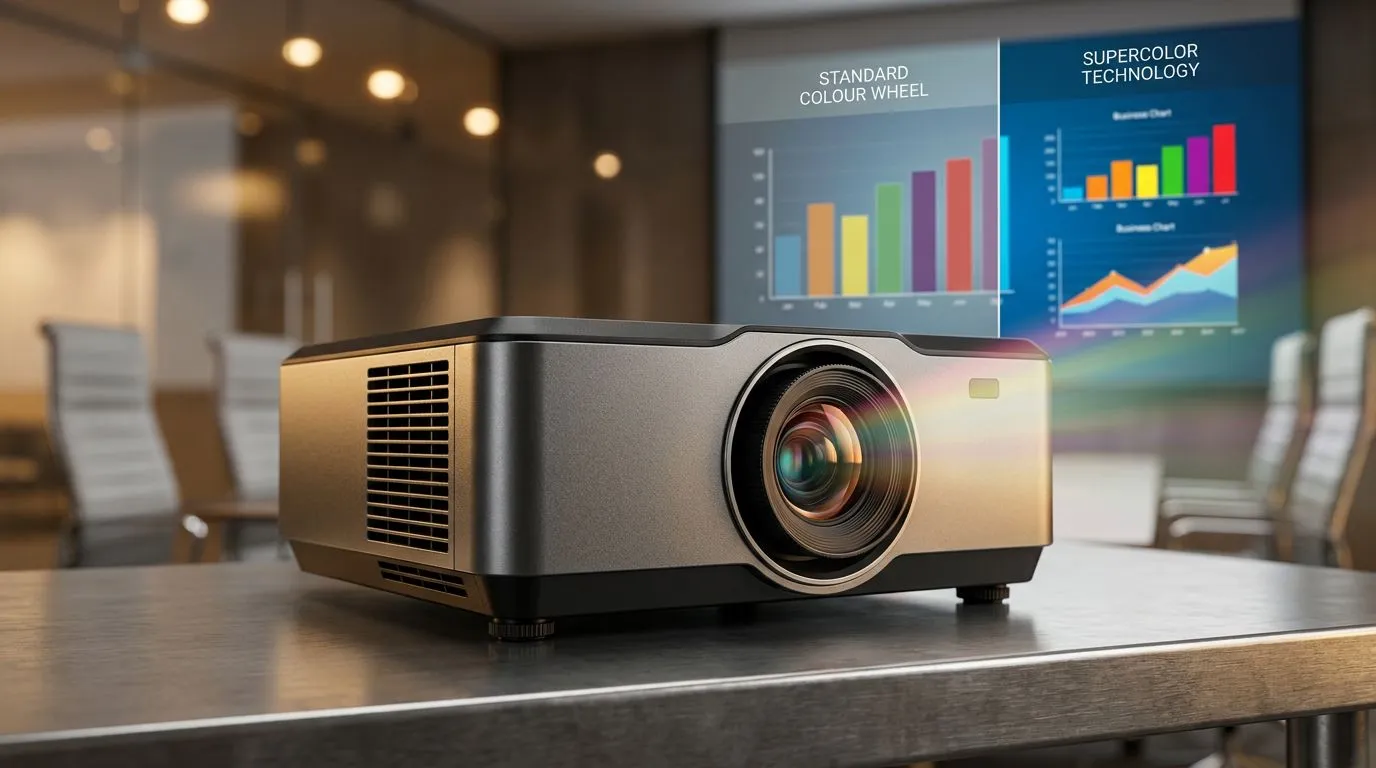
SuperColor Technology vs Standard Colour Wheels: Projector Guide for South African Homes and Gaming Rooms
South African gamers and movie fans know the pain… you buy a “good” projector, then the colours look washed out or your fast action scenes turn muddy. 🎮✨
This guide breaks down SuperColor Technology vs Standard Colour Wheels: Projector Guide in plain English, with practical tips for choosing the right projector for your setup. No fluff. Just what to look for in real life. 🔧
What “colour wheel” actually does (and why it affects gaming)
Most budget-to-midrange single-chip DLP projectors use a colour wheel to produce colour. The wheel spins fast, filtering light into primary colours so the projector can form a full picture.
Where it gets tricky: the “standard” wheel is usually built for general colour output. SuperColor Technology (a branded approach used by some manufacturers) typically focuses on improving colour performance with design changes to the wheel and/or signal handling. That can mean better perceived colour accuracy, more stable colour over time, and sometimes smoother transitions during motion.
For gamers, the real question is simple: will it look better during fast scenes, dark corners, and high-contrast gameplay? ⚡
The answer depends on the projector model, lamp/LED type, and how the manufacturer implements the colour tech.
SuperColor Technology vs Standard Colour Wheels: brightness, motion, and perceived “pop”
A higher “pop” factor often comes from more than one feature. Colour wheel design matters, but so do:
- Light source type (lamp vs LED/laser) and its native brightness
- DLP processing and colour calibration
- Screen choice (yes, even cheap screens can change what you see)
A common experience with standard colour wheels: colours can look less saturated, especially after hours of use or if the projector isn’t well calibrated. SuperColor-style implementations aim to improve how colour is generated and rendered, which can make images look more vivid and consistent.
Real-world advice for choosing the right projector tech
Instead of guessing based on marketing alone, do this when you view or research a unit:
- Look for review photos of skin tones and dark scenes (not only bright desktops).
- Check if the projector supports accurate colour modes (and whether “Gaming” is actually tuned).
- If you’re sensitive to rainbow effect, prioritise models with better motion processing or wheel implementation (this varies by unit).
The spec you should double-check before you buy
Don’t just chase “tech names”. Confirm key specs and affordability from listings. Start here with Evetech’s projector options within your budget: Browse projectors on Evetech
From there, compare models and brand approaches. If a specific brand interests you, you can narrow it down fast:
Shop Promate projectors
Or if you want to focus on a well-known display brand:
Shop ViewSonic projectors
And if you want the widest comparison across brands and price tiers: View all projectors on Evetech
SuperColor Technology vs Standard Colour Wheels: how to test at home (without special equipment)
You can learn a lot in minutes using content you already have.
Quick “gaming room” checklist 🔧
- Turn on your scene at the same brightness you’ll use for gaming.
- Compare a dark map or night mission. Look for crushed blacks and grey haze.
- Pause on a character with clear skin tones. Do colours look natural or “too red”/“too blue”?
- Play a fast action segment. Are motion trails distracting, or does the image stay clean?
If you notice colour fringing or odd motion artefacts, it may be linked to the colour wheel behaviour and processing. The only reliable fix is trying the exact model or reading strong, model-specific reviews.
Productivity Pro Tip ✨
Use the same HDMI source and identical image settings when comparing projectors. If you swap colour modes, brightness levels, or picture presets between units, you can fool yourself into thinking one has “better SuperColor” when it’s really just different tuning.
SuperColor Technology vs Standard Colour Wheels: what to prioritise for South African budgets
Let’s be honest… most South African buyers don’t have luxury budgets. You need the best image quality you can afford, not just the flashiest term.
Here’s the practical priority order:
- Native brightness for your room (lights on vs lights off matters)
- Consistent colour performance in both bright and dark scenes
- Low distractions during motion (especially for fast games)
- Noise and usability (fan profile, setup options, throw distance)
If your room is bright (common in SA flats), a brighter model often beats a “slightly better colour tech” projector. If your room is controlled (dedicated home theatre), colour tech differences become more noticeable. Either way, match the projector to your environment.
SuperColor Technology vs Standard Colour Wheels: best next step before you click buy 🚀
Don’t buy purely on wording in a spec sheet. Use a real comparison flow: shortlist models, check their projector types, and confirm the pricing that fits your ZAR budget.
Then, if you’re ready to take action, you can move from “research mode” to “set-up mode” fast.
Ready to Find Your Perfect Match? The Mac vs Windows debate is complex, but for maximum power, choice, and value in South Africa, Windows is hard to beat. Explore our massive range of laptop specials and find the perfect machine to conquer your world.











