

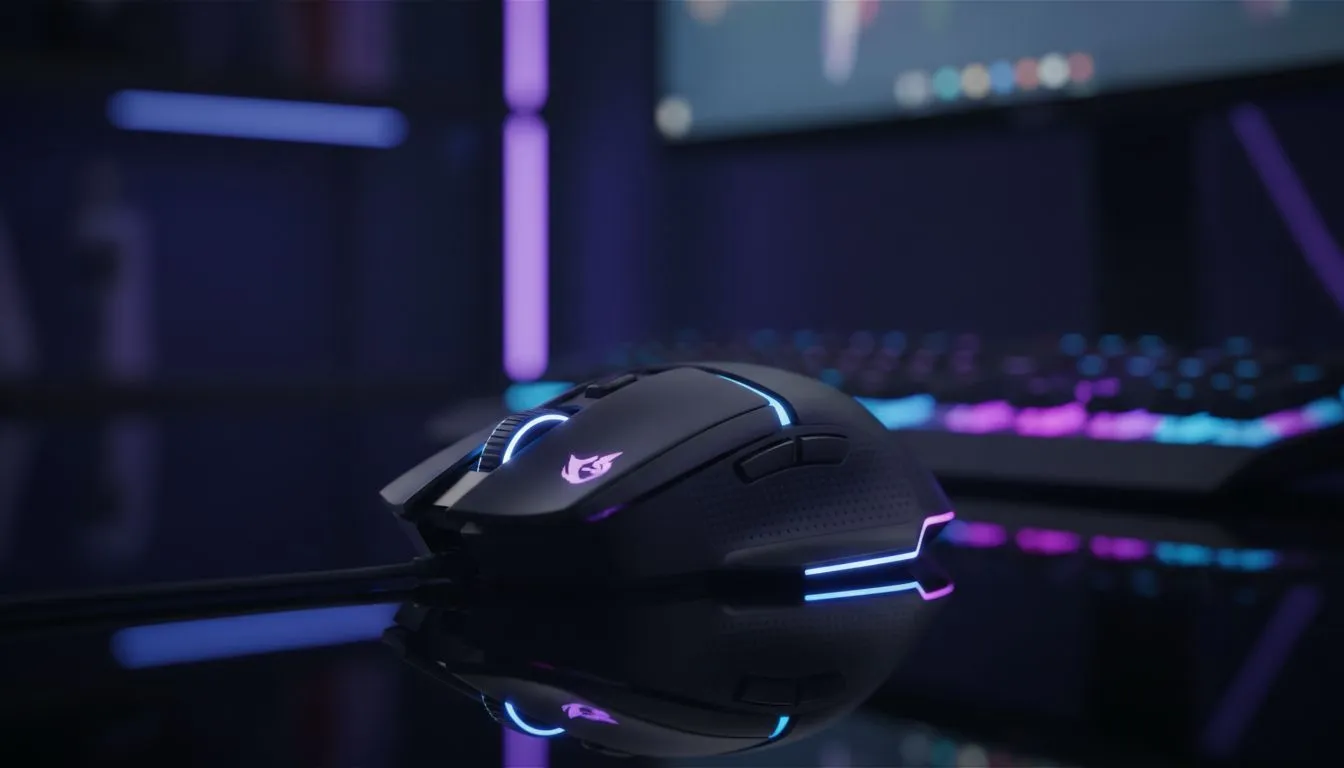
How lighting works in a sync RGB gaming mouse 🎮✨
South African gamers know a synced desk looks and feels sharper. A sync RGB gaming mouse ties LEDs, controller firmware and software profiles into one coherent light show. In this guide you'll learn why pixels pulse together, how to match colours across brands, and which Evetech pages help you buy the right mouse or accessory.
RGB basics: LEDs, controllers and software
Most sync-capable mice use addressable RGB LEDs and a tiny controller that reads software profiles. The software sends colour data over USB or Bluetooth and the controller maps those values to each LED. Want hardware that remembers your settings? Look for onboard memory in the product specs on our gaming mouse range to avoid reloading profiles every time you boot. See our selection here: https://www.evetech.co.za/components/gaming-mouse-117.aspx
Why some effects stutter
If lighting stutters while gaming, the issue is usually bandwidth or driver priority, not the LEDs. USB polling, USB power management, or conflicting RGB suites can interrupt the data stream. A quick fix: set your mouse's RGB software to high priority, or use hardware profiles when available.
Sync strategies: get perfect lighting across devices ⚡
Tip 1: Choose a single ecosystem when possible. Using two different RGB suites often means colour mismatches. Tip 2: Use a colour picker and save a hex code, then paste it across devices for exact matches. For bargain hunting in South Africa, check the current deals and price drops on our best gaming mouse deals page before you commit: https://www.evetech.co.za/best-gaming-mouse-deals/x/054.aspx
Sync Tip ⚡
Create a small palette of 3 hex codes for your main, accent and alert colours. Save them in your RGB suite or a note app. This makes matching peripherals fast and consistent across sessions.
Micro-story: syncing a pro setup
I once helped a friend sync his mouse to his Corsair keyboard and NZXT lights. He kept getting a teal mismatch. We saved the exact hex from the keyboard, pasted it into the mouse suite, and switched the mouse to its onboard memory. Instant match... consistent colour even after restarts.
Wired, wireless and accessories — what to choose 🔧
Wired mice usually give the simplest, most consistent connection for RGB syncing. If you prefer freedom of movement, modern wireless mice can keep perfect sync too — but check the firmware and software support. Compare wired and wireless options on our dedicated pages to make an informed call: wireless mice https://www.evetech.co.za/buy-wireless-mouse/x/1597.aspx and wired mice https://www.evetech.co.za/buy-wired-mouse/x/1596.aspx
Accessories matter. A USB hub with stable power and an RGB controller that supports multiple brands can simplify syncing. Browse compatible mouse accessories here: https://www.evetech.co.za/buy-mouse-accessories/x/1595.aspx
Quick checklist before you buy
- Confirm the mouse has addressable LEDs and profile storage.
- Check the RGB suite supports hex input.
- Decide wired or wireless based on latency vs mobility.
- Compare local ZAR pricing and warranty on Evetech before purchase.
Final setup steps
- Install the latest firmware and RGB suite.
- Create and save a 3-colour palette.
- Apply colours to each device and verify they match in a dark room.
- Save to onboard memory where possible.
Ready to Find Your Perfect Match? The Mac vs Windows debate is complex, but for maximum power, choice, and value in South Africa, Windows is hard to beat. Explore our massive range of laptop specials and find the perfect machine to conquer your world.











