

The Challenge of Bridging WiFi and Bluetooth Protocols
Imagine your battle station glowing in perfect unison... but your WiFi strip refuses to talk to your Bluetooth bulbs. In South Africa, where load shedding makes every watt count, getting your setup right is essential. Let’s fix that laggy lighting. Syncing smart lights across WiFi and Bluetooth networks is easier than you think if you have the right tools and a bit of patience. 🚀
The primary issue is that these two technologies speak different languages. WiFi lights connect directly to your router... while Bluetooth lights usually pair directly with your phone. To make them dance together, you need a translator. This is often where most gamers get stuck. When you buy gaming accessories, you might not realise the protocols are different until you get home.
Using Software Controllers to Unify Your Setup
The most effective way to sync smart lights across WiFi and Bluetooth networks without buying expensive hardware is through third-party software. Programs like SignalRGB or OpenRGB are designed to bridge the gap. They detect devices across multiple protocols and apply a single lighting theme.
Software Sync Tip ⚡
If you're struggling to bridge different brands, try SignalRGB. It's a powerful software tool that can often unify devices from different ecosystems... provided your PC can see them on the local network. It's much cheaper than buying a whole new set of bulbs in one go.
If you are looking for more affordable ways to expand your ecosystem, keep an eye on gaming accessories deals. Sometimes, picking up a dedicated hub from a specific brand can solve the latency issues that Bluetooth often suffers from. Bluetooth can be laggy compared to the instant response of a 2.4GHz WiFi connection.
The Role of Smart Hubs and Matter
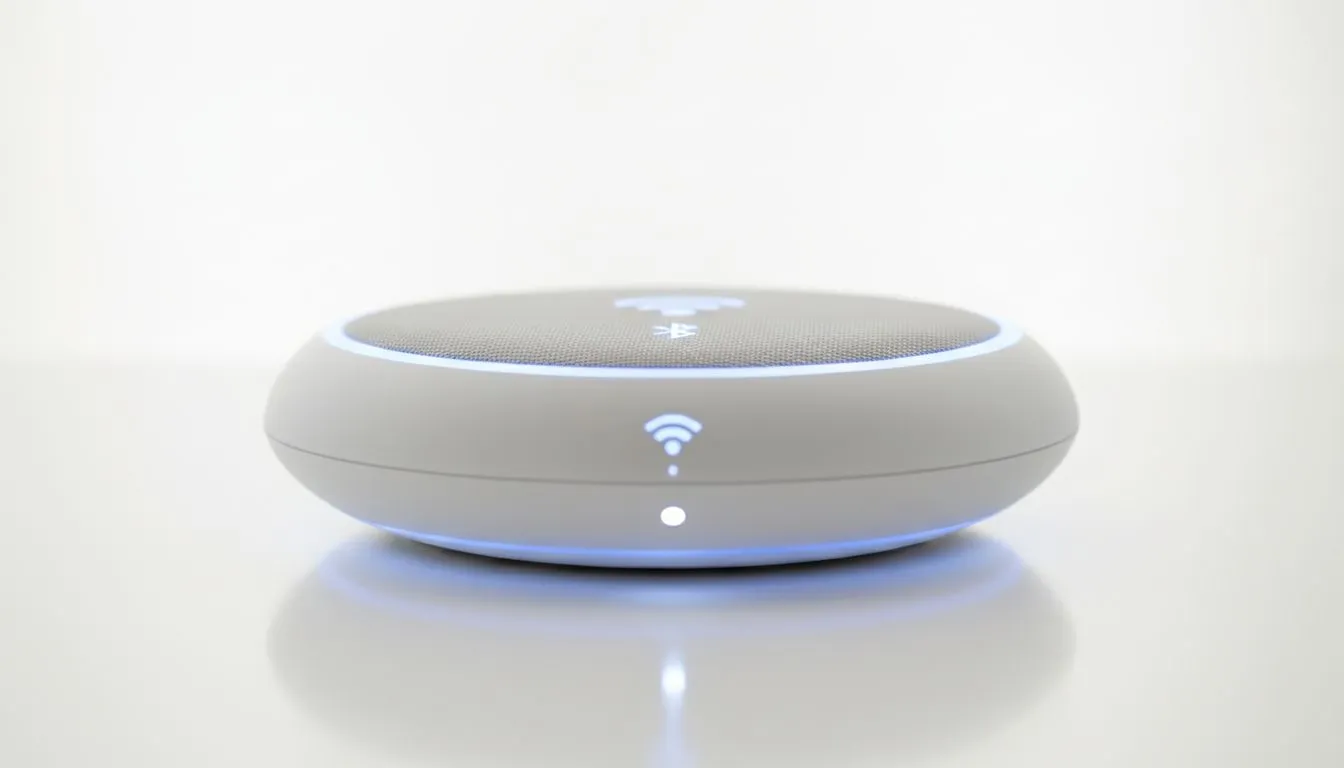
The future of smart lighting is a protocol called Matter. It aims to make WiFi and Bluetooth devices work together natively. Until every bulb in your room supports it, a physical smart hub is your best bet. These hubs plug into your router and communicate with Bluetooth devices via a low-energy radio.
By routing everything through a central "brain", you can ensure your premium gaming accessories all pulse at the same frequency. This creates a truly immersive environment for those late-night sessions in Johannesburg or Cape Town. Even if you spent only R500 on a basic strip, a good software bridge makes it look like a high-end professional studio. ✨
Optimising Your Network for Seamless Lighting
To keep your lights from flickering, ensure your 2.4GHz WiFi band isn't overcrowded. Most smart lights don't support 5GHz... so your router might get congested. Try to separate your gaming PC traffic from your smart home traffic. This prevents your RGB from lagging when you're in the middle of a high-stakes match. 🔧
Ready to Brighten Your Setup? Syncing your environment is the final step to a pro-tier gaming room. Whether you need better connectivity or a full lighting overhaul in South Africa, we have the gear for you. Explore our massive range of gaming accessories and start building your dream aesthetic today.











