

Humidity Damage to PC Components: Recovery Guide
Humidity Damage to PC Components: Recovery Guide. Everything you need to know with SA pricing, step-by-step instructions & expert recommendations.
Read moreEvery spec on complete breakdown logitech mx explained in plain English. What matters for gaming and creator work in 2026, what's marketing fluff, and how each number translates to real-world.
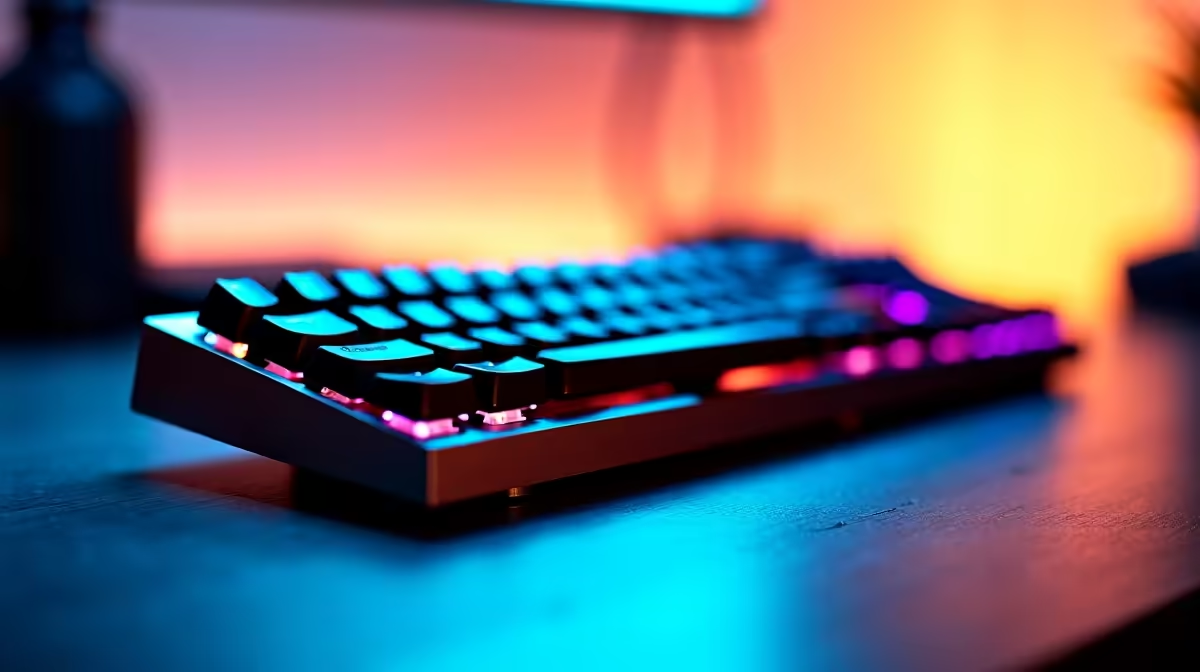
Typing all day shouldn't feel like a chore. Whether you are coding a new app, smashing through spreadsheets, or taking a quick break to browse the latest tech, your keyboard is your ultimate command centre. If you want to completely optimise your daily workflow, you need to look at the Logitech MX Keys S features including Smart Actions, backlighting, and multi-OS support. It is a premium peripheral built to make every single keystroke count.
Time is money... especially when you are juggling multiple projects and tight deadlines. The Logi Options+ app introduces Smart Actions, letting you automate tedious, repetitive tasks with a single keystroke. Imagine launching your email client, opening your preferred browser, and starting your focus playlist on Spotify all at the exact same time.
If you just snagged one of the best gaming PC deals for your home office, pairing it with the MX Keys S means you can switch from heavy work mode to relaxed play mode instantly. It takes the friction out of your morning routine.
Working late into the night is a reality for many South African professionals. The MX Keys S features intelligent proximity sensors that magically illuminate the keys the moment your hands approach. It even adjusts the brightness automatically based on your room's lighting conditions.
This smart backlighting preserves precious battery life... a massive bonus when load shedding strikes. The spherically dished keys match the shape of your fingertips, offering a satisfying, tactile response. Speaking of brilliant upgrades, if you are browsing daily specials and tech deals to elevate your setup, a wireless keyboard with smart power management is an absolute must-have for any modern desk.
To maximise your battery life during power outages, manually dial down the backlighting in the Logi Options+ app. The keyboard can actually last up to five months on a single charge with the backlighting completely turned off!
The modern workspace is rarely limited to just one single device. You might use a powerful desktop tower for heavy lifting and a portable device for boardroom meetings. This is exactly where the Logitech MX Keys S truly shines.
It boasts flawless multi-OS support across Windows, macOS, Linux, and Android. You can connect up to three distinct devices via Bluetooth or the included Logi Bolt receiver. Simply press the dedicated Easy-Switch buttons to jump seamlessly from your Windows desktop straight to your Macbook or iPad. If you are currently shopping for premium laptops and notebooks, this keyboard will effortlessly bridge the gap between all your machines without missing a beat.
At the end of the day, investing a few extra ZAR in premium peripherals translates directly to better ergonomic comfort and significantly higher output. The Logitech MX Keys S features including Smart Actions, backlighting, and multi-OS support combine perfectly to create a typing experience that feels custom-built for high-performing professionals. It is finally time to treat your hands to something better.
Ready to Find Your Perfect Match? The right peripherals can transform your workflow, but for maximum power, choice, and value in South Africa, Windows is hard to beat. Explore our massive range of laptop specials and find the perfect machine to conquer your world.
The products, tools and accessories referenced in this article are stocked at Evetech.co.za with local SA warranty, ZAR pricing and nationwide delivery.
The article breaks down the real-world impact on gaming FPS, creator workflows and everyday responsiveness — not just raw spec numbers.
Only a handful of specs meaningfully change your experience. The guide ranks them by real impact so you spend on what counts.
We cover upgrade headroom, platform longevity and the specific features worth paying extra for if you plan to keep this build for several years.
The article includes a clear generational uplift summary so you can judge whether upgrading from your current hardware is worthwhile.
Humidity Damage to PC Components: Recovery Guide. Everything you need to know with SA pricing, step-by-step instructions & expert recommendations.
Read more
Gamer Spending Trends April : Complete Setups. Clear setup instructions with SA-specific considerations, troubleshooting tips & recommended components.
Read more
Setting Up DDR5 32GB Kit. Tested & verified settings for best FPS and visual quality on SA hardware budgets.
Read more
Tech Setup Guide for SPU Res Students. Clear setup instructions with SA-specific considerations, troubleshooting tips & recommended components.
Read more
Monster Hunter Wilds Ultrawide Support: 21:9 and. Clear setup instructions with SA-specific considerations, troubleshooting tips & recommended components.
Read more
Apple iPad Durability Guide: Cases, Screen. Practical breakdown of costs, regulations & whether it makes financial sense for SA buyers.
Read more
AMD RX 9050 XT: Rumoured Specs, Price & Release. SA-focused analysis with local pricing data, real-world insights & actionable buying advice.

Can RTX 4080 Super Run AI Workloads for SA Developers Detailed answer with SA data, expert analysis & practical recommendations for local buyers.

Can RTX 4090 Run AI Workloads for SA Developers Detailed answer with SA data, expert analysis & practical recommendations for local buyers.

Top Settings for Intel Arc B580 at Ultrawide 1440p picks evaluated on performance, value & SA availability with current Rand pricing from Evetech.

RTX 4060 CS2 Low Settings at 1080p: FPS Results. Real-world benchmark data, FPS numbers & performance analysis. What SA gamers can actually expect.

Visual Artifacts: Possible GPU Issue Issue #1. Diagnosis steps, proven fixes & when to seek professional help. SA-specific support info included.

Can the RTX 4090 Handle 1440p 144Hz Gaming. Performance testing verdict with real data & practical recommendations for SA buyers.

Top ASUS GPU Under R15000 picks evaluated on performance, value & SA availability with current Rand pricing from Evetech.

GTA 6 Max Settings on RTX 5070. Tested & verified settings for best FPS and visual quality on SA hardware budgets.

Cyberpunk 2077 Max Settings on RTX 5080. Tested & verified settings for best FPS and visual quality on SA hardware budgets.

Starfield Max Settings on RTX 5070 Ti. Tested & verified settings for best FPS and visual quality on SA hardware budgets.

Top RTX 5090 Under R5000 picks evaluated on performance, value & SA availability with current Rand pricing from Evetech.