

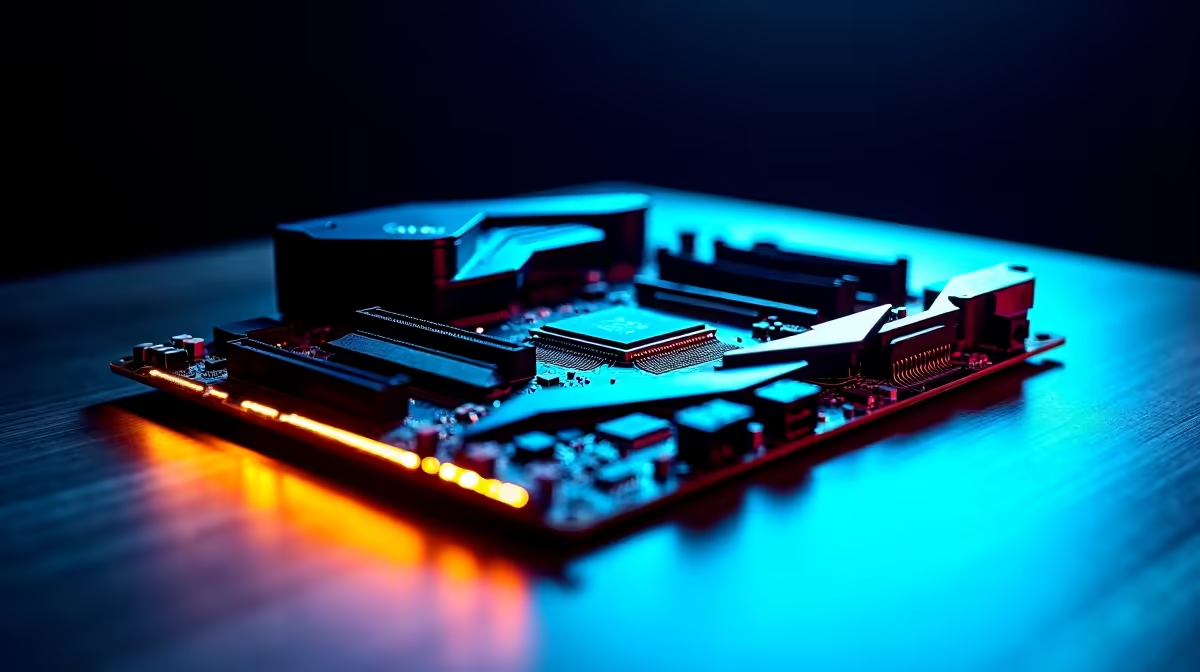
Building a rig in South Africa means making every ZAR count. You do not want to replace your entire system in two years just because your foundation is outdated. Understanding the most important gaming motherboard features is vital for buyers who want long-term upgrade headroom. A solid board lets you swap in better parts later... saving you massive money down the line. Let us dive in.
Choosing the Right Socket and Chipset
The first step to future-proofing your build is picking the right platform. Your CPU socket dictates your upgrade path. Team Blue fans should look at robust ASUS Intel motherboards. The latest LGA sockets ensure you can drop in a newer processor later.
Prefer Team Red? The AM5 socket is built for longevity. Exploring ASUS AMD motherboards gives you access to multiple future generations of Ryzen processors. Always check the chipset tier... B-series boards offer great value. Meanwhile, X-series or Z-series boards unlock extreme overclocking.
PCIe Generations and Fast Storage 🚀
Bandwidth is everything for modern gaming. When reviewing gaming motherboard features, PCIe 5.0 support is a massive bonus. It doubles the bandwidth of PCIe 4.0. This means your board is ready for next-generation graphics cards.
You also need plenty of M.2 slots for storage. Modern games are massive... often crossing the 100GB mark. Having room to add more NVMe SSDs later is crucial. Browse a wide selection of motherboards to find layouts that match your storage needs perfectly.
Memory Standards and Power Delivery ⚡
Your motherboard handles the power delivery to your components. Strong Voltage Regulator Modules (VRMs) keep your CPU stable under heavy loads. This is especially important during hot South African summers.
Then there is RAM. DDR5 is the current gold standard. Buying a DDR5-compatible board gives you massive upgrade headroom. You can easily slot in high-speed memory kits when prices drop further.
VRM Cooling Pro Tip 🔧
Always look for motherboards with chunky metal heatsinks over the VRMs near the CPU socket. Better cooling means cleaner power delivery... allowing your processor to hit higher boost clocks without thermal throttling.
Rear I/O and Networking Capabilities ✨
Do not ignore the back panel when comparing boards. High-speed USB ports are vital for modern peripherals... from high-polling mice to streaming webcams. You want plenty of USB Type-C connections for future devices.
Networking is equally crucial for local gamers. Look for built-in Wi-Fi 6E and 2.5Gb Ethernet. When your local fibre provider upgrades your line, your PC will actually handle the speeds. Lag-free gaming is non-negotiable for competitive play.
Maximising Your ZAR with Smart Upgrades
Upgrading over time is the smartest way to game on a budget. Sometimes it is cheaper to start with a solid base system. Checking out the best gaming PC deals can get you a premium motherboard pre-installed. You can then upgrade the GPU or RAM yourself in a few years.
Ready to Build Your Ultimate Rig? Choosing the right foundation is crucial for long-term performance. Explore our massive range of motherboards and find the perfect board to future-proof your gaming setup.











