Building a gaming rig in South Africa often means balancing your budget and desk space. You want massive performance without a giant tower dominating your room. Nobody wants a cramped desk when trying to flick-shot in competitive shooters. A smaller chassis frees up valuable mouse space. That is exactly where mATX motherboard sizing, GPU clearance, and compact case compatibility come into play. Let us explore how to build a smaller PC that still packs a heavy punch. ⚡
Understanding mATX Motherboard Sizing
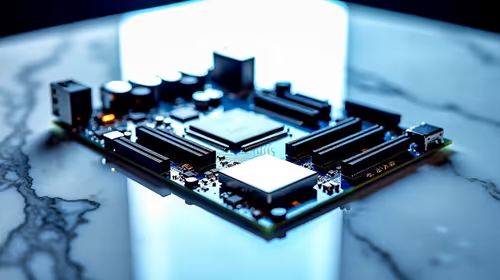
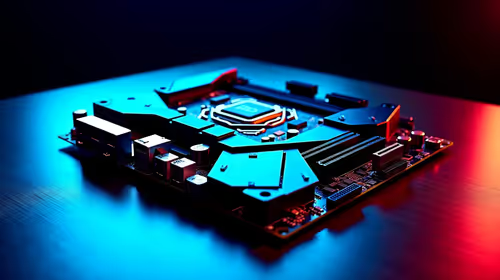
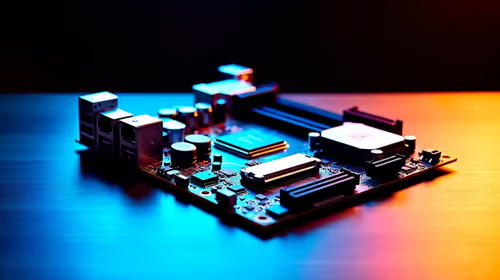
Micro-ATX boards measure exactly 244mm by 244mm. They are smaller than standard ATX but slightly larger than Mini-ITX. This brilliant sweet spot gives you multiple PCIe slots and four RAM slots without the bulky footprint. Standard ATX boards often include extra expansion slots that most modern gamers simply never use. Why pay for extra slots that will just gather dust?
When you are looking to buy motherboards, mATX offers incredible value for your ZAR. You save money on the board and the case. Those savings can go directly towards a faster graphics card.
Whether you prefer Team Blue or Team Red... there are amazing options. For instance, ASUS Intel motherboards deliver brilliant stability for Core processors in this compact form factor. If Ryzen is your weapon of choice, ASUS AMD motherboards provide exceptional power delivery for high-end chips. You never sacrifice performance just because the board is smaller.
Navigating GPU Clearance in Smaller Chassis
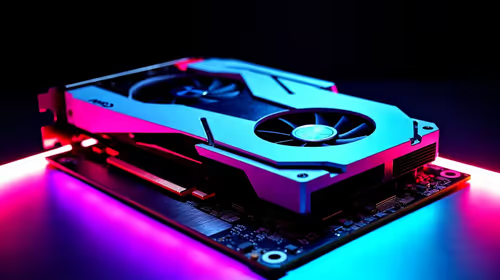
Modern graphics cards are absolute units. A premium three-fan cooler can easily exceed 330mm in length. This makes GPU clearance a critical factor when downsizing your rig. You must check the maximum card length supported by your chosen case. Always read the spec sheet carefully. Some manufacturers list clearance with front fans installed... while others list it without. This tiny detail can make or break your entire build.
Do not forget about card thickness either. Many new GPUs take up three or even four PCIe slots. If your card is too thick... it will choke against the bottom of a compact case. South African summers get incredibly hot. You must optimise your airflow with at least 15mm of breathing room below the fans.
If building sounds too stressful, you can always browse our best gaming PC deals for pre-built perfection.
Clearance Pro Tip 🔧
Always check your chassis manual for front radiator compatibility. Installing an AIO liquid cooler at the front can reduce your maximum GPU clearance by up to 30mm. Measure twice before buying... or you might need a hacksaw.
Achieving Perfect Compact Case Compatibility
A smaller build requires careful planning. Compact case compatibility is not just about the motherboard and graphics card. You also need to consider your power supply length and CPU cooler height.
SFX power supplies are great for tiny builds. However, many mATX cases still fit standard ATX power supplies. Just ensure your cables will not block vital airflow. Cable management can be tricky in smaller enclosures. Modular power supplies are a massive help here. You only plug in the cables you actually need. This keeps the inside of your case looking incredibly neat. It also prevents nasty dust buildup over time.
RAM clearance is another sneaky issue. Tall RGB memory kits add great colour but might clash with a bulky air cooler. Always cross-reference the CPU cooler height limit of your chassis. With a bit of research, your compact build will run cool and quiet. ✨
Ready to Build Your Compact Powerhouse?
Mastering mATX sizing and clearance means you can build a beastly rig without sacrificing desk space. Explore our custom PC builder and find the perfect parts to bring your dream compact PC to life today.