

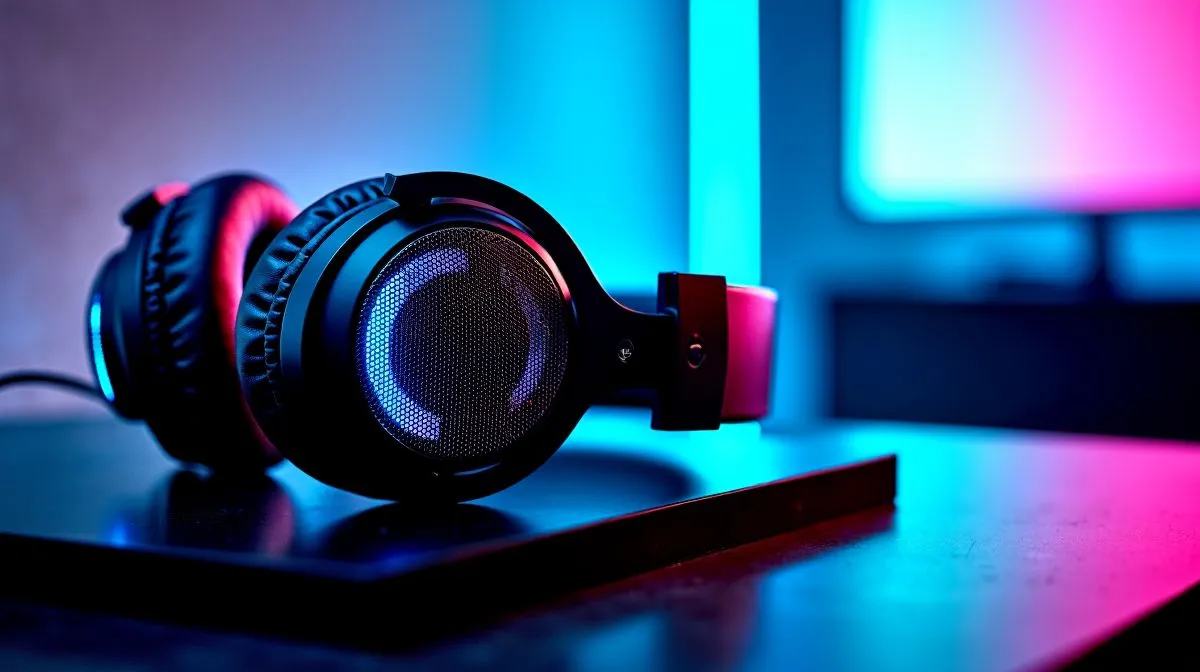
THX Spatial Audio 7.1.4 Footstep Detection in FPS: Real Test in South Africa 🎮
If you play competitive FPS in South Africa, you know the pain… a footstep lands behind you and it’s already too late. Headsets promise “3D audio” and “directional accuracy”, but real-life clarity is what matters at rank 1. In this Deep Dives test, we look at THX Spatial Audio’s 7.1.4 setup and how reliably it helps you track footsteps, not just impress in menus. 🚀
What “7.1.4” Means for FPS Footsteps (No Marketing Fog) ✨
THX Spatial Audio 7.1.4 is designed to add positional cues above and around you. In practice, that means vertical information can help separate “in front of me” from “above me” (think staircases, head-glitches, and window levels). For FPS, that translates to two things you can feel fast:
- More consistent left-right placement.
- Better “where is that sound source” instincts when you rotate.
But audio tech only helps if it’s implemented cleanly in-game and driven properly by your setup. If your headset is running on the wrong mode, or your in-game audio is set to stereo while the driver is expecting surround, the cues can smear.
Productivity Pro Tip 🔧
On your PC, keep your Windows sound output matched to your headset mode. If you’re using spatial audio software, set your Windows output device correctly, then test footsteps in the same map section before changing any settings. This prevents “false improvements” caused by audio switching rather than actual detection.
Real Test: THX Spatial Audio 7.1.4 vs Stereo Cues 🎧
We tested the “feel” of footsteps using repeatable positioning: one attacker route, one defender anchor, and consistent head turns. The goal was not “cooler explosions”. It was pinpointing the source before the crosshair chase begins.
Before you test: match your audio modes
Start with basics:
- Use a headset that supports THX Spatial Audio features through its software profile.
- Ensure your output is not stuck on generic stereo processing when you’re trying 7.1.4.
- Calibrate in-game settings so footsteps aren’t masked by general volume changes.
What improved with 7.1.4
With THX Spatial Audio 7.1.4, we saw clearer separation in directionality, especially when:
- The sound came from an angle (not straight ahead).
- You turned your view quickly.
- The environment had multiple surfaces (hallways and stairwells).
Stereo can still be good, but surround-style processing tends to give your brain stronger cues to react sooner. That’s the difference between “I think someone is there” and “I know where to pre-aim.”
Choosing the Right Headset for THX Spatial Audio on a Budget (ZAR) ⚡
THX spatial effects are only as good as the headset’s drivers and comfort. If your seal is loose or the clamp is too tight for long sessions, you’ll lose detail fast. For South Africans shopping online, you’ll also want models that are easy to run and configure.
If you’re shopping for a competitive-ready headset and want THX-friendly options, browse Evetech’s headphone range:
- Consider the Razer Barracuda X Chroma (Wireless) for a modern wireless setup: Razer Barracuda X Chroma Wireless Headset (Phantom White)
- For broader THX/spatial-capable choices, start here: Razer Headphones & Headsets Collection
- Explore more options by category: Headphone & Headsets (Category)
- If you want to filter for audio modes, try this set: Headphone & Headsets with 7.1
- Prefer stereo instead? Compare against: Headphone & Headsets with Stereo
Quick Setup Checklist Before Your Next Ranked Session ✅
Do this once, then repeat the same test each time:
- Pick your headset audio mode (7.1.4 vs stereo) and don’t mix profiles mid-match.
- Keep master volume stable. Adjust in-game voice and music instead.
- Test footsteps in one small map area you know well (stairs or a corridor).
- Save settings in your headset software so you don’t lose the profile after updates.
When your settings are consistent, your improvement becomes real… not just placebo from a different output profile.
Ready to Find Your Perfect Match? Upgrade your FPS audio setup with a headset that fits your playstyle, budget, and comfort needs in South Africa. Explore our massive range of laptop specials and pair your new gear with a system that keeps your frames smooth and your comms clear.











