

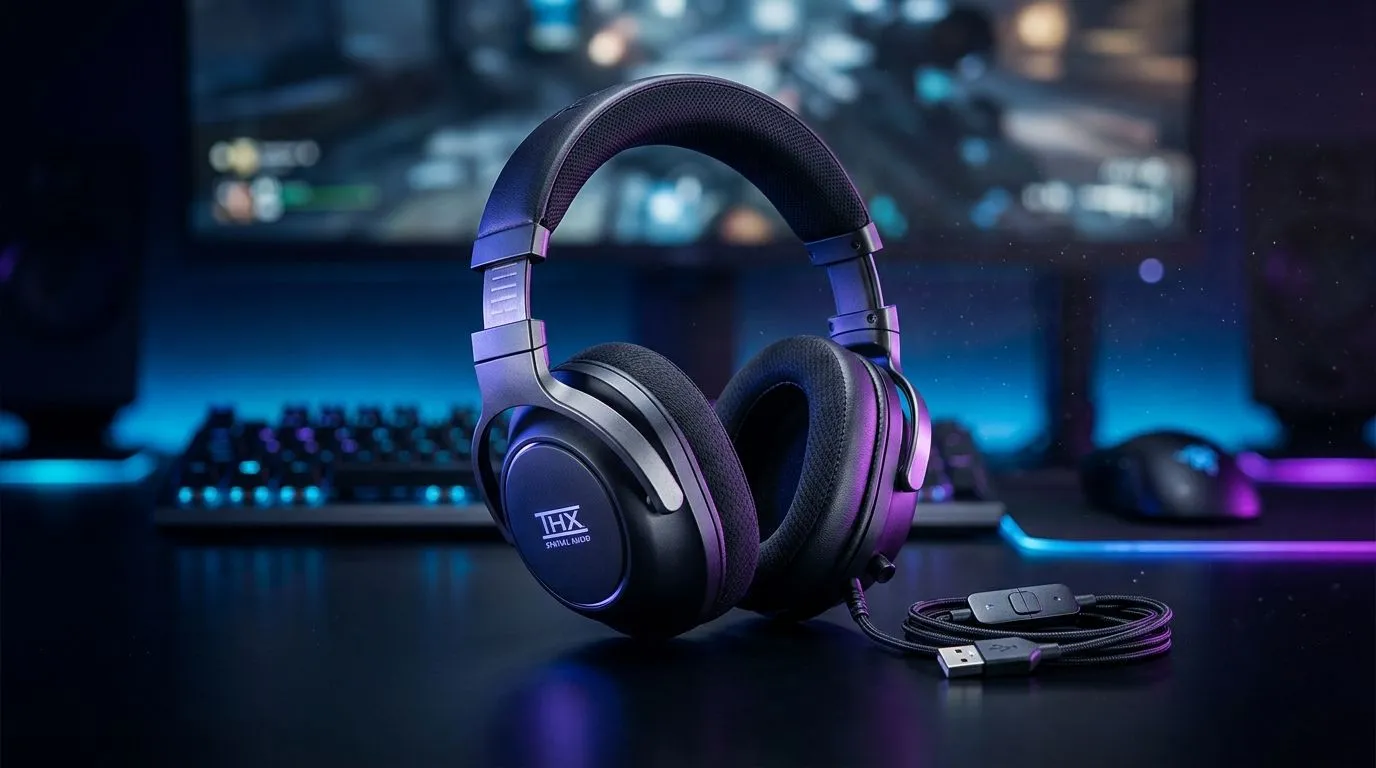
THX Spatial Audio: why 7.1.4 surround is suddenly everywhere in SA
You’ve heard “7.1.4” thrown around in headset adverts… but what does it actually change when you’re playing a Ranked match or watching a movie on a long weekend? In South Africa, audio matters because the “best” headset isn’t just about loud volume, it’s about pin-pointing footsteps, explosions, and direction. If you want that extra layer of realism, THX Spatial Audio can be the difference between “I think they’re here” and “yep, they’re behind that doorway.” 🎧✨
THX Spatial Audio: full guide to 7.1.4 surround sound
THX Spatial Audio is designed to simulate room-based positioning so sounds feel like they’re coming from specific directions. The “7.1.4” label describes a speaker layout: 7 traditional surround channels (7.1) plus 4 height channels (the “.4”). Height channels are what help you feel elevation… like rain coming from above, or bullets tracing along a rooftop angle. 🔧
A quick reality check: you usually don’t get true physical speakers with a headset. Instead, the audio engine maps signals into that 7.1.4 layout virtually, using your headset’s spatial processing.
What to listen for (so you know it’s working)
When THX Spatial Audio is on:
- Footsteps should feel more “placed” rather than uniformly loud.
- Overhead sounds (drones, aircraft, rain) should sound higher, not just louder.
- Distant effects should keep depth, not smear into the background.
If you only notice volume changes, something’s off in your settings.
Setup Pro Tip ⚡
On your PC, start by setting your headset’s Windows sound output to the correct device, then test THX Spatial Audio using short game audio clips (footsteps, reloads, ambient rain). If direction feels reversed, toggle off any extra “virtual surround” modes and keep only one spatial system active.
Common 7.1.4 misconceptions (and how to avoid them)
- “7.1.4 means more bass.” Not necessarily. It’s about positioning and height cues.
- “Any headset will decode it perfectly.” Headsets differ in driver quality and mic/processing, which affects clarity.
- “It only works in certain games.” It depends on game audio formats and how the game handles surround. Many games benefit, but results vary.
Where THX Spatial Audio fits in a South African purchase
If you’re choosing between stereo and spatial-capable options, decide what you play most. Competitive shooters and battle royale titles typically reward accurate direction. Story games and films can benefit from height cues too.
Here are Evetech options worth comparing depending on how serious you are about audio:
- If you want a wireless headset with strong everyday comfort, check the Razer Barracuda X Chroma (Phantom White) here: Razer Barracuda X Chroma Wireless Headset.
- Want to browse by headset category first? Start with Razer headphones and headsets.
- For broader options across brands, explore headphone and headset deals.
If you specifically want to compare audio modes, these filters can help you narrow it down:
- Headphone headsets (7.1 audio options)
- Prefer to compare with stereo alternatives too? Headphone headsets (Stereo)
Quick tuning checklist before your next session 🚀
- Pick one spatial mode (THX vs other virtual surround).
- Match output device in Windows to your headset.
- In-game, set audio mix to something consistent (don’t change it every match).
- Do a 30-second direction test in practice mode.
THX Spatial Audio plus correct settings gives you the best shot at “spot the sound first.”
Ready to Find Your Perfect Match? The Mac vs Windows debate is complex, but for maximum power, choice, and value in South Africa, Windows is hard to beat. Explore our massive range of laptop specials and find the perfect machine to conquer your world.











