


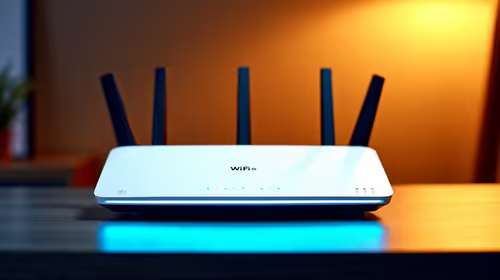
Wi-Fi 6e vs Wi-Fi 6: Practical Difference for SA Buyers
Wi-Fi 6e vs Wi-Fi 6 is a fit question, not a blanket winner. Compare compatibility, setup limits, upgrade path, cost planning, and South African availability signals before choosing.
Read moreTITAN 360 RX iCUE integration shows how to connect, sync RGB and monitor temps across Corsair devices. Learn step-by-step setup, lighting profiles, and quick fixes to get synced cooling and lighting fast. ⚙️✨
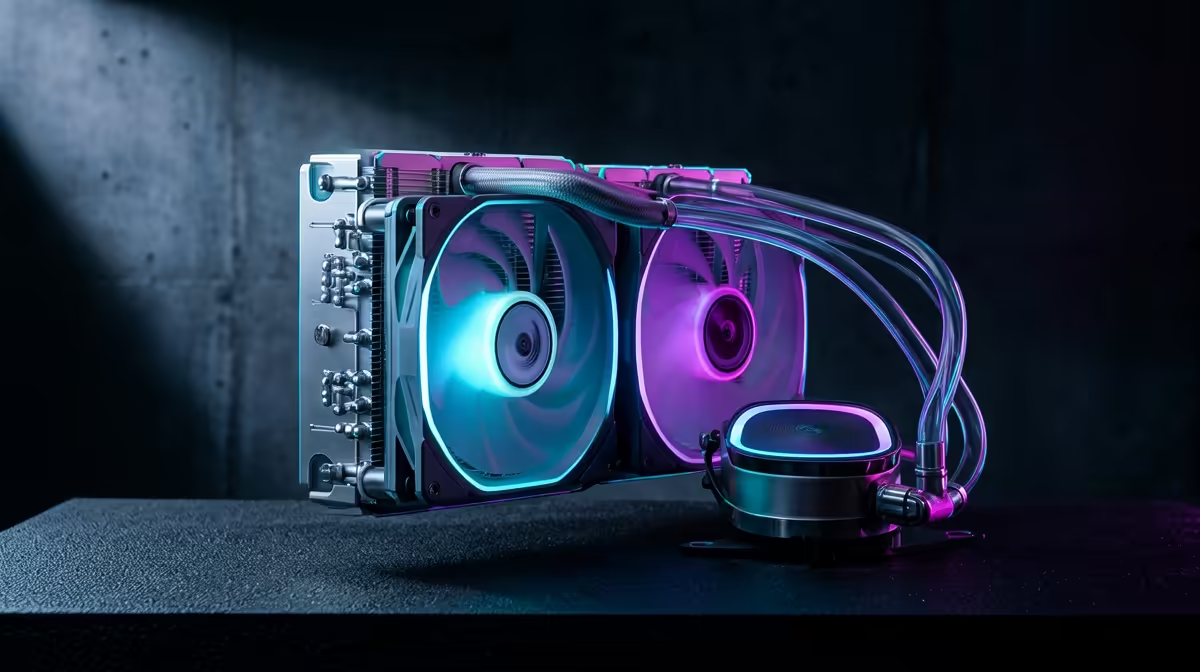
So, you've got the powerful TITAN 360 RX keeping your CPU frosty, and a rig filled with Corsair's slick iCUE-controlled gear. The problem? They're not talking to each other, leaving your PC's light show looking more like a disconnected jumble than a synchronised masterpiece. Don't stress. This guide is your key to achieving perfect TITAN 360 RX iCUE integration, turning that RGB chaos into a seamless, unified glow. ✨
Why bother with all this, you ask? A fully synchronised setup is more than just pretty colours. It's about creating an immersive environment where your entire PC reacts as one. Imagine your whole system, from the TITAN 360 RX's pump head to your case fans, pulsing red when your in-game health is low. That's the magic of proper integration.
When everything is controlled through one piece of software like iCUE, you eliminate clutter and simplify control. No more juggling three different apps just to set a static colour. This unified approach elevates your entire setup, making your PC feel more cohesive and premium. The effect extends beyond the case, pulling your whole desk into the experience, especially when one of the best gaming keyboards in South Africa joins the light show.
Getting your cooler to appear in iCUE isn't plug-and-play, but it's definitely achievable. It relies on using your motherboard as a bridge between the two. Let's get it done.
This is the most crucial part. The TITAN 360 RX uses a standard 3-pin 5V ARGB connector for its lighting.
JRAINBOW, ADD_GEN2, or something similar. Do not plug it into a 4-pin 12V RGB header, as this will permanently damage the LEDs.Now, we get the software to communicate.
Sometimes things don't go perfectly. If your TITAN 360 RX iCUE integration hits a snag, here are a few common fixes.
If detection issues persist, a full, clean reinstallation of iCUE can work wonders. Uninstall iCUE, then navigate to your %appdata% and %localappdata% folders and delete any remaining Corsair folders. This removes old configuration files that might be causing conflicts. Reboot your PC and then install a fresh copy of the software.
Once your sync is working, the real fun begins. You can now include your TITAN 360 RX in iCUE's complex lighting profiles and scenes. Link profiles to specific games, so your whole rig turns blue and gold when you launch Diablo IV, or use the Murals feature to create stunning ambient gradients across your entire room. Imagine your entire setup, including the vibrant lighting on specific Razer RGB keyboards, reacting in real-time to in-game events. That's the power of a fully integrated system.
Ready to Build Your Ultimate RGB Battlestation? Getting your components in sync is the final touch on a masterpiece build. Whether you're starting fresh or upgrading your setup, Evetech has everything you need. Explore our massive range of PC components and build the rig you've always dreamed of.
Install the TITAN 360 RX USB and SATA data/power connections, open iCUE, and add the device under Devices. Follow on-screen prompts to enable hardware detection.
Yes. Use iCUE Lighting Link or create a lighting profile to sync TITAN 360 RX RGB with Corsair fans and peripherals for unified effects.
Set custom fan curves in iCUE using TITAN 360 RX temp sensors, prioritize lower temps under load, and use PWM fan control for balanced acoustics and cooling.
Check USB connection to the motherboard, update iCUE and firmware, and confirm the pump is powered. Reinstall iCUE if the device still doesn't appear.
Open iCUE, select TITAN 360 RX, go to Lighting Effects, add or import a profile, then assign Lighting Link to sync with other Corsair devices.
Occasionally. Update TITAN 360 RX firmware via iCUE to fix bugs and ensure full compatibility with the latest iCUE features and lighting controls.
Verify sensor cabling, update drivers, check iCUE sensor assignments, and reset sensor calibration to resolve incorrect or missing temperature readings.
Wi-Fi 6e vs Wi-Fi 6 is a fit question, not a blanket winner. Compare compatibility, setup limits, upgrade path, cost planning, and South African availability signals before choosing.
Read more
ATX 3.1 vs ATX 3.0 for couch co-op gaming buyers - what changes is mostly about compatibility, budget, upgrade path, and setup fit. SA buyers should check device support and real needs before expecting a clear win from either option.
Read more
80+ Platinum vs 80+ Titanium for SA AAA needs a workload-first comparison. For SA buyers, judge real performance, platform fit, warranty path, power needs, and upgrade timing before choosing either side.
Read more
80+ Platinum vs 80+ Titanium depends on Video editing in 4K needs, platform limits, and budget fit. Compare compatibility, latency, upgrade path, and real setup constraints before choosing for an SA build.
Read more
AM5 vs AM4 for couch co-op gaming Difference explained is mostly about compatibility, budget, upgrade path, and setup fit. SA buyers should check device support and real needs before expecting a clear win from either option.
Read more
DisplayPort 2.1 and 1.4 esports differences depend on refresh rate, resolution, and GPU output support. Use this real world difference between displayport 2 1 displayport 1 4 guide for competitive esports monitor choices in SA.
Read more
A 650W PSU can be a tight but possible RTX 5080 Super match when the unit is strong. SA builders should check CPU draw, cabling, cooling, PSU age, and power spikes before trusting it for daily gaming.

How to fix low FPS on ROG Ally X starts with power mode, thermals, drivers, and per-game profiles. Use this South Africa-focused handheld checklist to improve consistency before lowering every setting or changing hardware during longer sessions.
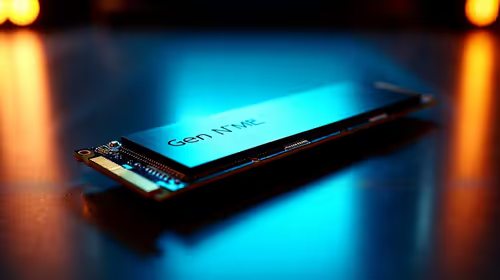
Gen 5 NVMe vs Gen 4 NVMe for video editing in 4K Difference explained is mostly about compatibility, budget, upgrade path, and setup fit. SA buyers should check device support and real needs before expecting a clear win from either option.
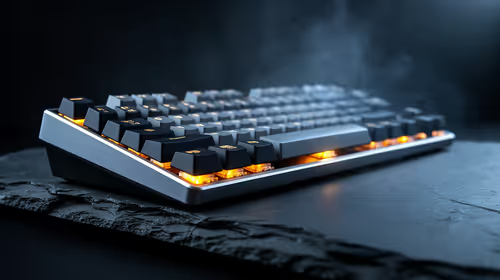
A mechanical keyboard upgrade is a timing clue, not a likely display cause. To fix color banding after a mechanical keyboard upgrade, recheck Windows colour depth, GPU settings, monitor profiles, and cables.

Xbox Insiders can test disc-to-digital from 31 August 2026. Supported Xbox One and Series X discs gain a digital entitlement, but older discs, regions and title coverage still need exact checks.

Microsoft says Windows on Arm now has over 7,000 verified apps and games. SA buyers should still check each driver, game and work tool before switching.

ASUS calls the ROG GT-BN98 the first Wi-Fi 8 gaming router. SA buyers should fix coverage and client limits before paying for a future wireless standard.

Apple's M6 Mac mini adds faster AI, graphics and networking in the same compact format. SA buyers should wait for a rand listing before comparing value.
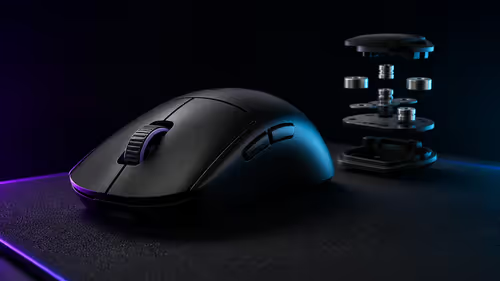
ASUS has announced the ROG Gladius IV Ace with an ergonomic shell and adjustable weight design. No exact SA listing was found, so the first useful comparison costs R0: check fit and control.
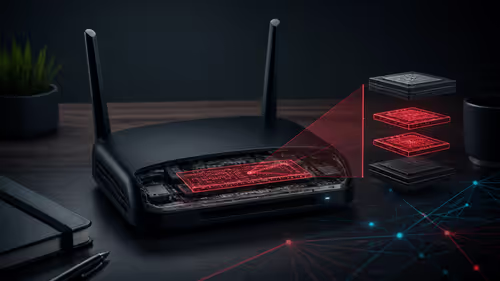
Researchers found two implants on internet-facing ZBT routers, including a hidden root account and remote command channel. SA users can start with an R0 model, firmware and exposure check.
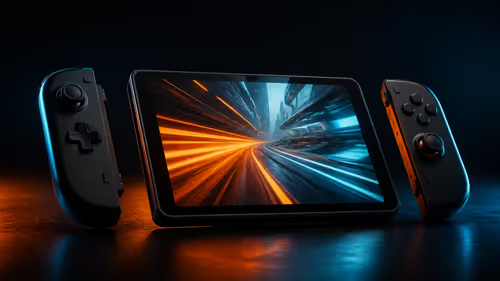
The X2 Mini pairs an 8.8-inch 144Hz OLED screen with Intel Arc G3 Extreme hardware and detachable controls. Current SA handhelds from R12,799 to R19,999 set the value test.
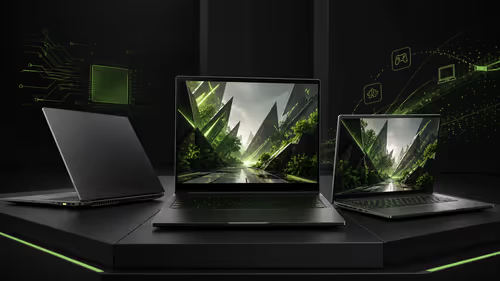
RTX Spark laptops ran modern games at Gamescom, adding a practical signal for NVIDIA's Arm-based Windows platform. Current SA gaming laptops start at R18,999 in the checked sample.