

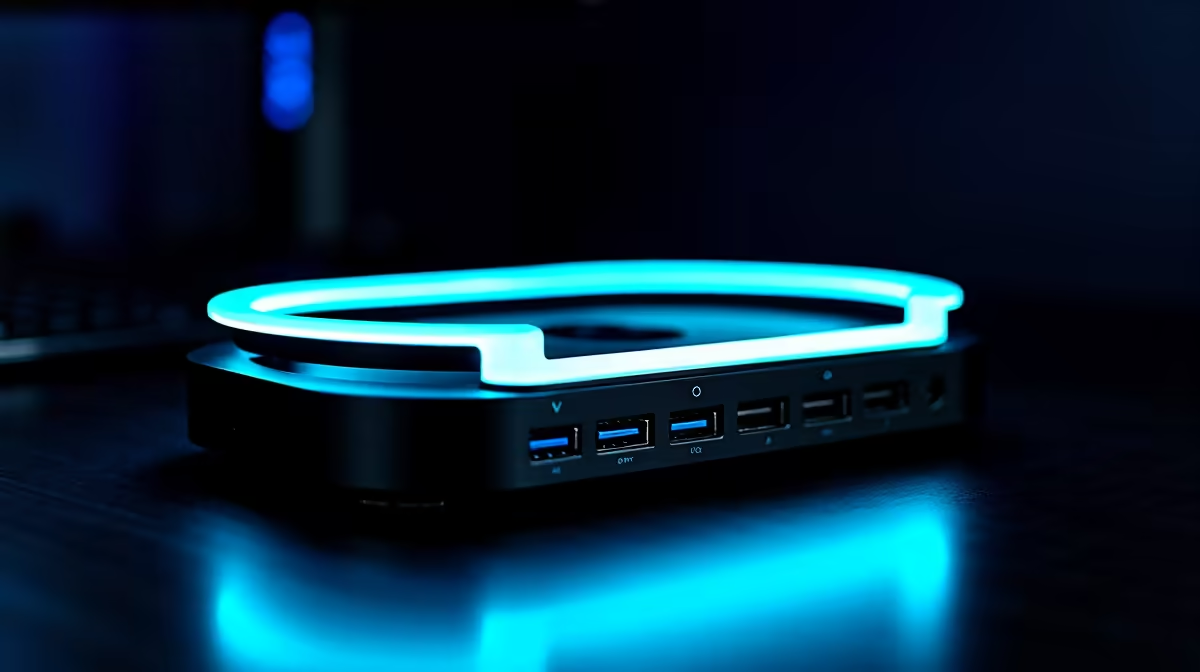
Tired of that snake pit of cables behind your desk? Or maybe your sleek new laptop has... two ports? Ja, we've all been there. A clean, powerful setup shouldn't be a mission. The secret weapon for many South African tech lovers is an all-in-one docking station. It’s the single-cable solution that transforms your laptop into a full-blown desktop powerhouse, ready for work or a serious gaming session. ✨
Why Your Setup Needs an All-in-One Docking Station
Let's be honest, the minimalist design of modern laptops often comes at the cost of connectivity. That's where the magic of a dock comes in. Instead of plugging in your charger, monitor, keyboard, mouse, and external drive separately every time you sit down, you connect just one USB-C cable.
Suddenly, your portable machine has all the power of a desktop. It’s the ultimate convenience for hybrid workers, content creators, and anyone who values a tidy, efficient workspace. The best docking stations don't just add ports; they streamline your entire workflow.
Key Features in the Top All-in-One Docking Stations 🔌
When searching for the top all-in-one docking stations, real-world users focus on a few key specs. It's not just about the number of ports, but the right ports for your gear.
- Video Output: Do you need to drive a single 4K monitor or a dual 1080p display setup? Check for HDMI and DisplayPort versions that support your desired resolution and refresh rate.
- Power Delivery (PD): A dock with high-wattage PD can charge your laptop through the same USB-C cable it uses for data and video, eliminating the need for your laptop's original power brick.
- Data Transfer: Look for USB 3.0 (or higher) ports for speedy file transfers to and from external drives. Photographers and videographers will also want to look for built-in SD or microSD card readers.
For a reliable experience, many users stick with established peripheral experts, and you'll find that some of the most recommended solutions come from brands like Promate.
Pro Tip: Check Your Port's Power!
Not all USB-C ports are created equal! Before you buy, check if your laptop's port supports 'DisplayPort Alternate Mode' for video or 'Thunderbolt' for the fastest speeds. It’s usually marked with a ⚡ or a 'DP' logo next to the port.
Finding a Great Dock Without Emptying Your Wallet
Getting a more organised and powerful setup doesn't have to cost a fortune. The market for these handy hubs is competitive, which is great news for us here in South Africa. You can find plenty of great options under R1000 that will easily handle a 4K monitor and essential peripherals.
If your setup is a bit more demanding—perhaps you're driving multiple high-resolution displays or need more wattage for a power-hungry laptop—exploring the range of powerful docks for under R2000 will give you the performance headroom you need. 🚀
Ready to Declutter and Power Up? Stop juggling adapters and embrace the simplicity of a single-cable setup. Shop now at Evetech for performance that leaves lag in the dust.











