

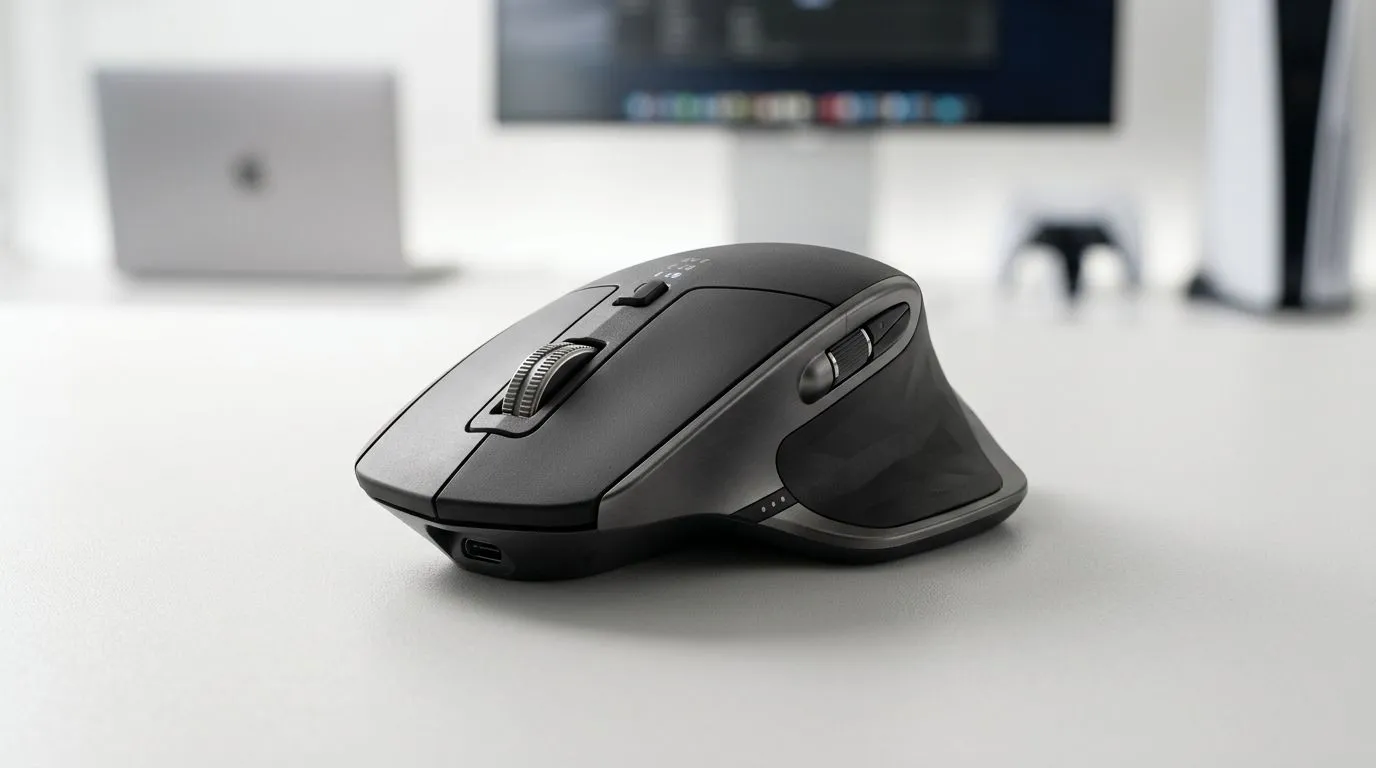
Why a Tri-Mode Mouse matters for South African gamers
If you juggle a desktop PC, a work laptop and a console in the lounge, a Tri-Mode Mouse can simplify life fast. Tri-Mode Mouse: Switch Between PC, Laptop & Console Seamlessly is not just a headline — it’s a workflow and gaming upgrade that keeps your desk tidy and your aim consistent. Learn the practical wins, setup tips and what to watch for before you buy. 🎮✨
Tri-mode mouse modes explained and when to use each
A true tri-mode mouse offers three connection options: wired for lowest latency, Bluetooth for convenience, and a 2.4GHz dongle for reliable wireless performance. For competitive FPS sessions, wired or 2.4GHz is usually best; for couch gaming on console, Bluetooth or paired dongles are more convenient. See Evetech’s full gaming mouse range for model specs and feature tables if you want side‑by‑side comparisons: https://www.evetech.co.za/components/gaming-mouse-117.aspx.
How to pick the right tri-mode mouse for your setup
Focus on sensor quality, polling rate, battery life and onboard profiles. Also think about shape and weight — what fits your grip matters more than RGB. If you’re hunting for price drops or bundled deals, check the curated best gaming mouse deals page to spot ZAR discounts and limited offers: https://www.evetech.co.za/best-gaming-mouse-deals/x/054.aspx.
Wireless vs wired: the practical trade-offs
Wireless mice now match wired latency in many real-world scenarios, but wired still gives zero-battery worry during marathon sessions. If you prefer a wireless-first life, browse Evetech’s wireless mouse selection to compare dongle reliability and battery specs: https://www.evetech.co.za/buy-wireless-mouse/x/1597.aspx. If you value absolute consistency and simple plug-and-play, wired options remain compelling: https://www.evetech.co.za/buy-wired-mouse/x/1596.aspx.
Accessories and extras that improve tri-mode life
A quality USB receiver extender, a cable bungee, or extra mouse skates can make a cheap upgrade feel premium. For pads, cable management and replacement parts, have a look at Evetech’s mouse accessories collection: https://www.evetech.co.za/buy-mouse-accessories/x/1595.aspx. Little upgrades often yield big comfort gains.
Quick Setup Tip ⚡
When pairing a tri-mode mouse, label each device channel (PC, Laptop, Console) in the mouse software if supported. Use onboard profiles to assign DPI and button maps per device. It saves time and keeps sensitivity consistent when switching between systems.
Quick setup checklist for switching seamlessly
- Reserve one dongle slot for your console or a dedicated receiver.
- Keep Bluetooth paired to your laptop for quick productivity swaps.
- Save at least two onboard DPI profiles: one for desktop gaming, one for console/relaxed play. These small habits reduce friction and keep you in the zone.
Final thoughts and local buying tips
A solid tri-mode mouse is an investment in convenience and consistency, especially for South Africans who split time between work and play across multiple devices. Try before you buy if possible; shape and button feel are personal. Use Evetech’s comparison pages above to filter by sensor, weight and compatibility before checking out.
Ready to Find Your Perfect Match? The Mac vs Windows debate is complex, but for maximum power, choice, and value in South Africa, Windows is hard to beat. Explore our massive range of laptop specials and find the perfect machine to conquer your world.











