

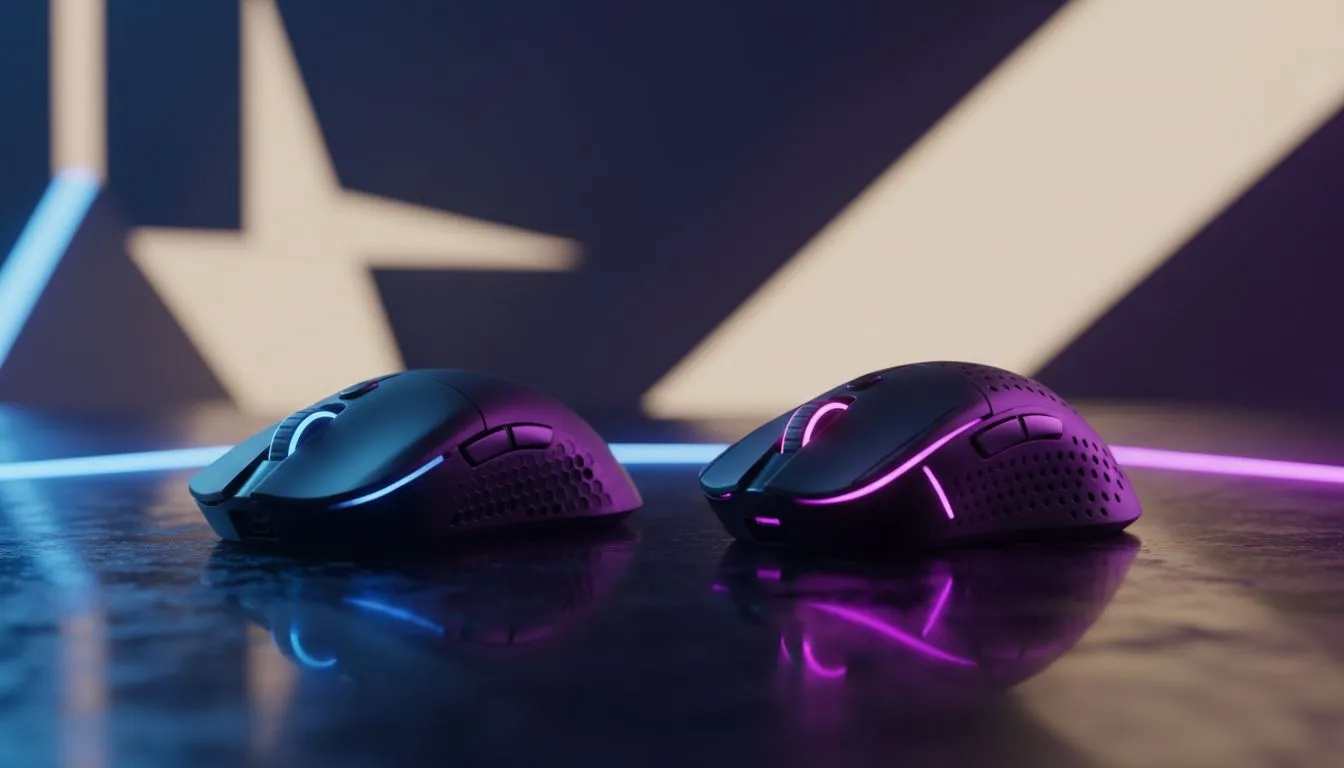
Understanding TrueMove Core vs TrueMove Pro Optical Sensor Differences
Choosing the right mouse in South Africa often comes down to the sensor. You want every flick to land in CS2 or Valorant. SteelSeries offers two heavy hitters: the TrueMove Core and the TrueMove Pro. While they look similar on paper, the performance gap matters when your rank is on the line. Let's break down the TrueMove Core vs TrueMove Pro optical sensor differences to see which fits your setup. 🔧
The TrueMove Core: Reliable Entry-Level Precision
The TrueMove Core is the workhorse of the SteelSeries entry-level range. It is frequently found in the Rival 3 series. This sensor offers 1-to-1 tracking up to 8,500 CPI. For most casual gamers or those on a budget, this is more than enough. It handles quick movements without jitter... a vital feature when you are trying to hold a tight angle.
If you are looking for a reliable gaming mouse that won't break the bank, the Core is a solid starting point. It provides 300 IPS (inches per second) tracking speed. This means it can keep up with your hand even during intense firefights. In South Africa, where value for money is key, a mouse under R1,000 featuring this sensor is a steal.
The TrueMove Pro: Professional Grade Performance
When you move up to the TrueMove Pro, things get serious. This sensor was co-developed with PixArt to outperform the competition on any surface. It boasts a massive 18,000 CPI and 450 IPS. These TrueMove Core vs TrueMove Pro optical sensor differences become apparent during high-stakes competitive play.
The Pro sensor includes "Tilt Tracking." This feature prevents unwanted tracking when you lift your mouse and set it back down at an angle. It is a lifesaver for low-DPI players who "reset" their mouse position frequently. You can often find these high-end sensors featured in our best gaming mouse deals during seasonal sales.
Sensor Sensitivity Tip ⚡
Higher CPI doesn't always mean better aim. Most pros play between 400 and 800 CPI. The real benefit of a "Pro" sensor is the higher IPS and Tilt Tracking, which ensures the mouse doesn't lose its place during violent, fast movements across your desk.
Wired vs Wireless: Does the Sensor Change?
Many gamers ask if the sensor performance drops when going cable-free. With modern tech, the difference is negligible. Whether you prefer a wired mouse for that zero-latency peace of mind or a wireless mouse for total freedom, the TrueMove technology remains consistent.
The TrueMove Pro+ variant even adds a dedicated secondary depth sensor. This allows you to customise the lift-off distance to an incredibly fine degree. This level of customisation is why many local enthusiasts invest in quality mouse accessories like premium pads to ensure the sensor has the best possible surface to read. 🚀
Which Sensor Should You Choose?
If you are a casual gamer playing titles like The Sims or Minecraft... the TrueMove Core is perfect. It is accurate, affordable, and durable. However, if you are climbing the ranks in Apex Legends, the TrueMove Pro is worth the extra ZAR. The tilt tracking and higher IPS ceiling provide a safety net for your muscle memory.
The TrueMove Core vs TrueMove Pro optical sensor differences are about more than just numbers... they are about the confidence that your hardware will never be the reason you missed a shot. ✨
Ready to Level Up Your Aim? Whether you need the budget-friendly precision of the Core or the elite performance of the Pro, we have the gear to help you win. Explore our massive range of SteelSeries gaming mice and find the perfect sensor to dominate the server today.











