

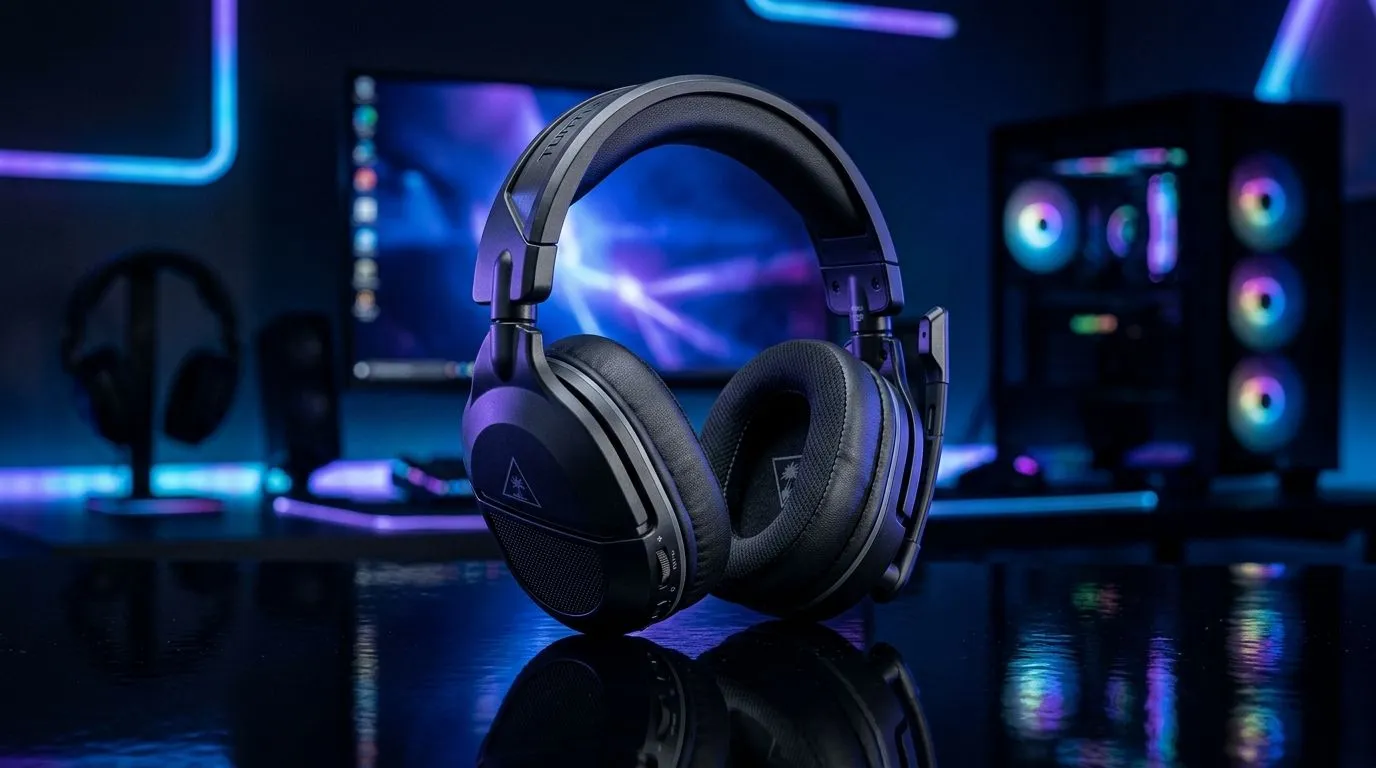
How Long Does the 80-Hour Battery on the Turtle Beach Stealth 600 Gen 3 Last?
South African gamers know the feeling… you start a session, wireless audio is perfect, and then the battery gauge starts blinking like it has its own questline. 🎧 In the Turtle Beach Stealth 600 Gen 3, the big promise is up to 80 hours of battery life. But real-world use (volume, chat mix, and how you actually play) can change that number. So, how long does it really last for players in SA?
In this Deep Dive, we’ll break down what the “up to 80-hour” figure usually means, what drains battery fastest, and how to stretch it so you’re not scrambling for a charge mid-rank.
What “Up to 80 Hours” Means in Real Gameplay
The “up to” wording matters. Battery life is measured under ideal conditions: moderate volume, typical wireless use, and settings within default ranges. In practical terms, your runtime is often shorter than the maximum claim, especially if you:
- Keep volume very high
- Use more power-hungry audio profiles
- Run longer sessions without power-saving habits
For an honest expectation, think in ranges: light-to-moderate use can get closer to the higher end, while loud, constant use will pull the average down. The good news? The Stealth 600 Gen 3 is designed for long listening, so even “shorter than 80 hours” is usually still impressive.
Battery Life Factors You Can Control (Fast)
Even if the headset tech is doing its job, your settings decide how fast you burn power. 🔧
Volume and game/chat mix
Higher volume directly increases power draw. If you boost game audio and keep voice chat loud too, battery life drops quicker.
Wireless stability
If you’re far from your transmitter, or your room has lots of interference, the headset can work harder to maintain connection. That can reduce runtime over a long evening.
Productivity Pro Tip ⚡
On nights when you know you’ll grind ranked, plug the headset in between matches using a short charging window. Small top-ups reduce the chance you fully drain the battery, which can also help battery health over time.
Power habits
When you’re done playing, don’t leave the headset “kind of on”. Use the headset controls to power down properly. Sounds simple… but it’s the most common reason people report surprisingly short runtimes.
How to Judge Runtime Before Buying (Even Without Perfect Data)
If you’re comparing headsets, look beyond the headline hours. Compare:
- Runtime claims “up to” versus typical use notes
- Whether the brand clearly explains test conditions
- Reviews that mention how long it lasts for 2-3 hour sessions
If you’re shopping around, you might also want to compare against wireless alternatives in Evetech’s headphone lineup. For example, you can browse options in this Razer headphones and headsets category:
Explore Razer headphones and headsets
Or, if you’re considering something similar but different in feel (comfort and wireless stability matter a lot), this deal page is a good reference point for current pricing:
Check the Razer Barracuda X Chroma Wireless deal
And if you want a wider range for comparison shopping in one place:
Browse more Razer headphone options
So… Does It Hit 80 Hours?
If your settings are reasonable and you treat the headset like a serious gaming tool (proper shutdown, smart volume habits, avoiding unnecessary wireless strain), the 80-hour claim is plausible as an “up to” upper bound. In real South African living rooms, many players should still expect strong battery life, but likely not the full maximum every single week.
The takeaway? Use the control knobs you own. 🔋 Then you’ll get the kind of uninterrupted sessions that let you focus on aim, not adapters.
Ready to Find Your Perfect Match? The Mac vs Windows debate is complex, but for maximum power, choice, and value in South Africa, Windows is hard to beat. Explore our massive range of laptop specials and find the perfect machine to conquer your world.











