

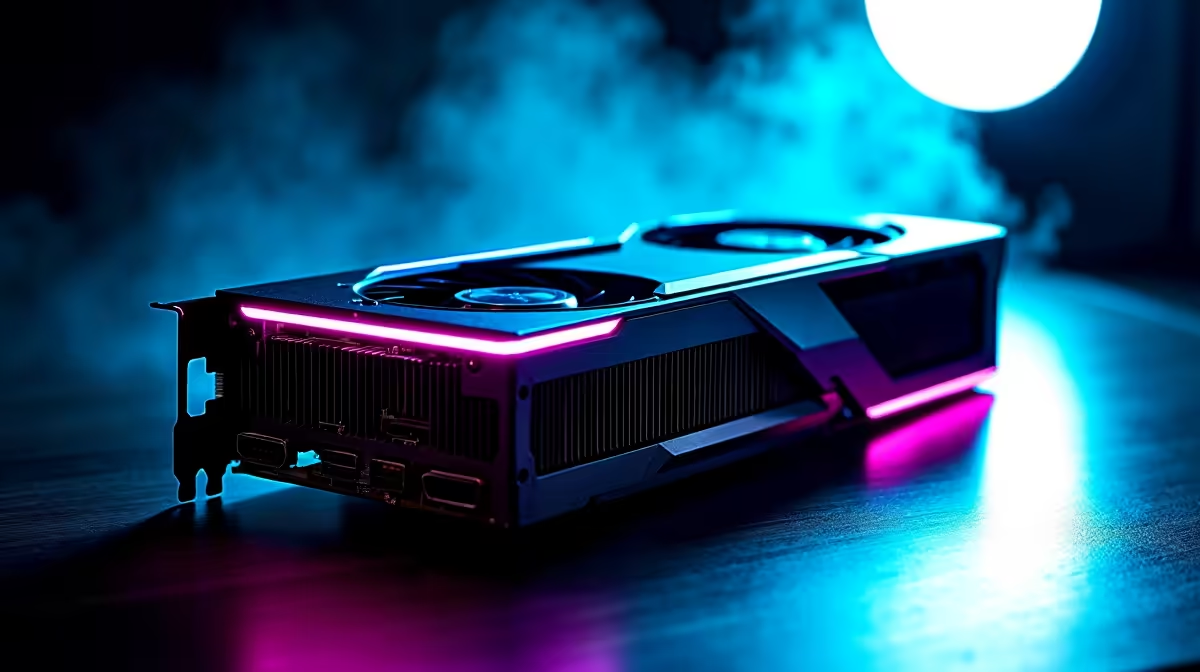
Building a compact gaming rig in South Africa is a delicate balancing act. You want massive frame rates without your PC melting during a summer heatwave. As modern graphics cards get thicker, fitting them into smaller cases becomes tricky. That is why understanding 2.5-slot GPU design and airflow optimization in compact PC builds is crucial. It is the only way to keep your ZAR investment cool.
What Exactly is a 2.5-Slot GPU?
Let us start by looking at the basic physical dimensions. When you browse the latest graphics cards, you will see slot sizes in the specs. A slot refers to the removable PCIe brackets on your PC case. A standard dual-slot card takes up two of these brackets.
However, a 2.5-slot card occupies two brackets while featuring a bulky cooler. This custom cooler hangs halfway over a third slot. This extra girth allows manufacturers to install massive heatsinks and larger fans. The result is significantly better cooling capacity... but it aggressively eats up precious internal space.
Mastering 2.5-Slot GPU Design and Airflow Optimization in Compact PC Builds
Cramming high-end gaming tech into a small chassis is incredibly rewarding 🚀. However, achieving proper 2.5-slot GPU design and airflow optimization in compact PC builds takes planning. The biggest danger is choking the graphics card. If the GPU fans sit flush against the power supply shroud, the card cannot breathe. It will struggle to draw in fresh air. This inevitably leads to severe thermal throttling, dropped frames, and loud fan noise.
Whether you are upgrading a living room rig or looking for Nvidia GeForce GTX graphics cards, clearance is everything. Always double-check your exact case specifications before grabbing one of those tempting graphics card deals. You need at least three centimetres of unobstructed breathing room below the fans.
Airflow Pro Tip 🔧
Create a positive pressure environment inside your compact case. Having more intake fans than exhaust fans prevents dust buildup in small crevices and forces fresh, cool air directly into your 2.5-slot cooler.
Smart Fan Placement for Smaller Cases
Your case fans are the unsung heroes of temperature control. Front intake fans should push cool air directly towards the GPU heatsink. If your compact case supports bottom intake fans, you must use them. They feed cold air straight up into the graphics card cooler. This effectively bypasses the rest of the system components.
Cable management also plays a massive role here. Thick power cables bundled near intake fans will block airflow and trap heat. Route your cables tightly behind the motherboard tray. If building from scratch sounds like too much hassle, explore our best gaming PC deals. Our technical experts ensure every pre-built system has the perfect balance of component clearance and thermal performance.
Protecting Your Hardware in the South African Heat
South African summers are notoriously unforgiving on high-performance PC components ⚡. A poorly ventilated compact system will degrade much faster over time. It will ultimately cost you more ZAR in replacement parts down the line. By mastering 2.5-slot GPU airflow in small form factor builds, you guarantee peak performance. You get to enjoy high-resolution frames without enduring airplane engine noise.
Before you finalise the parts list for your next compact powerhouse, check out our latest hardware specials. You can stretch your budget further and afford extra cooling fans for your new case.
Ready to Build Your Dream Rig? Mastering airflow in a compact case is an art form. For maximum power, choice, and value in South Africa, Evetech has everything you need. Explore our massive range of PC components and find the perfect hardware to conquer your gaming world.











