

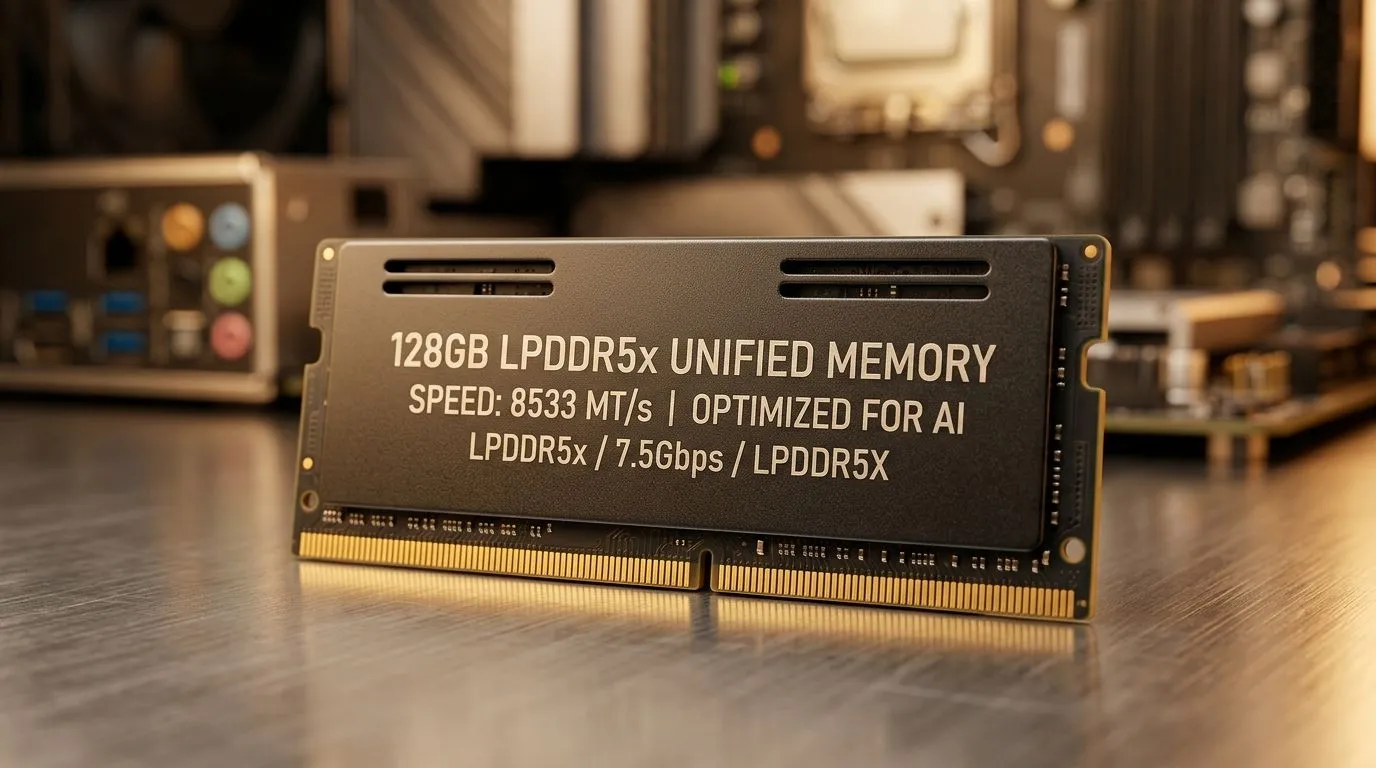
Unified Memory vs Traditional RAM in AI PCs: why 128GB LPDDR5x matters to South African buyers
You’re shopping for an AI PC, not just another gaming laptop… so you need the memory story to make sense. Should you chase big numbers like 128GB LPDDR5x, or stick with traditional RAM for predictable performance? If you’ve ever stared at a spec sheet in Evetech… wondering what’s real and what’s marketing, you’re in the right place. Let’s break down Unified Memory vs Traditional RAM in AI PCs: 128GB LPDDR5x in plain, local terms. 🔥
Unified memory vs traditional RAM in AI PCs: the practical difference
With traditional RAM, the CPU and GPU usually access separate memory pools. That can mean more “moving parts” when workloads swap data.
With Unified Memory, the system treats memory as one pool that the CPU and AI/GPU workloads can access more directly. In AI PC designs that use large LPDDR5x, you often get a big shared buffer like 128GB LPDDR5x. The upside? Less friction when models, embeddings, and context need to live in memory together.
But here’s the key: unified memory doesn’t automatically mean “always faster.” It mainly changes how efficiently data can be shared and scheduled between the compute units. Your actual results depend on:
- the AI workload (LLMs, local RAG, video pipelines, etc.)
- the model size and context length
- whether the system can keep frequently used data resident in memory
For South African buyers, that translates to a simple buying rule: if you plan to run heavier local AI tasks alongside gaming or creative work, unified memory configurations can reduce the “why did it stutter?” moments. 🚀
What “128GB LPDDR5x” means for real workloads
LPDDR5x is low-power, high-bandwidth memory typically used in more compact designs. Pairing it with unified memory architectures can make long sessions smoother, especially when your workflow keeps multiple apps and datasets open (think: browser, Discord, streaming software, and a local AI assistant).
A helpful way to think about it:
- Traditional RAM is great when your workload has clear separation.
- Unified Memory helps when everything wants to touch the same data repeatedly.
So if you’re doing AI plus gaming plus productivity, unified memory setups can feel more “cohesive.” ✨
Productivity Pro Tip ⚡
Productivity Pro Tip ⚡
On Windows, use the PowerToys FancyZones utility to create custom snap layouts for your windows. It's a lifesaver for managing multiple apps on an ultrawide monitor, letting you organise your timeline, preview window, and asset folders perfectly for video editing.
Where to look in the Evetech range (and what to check)
If you’re going mini-PC or compact AI PC, the memory configuration is part of the system “personality.” Start by checking the exact SKU and its memory type, not just the headline AI claims. Evetech has plenty of options across brands and categories, so you can compare properly before checkout.
For quick browsing:
- See AI-ready mini-PC options here: mini PCs from Evetech
- Explore the wider mini-PC range: find more mini PCs at Evetech
- Looking specifically at Minisforum models? Check: Mini PCs (Minisforum)
- Prefer Ninkear configurations? Browse: Ninkear mini PCs
- Considering MSI? Take a look at: MSI mini PCs
Before you buy, sanity-check these items:
- Is the memory unified or traditional? (wording matters)
- Is it expandable? (LPDDR often isn’t)
- What’s your target model size and context length?
- Will you run AI and games simultaneously? If yes, bigger shared memory can help you keep more loaded at once.
CALLTOACTION
Ready to Find Your Perfect Match? The Mac vs Windows debate is complex, but for maximum power, choice, and value in South Africa, Windows is hard to beat. Explore our massive range of laptop specials and find the perfect machine to conquer your world.











