

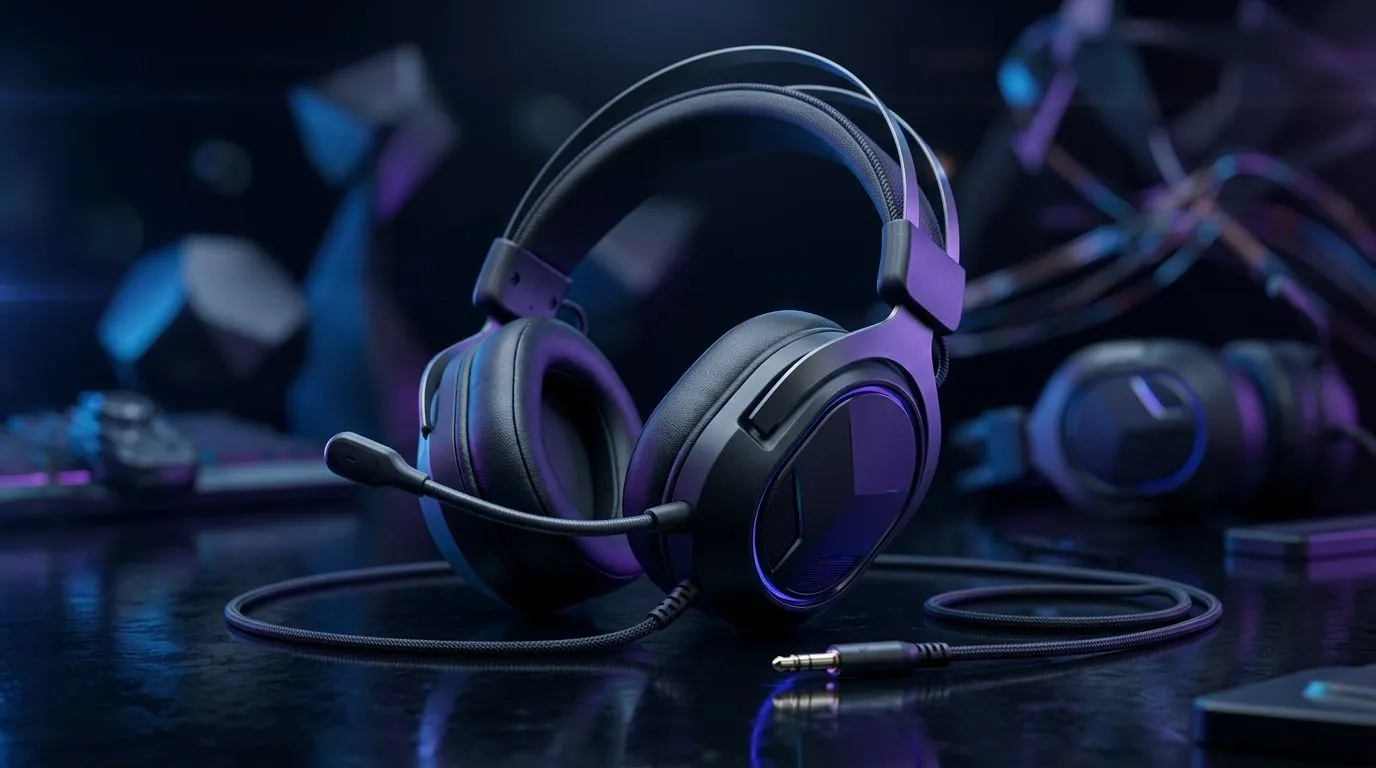
Universal 3.5mm Headset Compatibility Explained for South African gamers
Walk into any shop, and you’ll hear the same question: “Will these work on my device?” If you game on PlayStation, Xbox, PC, a phone, or even a laptop with an older audio jack, the answer often depends on one tiny detail… the headset plug and how your device expects it.
In this deep dive, we break down Universal 3.5mm Headset Compatibility Explained so you can buy once and stop guessing. 🎧
What “3.5mm compatible” really means (TRS vs CTIA/OMTP)
“3.5mm” is a size, not a promise. The compatibility story is mainly about the plug type and mic wiring.
TRS (Headphones) vs TRRS (Headset with mic)
- 3.5mm TRS: usually stereo audio only.
- 3.5mm TRRS: stereo audio plus a microphone.
Most “gaming headsets” are TRRS, but many laptops and controllers treat the mic differently. That’s where “it plays sound but the mic doesn’t work” happens.
CTIA vs OMTP: the phone/headset mic twist
Even if both sides are TRRS, some phones and headsets expect different mic wiring (commonly described as CTIA vs OMTP). If your mic cuts out or sounds distant, it’s often this mismatch.
Quick Compatibility Check 🔧
your device, plug in the headset and test two things: 1) can you hear game audio, and 2) does the microphone input show level in your audio settings? If audio works but mic doesn’t, you likely have TRS vs TRRS or CTIA vs OMTP mismatch."
Common South African scenarios (and what to expect)
PC towers and gaming laptops
On many PCs, the headphone and mic inputs are separate (classic blue/green). On combo jacks, headsets need TRRS support. Your safest path is to confirm whether your laptop has a CTIA-compliant headset jack… or use an external USB sound card for consistent mic performance.
Controllers and console compatibility
Console controllers often provide a 3.5mm audio/mic port, but not every headset behaves the same across brands. If you’ve ever heard someone say “it works, but only one person can hear me”… that’s usually mic wiring or headset profile differences.
Phones and tablets (the wild card)
Phones usually support headset mics only when the wiring matches their expectation. If your headset works on a PC but not on your phone, you’re not “doing it wrong”. It’s just compatibility wiring.
How to buy the right headset in one go (use Evetech to compare)
If you’re shopping around, look for listings that clearly state 3.5mm compatibility and mic support. Evetech’s headphone catalogue makes it easier to narrow down the right class of headset without wasting time.
For example:
- If you’re looking at a specific gaming-style option like the Razer Barracuda X Chroma Wireless, use its listing as a baseline for what the brand expects from compatibility and feature set (even if it’s not 3.5mm, comparing helps you avoid surprises). Check the Razer Barracuda X Chroma listing
- Explore more Razer headphone/headset options and filter by the connection type you actually need. Browse Razer headphones and headsets
- If you just want to compare across multiple models and connection styles, start with the broader category. Shop the headphone and headset range
Real-world buying advice: save money by planning the last 10%
Before you pay, answer these:
- Do you need mic on the same cable, or is voice chat separate?
- Is your device a combo jack or separate audio/mic ports?
- Is this for console, PC, or mobile?
If you’re unsure, buying a headset with confirmed compatibility for your target device type prevents the “audio works, but mic is dead” situation. And in South Africa, where budgets matter, that’s real savings in ZAR. 🚀
Ready to Find Your Perfect Match? If you’re buying for PC, console, or mobile, the quickest way to get it right is to choose a headset built for your exact connection needs. Explore our massive range of laptop and audio gear specials and find the perfect setup for your world. Shop Evetech tech deals today











