

Stuck in a ranked rut? You're hitting your shots, your rotations are on point, but you keep losing those crucial rounds. The culprit might not be your aim or your strategy… it could be your R50 headset mic that makes you sound like you’re shouting from the bottom of a swimming pool. To make faster gaming progress, your team needs to hear you clearly. An upgrade to your microphone is one of the quickest ways to climb.
Why a Microphone Upgrade Boosts Gaming Progress 🚀
Think about your last competitive match. How many times did you have to repeat a callout? "He's one shot!"... "No, where?"... "I said he's one shot at B Site!" By the time your team understands, the moment is lost. This is where a dedicated microphone changes everything.
A quality mic doesn't just make you sound better; it makes your entire team play better. Clear, crisp audio means your callouts are understood instantly. There's no "what did you say?" or mental energy wasted trying to decipher garbled comms. This clarity is a massive competitive advantage. When you upgrade your microphone for faster gaming progress, you're investing in better teamwork and quicker reaction times. Modern mics excel at isolating your voice, cutting out background noise like that pesky load-shedding generator or your mechanical keyboard's clicks. This allows your team to focus purely on the game-winning information you're providing.
Key Features for Your Next Gaming Mic
When you start browsing, you'll see a lot of technical terms. Let's cut through the noise. For gaming, the most important feature is a Cardioid pickup pattern. This means the mic primarily captures sound from directly in front of it (your voice) and rejects sounds from the sides and rear.
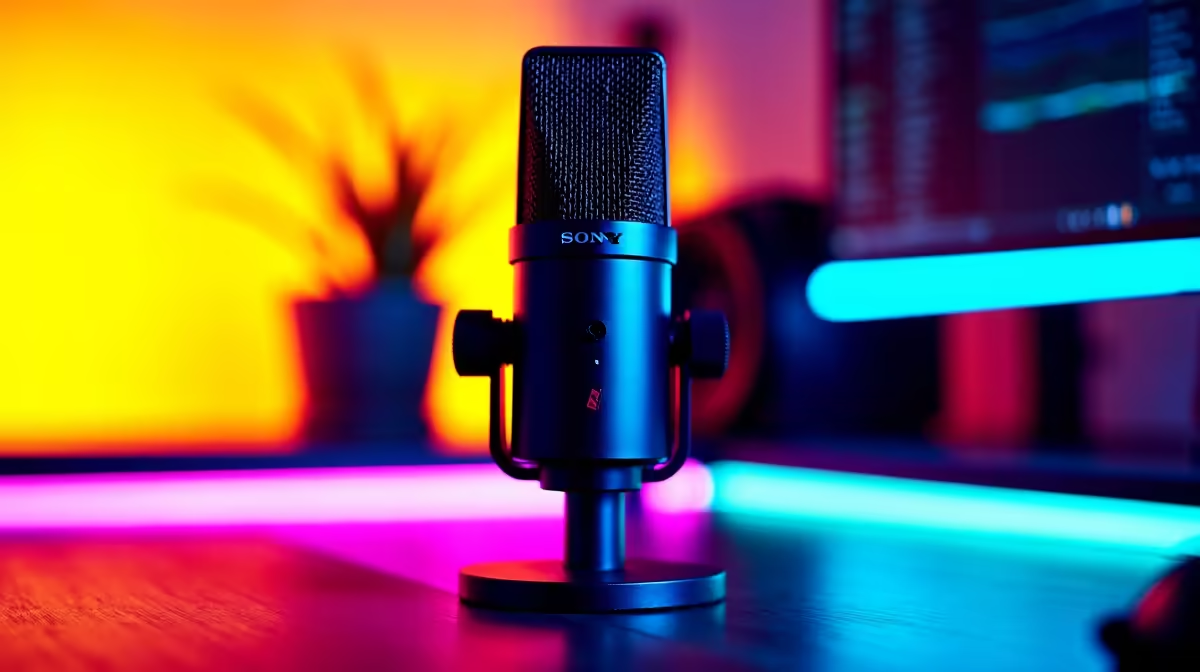
Most gamers will find a USB microphone is the perfect plug-and-play solution. They are simple to set up and deliver excellent quality for Discord, in-game chat, and even starting a stream. Brands like Corsair have perfected the art of the USB mic, offering crystal-clear audio with handy features like physical mute buttons and gain control dials. If you're serious about clear communication, exploring top-tier options from Corsair is a brilliant starting point for your microphone upgrade.
Pro Mic Placement Tip
Position your new microphone about 15-20 cm away from your mouth, slightly off to the side. This prevents harsh "plosive" sounds (like the "p" in "push") from overwhelming the mic, ensuring your voice is always smooth and clear for your teammates.
Finding a Great Mic on a Budget
A microphone upgrade for gaming doesn't have to cost a fortune. The technology has become so good that even entry-level and mid-range dedicated mics are a massive leap from any standard headset mic. You can find fantastic options that deliver 90% of the performance of a high-end professional mic for a fraction of the price.
The goal is clarity, not a recording studio. Look for well-reviewed USB mics that prioritise voice isolation. You'll be surprised at the quality you can find, and there are plenty of great mics under R6000 that will instantly improve your in-game comms and help you secure more wins.
Beyond the Mic: Completing Your Setup ✨
Once your audio is sorted, you can start thinking about the rest of your battle station. A clean, well-lit setup not only looks professional on stream but also creates a more immersive and focused gaming environment. Adding some dynamic ambient lighting from brands like Cololight can sync with your game's colours, making your space feel like an extension of the virtual world. A truly polished setup combines both superior audio and compelling visuals.
Ready to Make Your Voice Heard? Stop letting a bad mic hold your rank back. Clear communication leads to better coordination and more victories, and it all starts with the right gear. Shop our full range of streaming essentials at Evetech and give your team the clear callouts they need to win.











