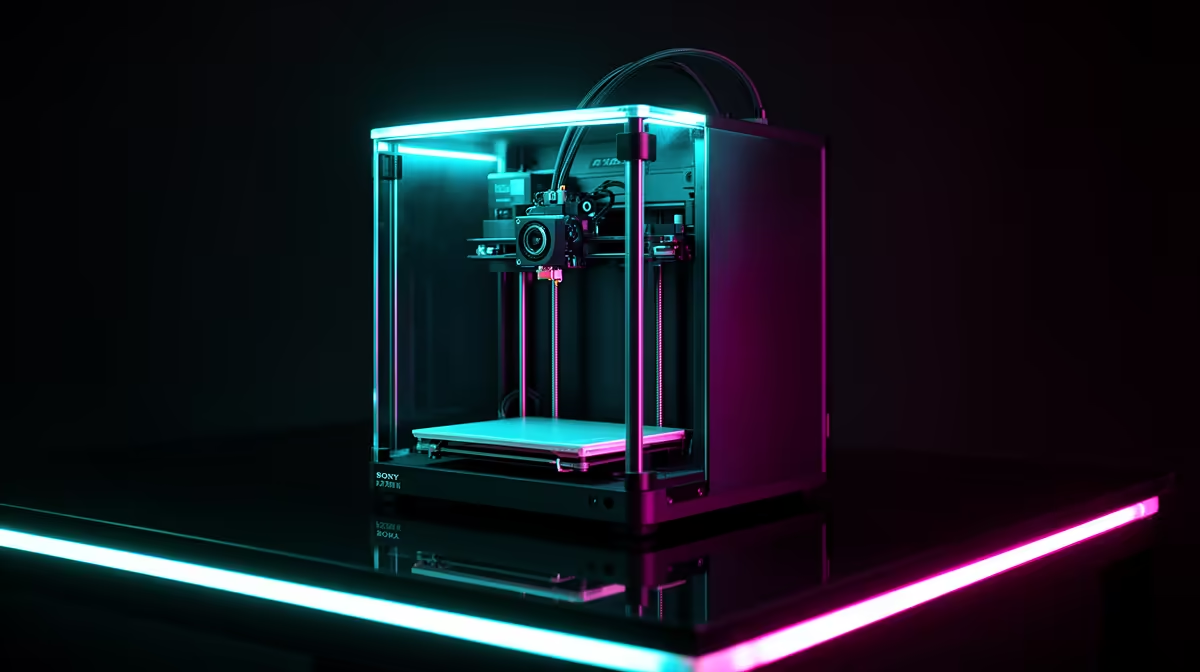
Your old Ender bedslinger taught you how a 3D printer actually works: levelling springs, manual mesh maps, the occasional layer shift at 2am. Now you want a machine that just prints. The two Ender upgrade paths most SA makers land on are the Bambu A1 at R7,999 and the Creality K1 SE at R8,999, and the R1,000 gap between them buys two genuinely different philosophies, not just a faster version of what you already own.
Quick Answer
Stay with the open-frame bedslinger format and pick the Bambu A1 at R7,999 for hands-off auto-calibration and the cleanest software in the category. Step up to the Creality K1 SE at R8,999 if you want enclosed CoreXY speed and the option to print ABS and ASA without a draughty room ruining the print. Both are stocked locally at their ZAR prices.
What "Upgrading" Actually Means After an Ender
The Ender-3 line was a kit. You assembled the gantry, you trammed the bed, and you learned to read a first layer the way a mechanic reads engine noise. That knowledge does not go to waste, but the whole point of upgrading is to stop spending your evenings on maintenance that the printer should handle itself.
Both the A1 and the K1 SE do three things your old machine could not: they probe and compensate the bed automatically before every print, they handle flow and pressure tuning in firmware, and they ship with vibration compensation so you can push print speed without ringing artefacts. The difference is in the frame format and what that format lets you print.
If you are still building out a workspace around the printer, the wider 3D printer range at Evetech is worth scanning to compare current stock and bundles before you commit to either path.
Bambu A1: The Open-Frame Bedslinger, Done Properly
The A1 keeps the layout you already understand. The bed moves on the Y axis, the toolhead moves on X, and the frame stays open, so it is easy to watch a print, reach in, and pull a part. For an Ender owner this is the gentle upgrade: same mental model, none of the fiddling.
What changes day to day
Auto-calibration is the headline. Before a print the A1 measures bed height across the plate, checks nozzle offset, and runs flow calibration so you are not dialling in an e-step value by hand. The textured PEI plate releases PLA and PETG cleanly once cool. With the optional AMS lite you get four-colour printing, which is the feature most people actually upgrade for once they have seen it.
Where the open frame limits you
An open frame loses heat to the room. PLA and PETG do not care, and that covers most hobby printing, miniatures, and functional brackets. But ABS and ASA warp badly without an enclosure, so if your plan involves engineering-grade or outdoor-UV-resistant parts, the A1 is the wrong tool. For a Cape Town maker printing display models, cosplay props, and PLA functional parts, that limit may never come up.
Creality K1 SE: Enclosed CoreXY for R1,000 More
The K1 SE abandons the bedslinger format entirely. It is a CoreXY machine, meaning both motors stay fixed at the top and the toolhead moves in X and Y while the bed only travels down in Z. Less moving mass means higher usable speed with fewer artefacts, and Creality rates it well above what any modified Ender can sustain.
The enclosure is the real upgrade
Because the K1 SE is boxed in, the chamber holds heat. That is what lets it print ABS and ASA reliably, materials that an open Ender or A1 struggles with in a moving-air room. If you have ever printed a large ABS part and watched a corner peel off the bed, the enclosure is the fix. It also keeps fumes and noise more contained, which matters in a flat or a shared study.
The trade-offs
Enclosed CoreXY printers are less convenient to monitor by eye and a little more involved to maintain, because the toolhead sits in a tighter space. The K1 SE also asks you to relearn a new motion system rather than building on Ender muscle memory. For the extra R1,000 you are buying capability, not comfort.
Which Upgrade Fits Which Ender Owner
Choose the A1 if your printing is PLA and PETG, you value a quiet, watchable, low-maintenance machine, and multi-colour is on your wish list. It is the path of least friction from an Ender, and the R7,999 price keeps it accessible.
Choose the K1 SE if you genuinely need ABS, ASA, or sustained high-speed printing, and you are comfortable with an enclosed box you cannot reach into as freely. The R1,000 premium is easy to justify the first time an ABS print finishes without warping.
A practical note for both: budget a little for spare nozzles, a glue stick or PEI cleaner, and filament storage, since SA humidity degrades open filament fast. Many of those consumables sit in the accessories that move fastest at Evetech, which is a useful shortcut when you are kitting out a new printer.
The hidden running costs
Neither machine is a one-off purchase, and an Ender owner already knows this. Filament is the obvious ongoing spend, but nozzles wear and clog over time, build plates lose their grip after enough prints, and damp SA air will ruin a reel of PLA left out for a few weeks. A sealed dry box and a few silica packs are cheap insurance. The A1's textured plate and the K1 SE's plate both benefit from an occasional clean with isopropyl alcohol to keep first layers sticking. Plan for these small recurring costs and your new printer stays as reliable as the day you set it up, rather than slowly drifting back into the fiddly territory you upgraded away from.
Frequently Asked Questions
Is R1,000 enough of a reason to choose the K1 SE over the A1?
Only if you need what the enclosure unlocks. For PLA and PETG printing the A1 is the better-rounded machine at R7,999. The K1 SE earns its R8,999 when ABS, ASA, or high-speed throughput are part of your plan.
Will my Ender skills transfer to either machine?
Your understanding of first layers, adhesion, and filament behaviour transfers directly. What changes is that both printers automate the calibration you used to do by hand, so you spend that knowledge on diagnosing prints rather than setting up the machine.
Can the Bambu A1 print in multiple colours?
Yes, with the AMS lite accessory the A1 supports four-colour printing on a single print. It is sold separately, so factor that into your budget if multi-material work is the reason you are upgrading.
Why is CoreXY faster than a bedslinger?
A bedslinger throws the whole heated bed back and forth, and that mass has to accelerate and stop on every pass. CoreXY keeps the motors fixed and moves only the lightweight toolhead, so it sustains higher speeds with less ringing.
Do I need an enclosure for the materials I usually print?
If you print PLA, PETG, and TPU, no, an open frame is fine. If you want ABS or ASA for heat-resistant or outdoor parts, an enclosed machine like the K1 SE saves you the warping and adhesion headaches.
Ready to retire the bedslinger that taught you the basics? Compare live pricing and stock on the full 3D printer range at Evetech and pick the path that matches what you actually print.