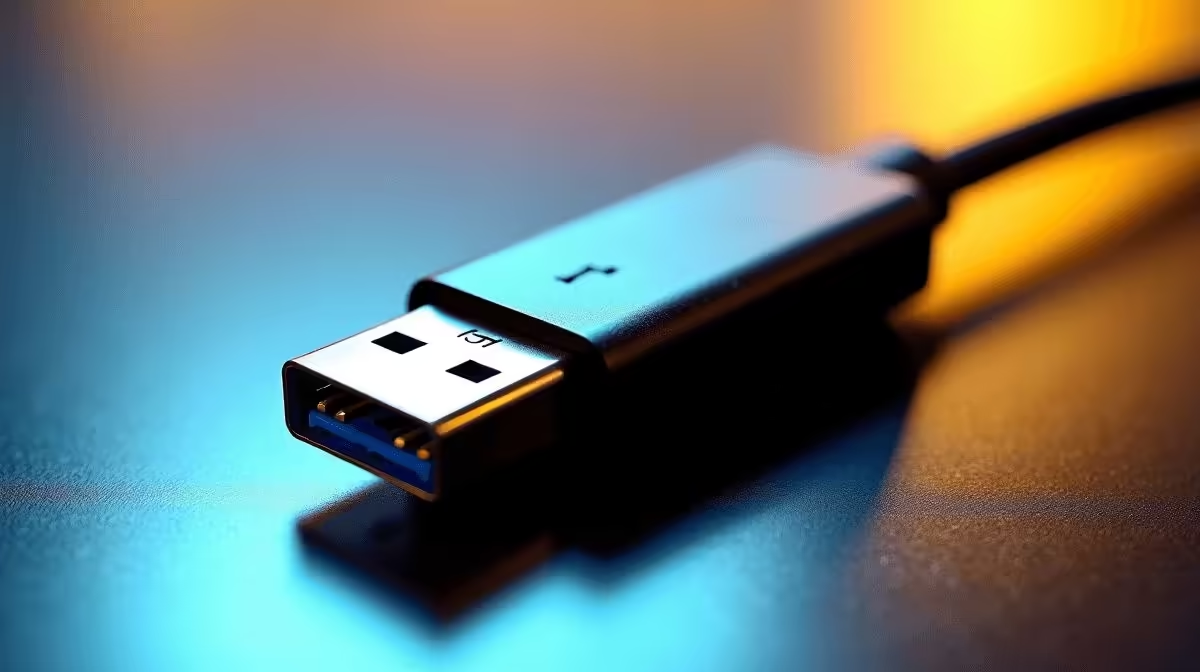
Forty gigabits per second sounds like more bandwidth than any single cable could possibly need. USB 4 bandwidth at 40 Gbps genuinely reshapes what a single port can do, but the gap between the specification figure and what lands on your screen or storage drive is wider than most buyers expect.
Quick Answer
USB 4 Gen 3x2 delivers 40 Gbps raw signalling, translating to roughly 3 to 4 GB/s real-world data throughput after encoding overhead is deducted. When the same connection carries a 4K display simultaneously, the protocol dynamically splits available bandwidth between data and display streams. A short, certified 40 Gbps cable is required to achieve the full figure.
📡 What 40 Gbps Actually Means After Encoding
USB 4 uses 128b/132b encoding, which is more efficient than the 8b/10b encoding used by USB 3.1. However, encoding still consumes a portion of the raw bandwidth. After accounting for protocol framing, link management packets, and encoding overhead, the usable data payload sits at approximately 90 percent of the raw signalling rate. From 40 Gbps, that leaves around 36 Gbps of effective bandwidth before any display or power negotiation takes place.
Drive speed is then the second constraint. Most external NVMe enclosures connected over USB 4 peak between 2.5 and 4 GB/s depending on the SSD inside and the controller chip in the enclosure. An older external HDD connected to the same port will not benefit from 40 Gbps at all because the storage medium itself is the bottleneck. USB 4 bandwidth becomes relevant when the entire chain, cable, enclosure, and storage medium, is rated for high throughput.
🖥️ Dynamic Allocation Across Data and Display
One of USB 4's most consequential features is dynamic bandwidth allocation between data transfer and DisplayPort Alt Mode output. Rather than reserving a fixed slice for each function, the protocol allocates bandwidth on demand. When you are transferring a file, display bandwidth contracts. When the file transfer finishes, display gets more headroom. This is handled automatically by the host controller and the connected device without any user configuration.
In practice, a 40 Gbps USB 4 connection can carry a 4K display at 60 Hz while simultaneously transferring data, something earlier USB 3.x connections managed poorly or not at all. The 4K 60 Hz signal over DisplayPort 1.4 (with DSC compression) consumes roughly 20 Gbps, leaving the other 20 Gbps for data. Without compression, 4K 60 Hz at full colour depth requires close to 32 Gbps, which leaves little margin for simultaneous data work.
🔌 Cable Requirements and Backward Compatibility
USB 4 at 40 Gbps requires a cable specifically rated for that speed. Not all USB-C cables qualify. A cable rated at 10 Gbps connected to a 40 Gbps port will cap the connection at 10 Gbps. Cables rated for Thunderbolt 3 or 4 will also work at 40 Gbps with USB 4 devices. The physical connector is the familiar USB-C oval on both ends, but the internal wire gauge, shielding, and active electronics inside the cable determine the actual speed ceiling.
USB 4 is backward compatible with USB 3.2, USB 2.0, and Thunderbolt 3, so older devices connected to a USB 4 port negotiate down to their native speed automatically without any configuration.
Frequently Asked Questions
Is USB 4 the same as Thunderbolt 4?
No, though they share a 40 Gbps ceiling and use the same USB-C connector. Thunderbolt 4 has stricter certification requirements, mandatory 40 Gbps on all ports, and guaranteed PCIe tunnelling. USB 4 Gen 3x2 can match the speed but is not required to meet all Thunderbolt 4 mandates. The two are broadly compatible at the physical and signalling level.
How fast is USB 4 for transferring large video files?
With a fast external NVMe enclosure and a certified 40 Gbps cable, expect real-world speeds between 2.5 and 4 GB/s. A 100 GB video project transfers in under a minute at the high end of that range.
Does USB 4 support multiple 4K monitors?
Yes, with sufficient bandwidth management. Using DisplayPort MST tunnelling over USB 4, two 4K displays at 60 Hz with DSC compression are achievable on a single connection. Without compression, two uncompressed 4K streams exceed the 40 Gbps envelope.
What happens if I use a cheap cable with a USB 4 device?
The connection will negotiate down to the speed the cable supports. A cable rated at 5 Gbps on a 40 Gbps port limits you to 5 Gbps. Always use a cable that matches the rated speed of the device for full performance.
Do all USB-C ports support USB 4?
No. USB 4 is a specification that must be implemented by the host controller and exposed through the port. Many USB-C ports on older laptops and chargers support only USB 2.0 or USB 3.2. Check your device specifications to confirm USB 4 support before expecting 40 Gbps.
Want to put USB 4 bandwidth to work? Evetech's range of USB-C hubs and docking stations includes options built around high-speed connectivity. See what fits your machine and your workflow.