

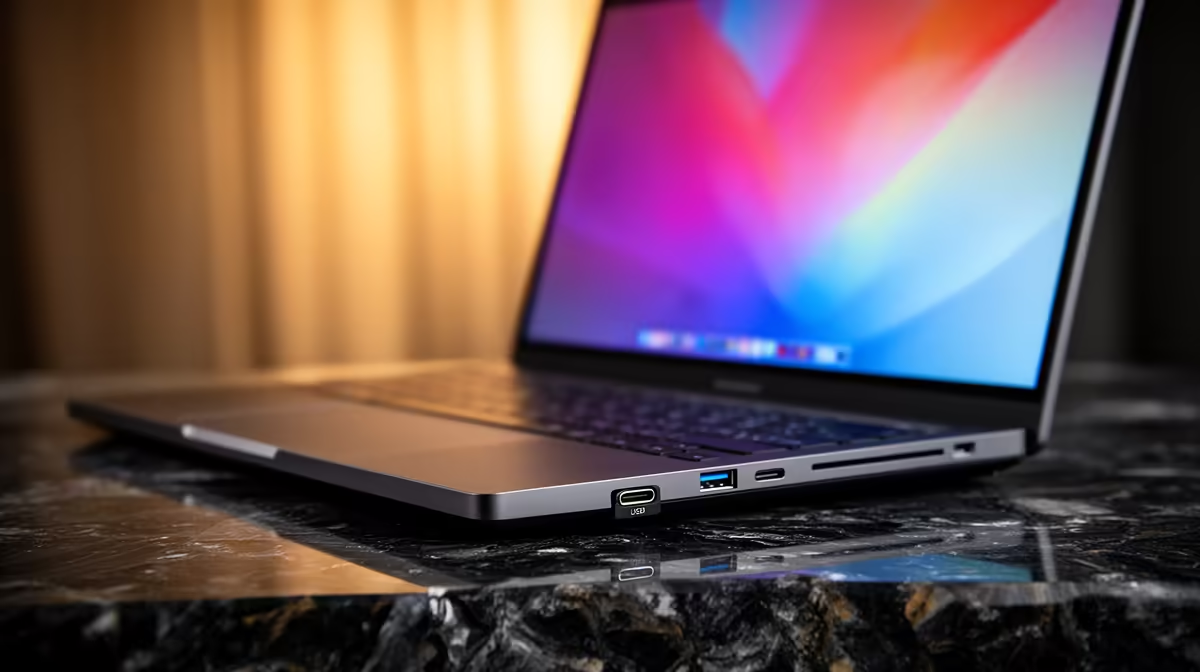
Juggling assignments, lectures, and a social life in South Africa is tough enough. The last thing you need is to realise you've left your USB dongle at home... again. For today's student, finding a laptop with the right connections is non-negotiable. That's why the best USB A plus C port mix laptops for students are becoming so popular. They offer the perfect blend of old-school compatibility and future-proof speed, without the hassle. ✨
Why the Right Port Mix is a Lifesaver for Students
Let's be real, the transition to an all-USB-C world isn't happening overnight. Your trusty wireless mouse, that external hard drive with all your projects, and most university printers still rely on the classic rectangular USB-A port. At the same time, new tech like your smartphone, power banks, and modern monitors use the sleek, reversible USB-C connector for fast charging and data transfer.
A laptop with a healthy mix of both ports means you're prepared for any situation.
- No More Dongles: Forget carrying a bag full of adapters. Just plug and play.
- Maximum Compatibility: Connect to projectors for presentations using an older flash drive, then charge your phone with a new USB-C cable... all at once.
- Future-Proofing: As more devices adopt USB-C, you'll be ready. But you won't be left behind when you need to use older, reliable peripherals.
Having a machine that comes standard with a USB A plus C port mix simplifies your daily grind, letting you focus on what actually matters: getting that degree.
Finding Your Perfect Student Laptop with USB-A and C
The great news is that you don't have to spend a fortune to get this essential feature. Many of the most popular and affordable student laptops now include this versatile port combination. Whether you're a fan of Team Red or Team Blue, you'll find excellent options. Many of the latest AMD laptops on special pack incredible multi-core performance for demanding tasks like video editing or coding, alongside a great selection of ports.
On the other hand, if you're looking for rock-solid stability and excellent battery efficiency for those long days on campus, browsing the current range of Intel laptops on special will reveal plenty of powerful and reliable choices. The key is to look at the laptop's spec sheet and check for at least one USB-C and two USB-A ports. That's the sweet spot for most students. 🔌
Check Your USB-C Specs!
Not all USB-C ports are created equal! For maximum power, look for "Thunderbolt" support, which allows for ultra-fast data transfers and connecting multiple high-resolution monitors. However, for most students, a standard USB-C 3.2 port is perfect for speedy file transfers and charging.
Beyond the Ports: What Else Matters in a Student Laptop
While the right USB A plus C port mix is crucial for a student laptop, it's part of a bigger picture. You also need to consider:
- Battery Life: Can it last through a full day of lectures without you hunting for a plug point? Aim for 8+ hours.
- Portability: A lightweight, slim design is a lifesaver when you're carrying it across campus all day. Look for models under 1.8kg.
- Performance: A modern processor (like an Intel Core i5 or AMD Ryzen 5) and at least 8GB of RAM will ensure smooth multitasking. An SSD (Solid State Drive) is a must for fast boot times.
- A Little Fun: After a long week of studying, you deserve some downtime. Many modern laptops have enough power for casual gaming. You can often find some of the best gaming laptop deals that offer incredible value, crushing both assignments and your favourite games. 🚀
Ultimately, the best laptops for students balance connectivity, performance, and price, giving you a reliable tool for success.
Ready to Ditch the Dongles for Good? Don't let missing ports slow you down. A laptop with both USB-A and USB-C is the smart, hassle-free choice for navigating your studies. Explore our huge range of laptop specials at Evetech and find your perfect match today.











