

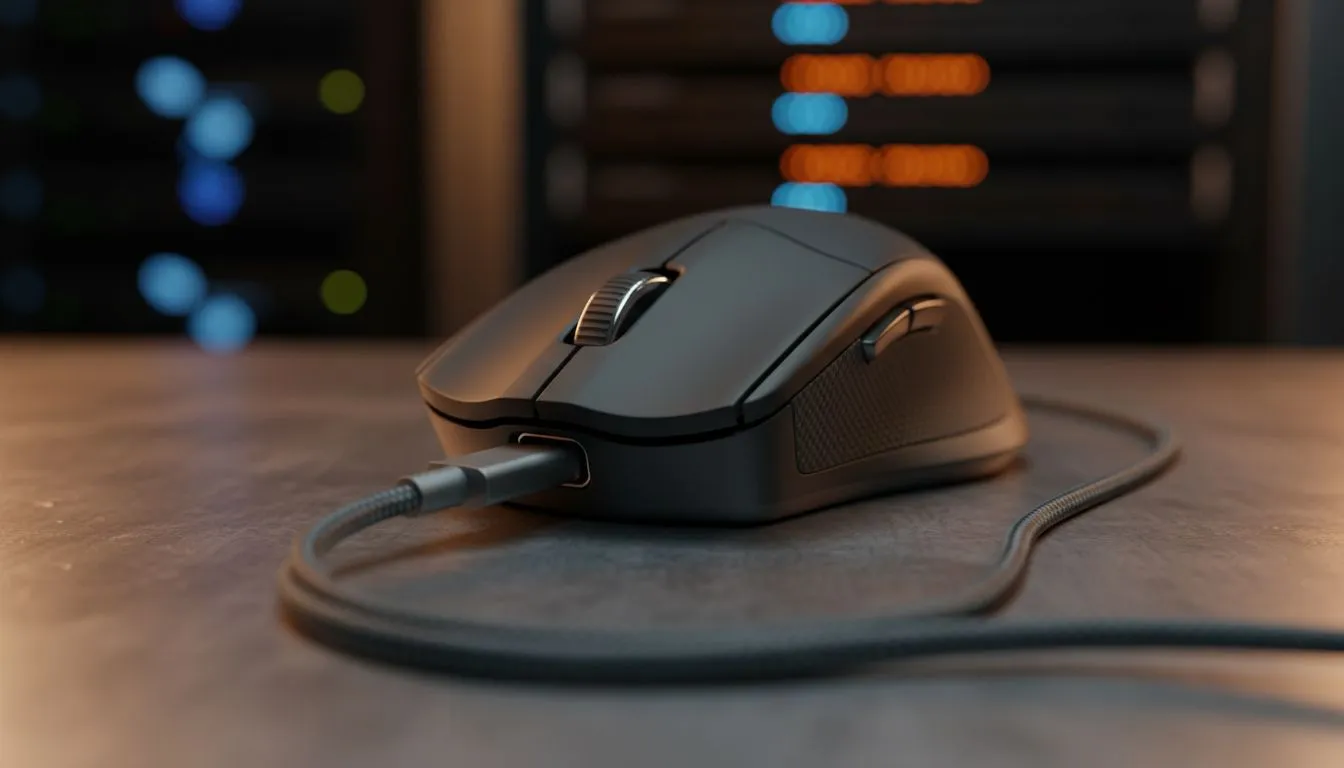
Ever been mid-clutch in a heated match only for your cursor to freeze? We’ve all felt that panic when the "Low Battery" LED starts blinking red. In South Africa, where every minute of uptime counts... especially with the threat of the next loadshedding block... understanding USB-C fast charging for mice is essential. It isn't just about a new plug; it is about staying in the game. ⚡
Decoding the speed of USB-C fast charging for mice
When we talk about fast charging in the smartphone world, we think of 65W or 100W monsters that juice up a device in minutes. For a high-performance gaming mouse, the scale is much smaller. Most modern peripherals only pull between 5W and 10W. However, because the batteries inside these devices are relatively tiny, even a 10-minute "quick charge" can provide hours of gameplay.
The "fast" in USB-C fast charging for mice refers to the efficiency of the power delivery protocol. Modern sensors are incredibly power-hungry... but modern charging circuits have caught up. If you are looking for the best gaming mouse deals in South Africa, you will notice that premium models now offer a "play-while-charging" feature that doesn't restrict your movement with stiff, old-school cables.
Why your charging cable and port choice matters
Not all USB-C cables are created equal. While your mouse might come with a beautiful braided cable, using a random phone charger might not always yield the best results. A high-quality wireless mouse relies on a specific voltage to ensure the internal lithium-ion cell doesn't overheat. 🔧
Charging via your PC's USB 3.0 or 3.1 port is usually the safest bet. These ports provide a stable 5V output that is perfectly tuned for peripherals. While a wired mouse never has to worry about battery levels, wireless users need to be mindful of where they plug in. Using a high-wattage "super charger" from a laptop might actually trigger the mouse's safety shut-off, preventing it from charging at all.
Battery Health Pro Tip ⚡
To extend the lifespan of your mouse battery, try to keep the charge level between 20% and 80%. Avoid letting it drain to zero before plugging it in. Most modern software suites allow you to set a notification when the battery hits 20%, giving you plenty of time to connect your cable before the lights go out.
Maximising battery health for long-term performance
Investing R1,500 or more into a premium peripheral means you want it to last for years. Proper maintenance starts with the right mouse accessories, such as magnetic charging docks or high-quality USB extensions. These tools reduce the wear and tear on the physical USB-C port of your mouse... which is often the first point of failure. ✨
Keep your charging port clean. Dust and lint from your desk can settle inside the USB-C cavity, creating resistance that slows down the charging process or causes the connection to drop. A quick blast of compressed air once a month keeps the "fast" in your fast charging.
Quick Charging vs. Overnight Charging
Is it safe to leave your mouse plugged in overnight? Most modern mice have overcharge protection. Once the battery hits 100%, the circuit switches to "trickle" mode. However, for the absolute best longevity, unplugging it once the software shows a full charge is the pro move. This prevents the battery from sitting at a high-voltage state for extended periods... keeping your clicks crisp and your sensor responsive for the long haul. 🚀
Ready to Upgrade Your Setup? Don't let a dead battery ruin your win streak. Whether you need the latest ultra-lightweight wireless tech or a reliable wired powerhouse, we have the gear to keep you moving. Explore our massive range of gaming mice and specials and find the perfect partner for your playstyle.











