

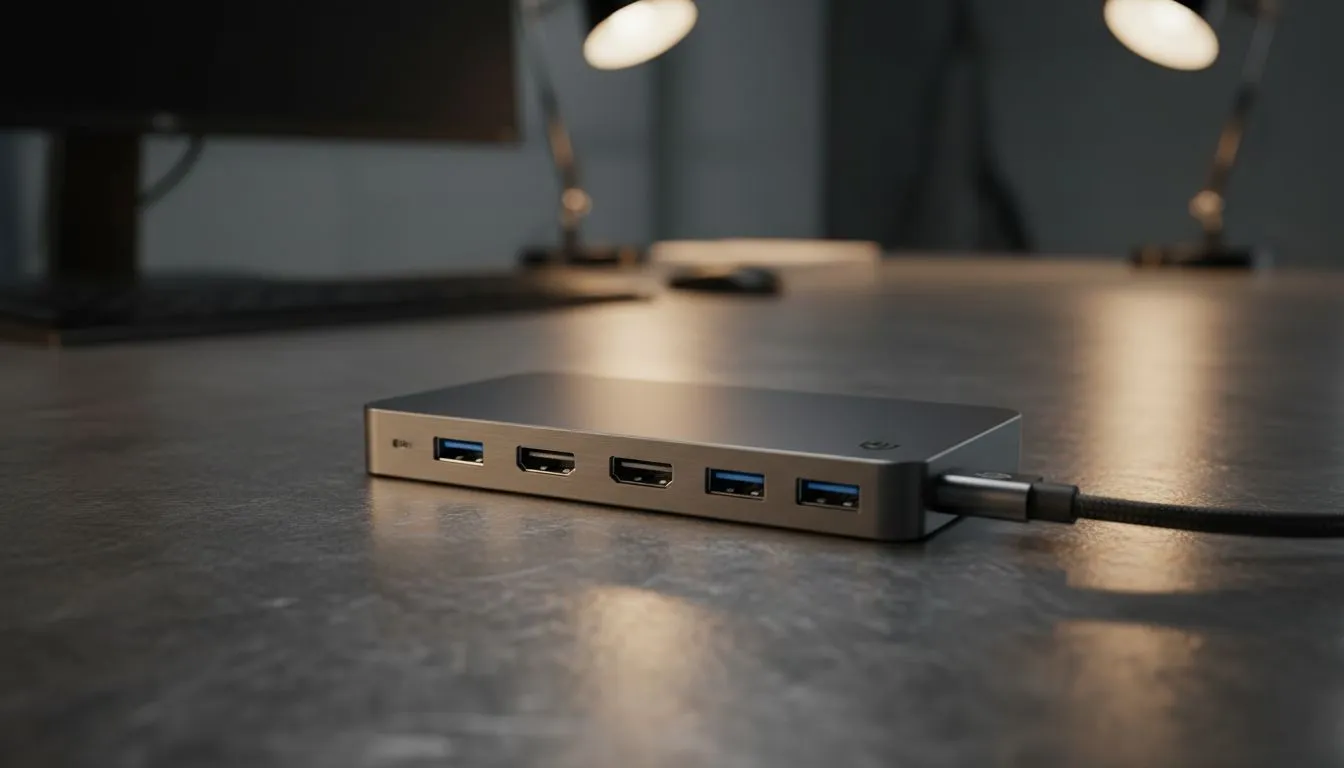
Your laptop is a powerhouse, but let's be honest... that single USB-C port can feel a bit lonely. You're juggling chargers, dongles, and adapters just to connect your essentials. This brings up a massive question for anyone serious about their desk setup in South Africa: when it comes to a USB-C hub vs docking station, which one truly rules for office work and productivity? Let's plug in and find the answer. 🔌
USB-C Hub vs Docking Station: What's the Real Difference?
At first glance, they seem to do the same job: give you more ports. But the difference between a USB-C hub and a docking station is like the difference between a bakkie and a freight train. Both carry things, but they're built for entirely different scales of work.
The Mighty, Portable USB-C Hub
Think of a USB-C hub as a compact multi-tool. It's typically small, bus-powered (meaning it draws power from your laptop), and designed for portability. It's perfect for expanding your connectivity on the go or for a minimalist desk. Most hubs will give you a few extra USB-A ports, an HDMI output for a single monitor, and maybe an SD card reader. Simple, effective, and budget-friendly.
The Command Centre: The Docking Station
A docking station is the heart of a permanent desktop setup. It’s a more robust solution that almost always has its own dedicated power supply. This is key because it can charge your powerful laptop while running a whole suite of peripherals. We're talking multiple 4K monitors, a wired Ethernet connection for stable internet (a must-have during loadshedding!), and a ton of USB ports for all your gaming accessories. It’s the one-cable dream: plug in your laptop and your entire workstation comes to life. ✨
Choosing Your Champion: Which One Fits Your Workflow?
The right choice in the USB-C hub vs docking station debate depends entirely on how you work and play. It’s not about which is "better," but which is better for you.
Are you a digital nomad, a student, or someone who just needs to connect a mouse and an external drive? A USB-C hub is likely your perfect match. It’s a cost-effective way to solve the most common port problems without cluttering your bag or desk. You can find some incredible bargains on essential peripherals on our gaming accessories deals page to pair with a new hub.
Cable Management Pro Tip ⚡
Use Velcro cable ties or a simple sleeve to bundle the cables coming from your hub or dock. This one small step can make your desk look instantly more organised and professional. A clean space often leads to a clearer mind!
However, if you're a professional, a content creator, or a gamer building a serious battle station with multiple monitors, a docking station is a non-negotiable investment. The ability to drive two or even three high-resolution displays, get lag-free Gigabit Ethernet, and connect all your high-performance gear with a single cable is a massive productivity boost. It turns your laptop into a true desktop replacement.
The Verdict: Can a Hub Replace a Dock for Office Work?
For light office tasks and hot-desking, a high-quality USB-C hub can certainly do the job. But for a permanent, powerful, and efficient home office setup, a docking station is the undisputed champion. It offers more power, more display outputs, and more stability.
Ultimately, the goal is to create a seamless workflow where your technology serves you, not the other way around. Whether you choose the portability of a hub or the raw power of a dock, expanding your connectivity is one of the best upgrades you can make. It’s about matching your hardware to your ambition and ensuring you have the right PC components and accessories to get the job done. 🚀
Ready to Build Your Ultimate Workspace? The right connection makes all the difference. Whether it's a portable hub or a powerful dock, the perfect setup is waiting for you. Explore our massive range of PC accessories and find the perfect gear to conquer your workday.











