


Complete Guide: Setting Up Monitor Light
Setting Up Monitor Light. Tested & verified settings for best FPS and visual quality on SA hardware budgets.
Read moreWondering if a USB-C microphone is worth it in South Africa? For gamers, creators, and hybrid workers, we compare setup, audio, and compatibility fast. 🎧🇿🇦
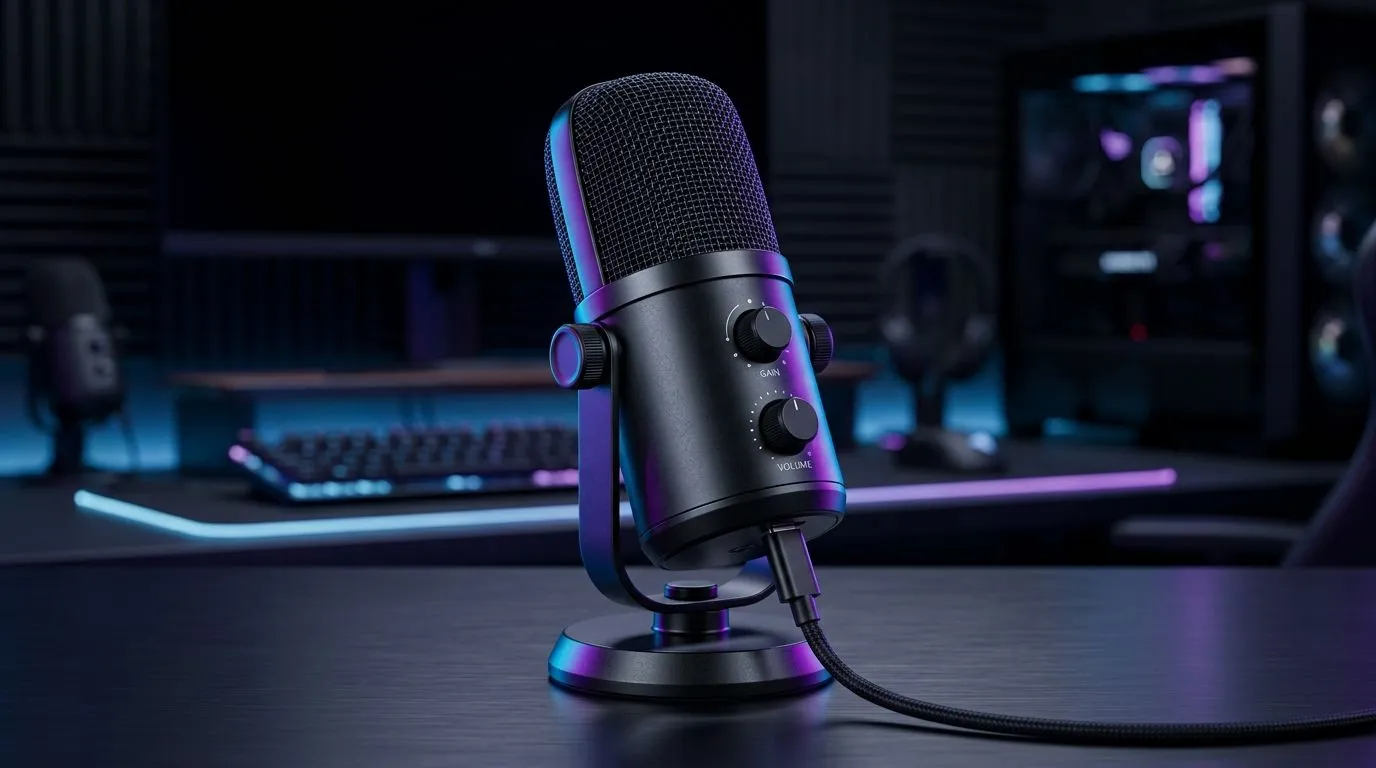
If you’re gaming in South Africa, you already know how quickly sound can ruin the vibe. A teammate can hear your keyboard clicks, your mic can distort under load, and suddenly your “strategy chat” turns into background noise. So… are USB‑C microphones actually worth it? In many setups, yes. USB‑C can simplify setup, cut down on extra boxes, and still deliver crisp voice for Discord, streaming, and squad comms. 🎧
With a USB‑C mic, your computer usually handles the audio processing. That means fewer cables, less fiddling, and a faster path from “unboxing” to “tested in a live match.” For most players, that’s the biggest win.
That said, not every “USB” mic is the same. You should still care about:
For streaming essentials, Evetech keeps a dedicated section of the gear that pairs with mics and cameras. If you’re building a full comms + content setup, start there: streaming essentials for a smooth upgrade path. 🚀
Let’s be practical. In SA, you’re often balancing a mic with a webcam, lighting, and maybe a decent headset. A USB‑C microphone can help you avoid spending extra on audio interfaces and converters.
If you’re considering brand-specific options, Evetech’s selection makes it easier to compare: CORSAIR streaming essentials. 🎮
And if you’re chasing a clean visual stream alongside audio, have a look at Cololight streaming essentials. ✨ Sometimes good lighting makes your voice feel “more together” even before anyone hears you.
A mic upgrade won’t fix everything if the room is noisy or you place the mic too far away. Use these quick checks before you judge the quality.
On Windows, enable and fine-tune your microphone levels in Sound settings (Input). Keep gain moderate so your voice stays clear without clipping, then test in a Discord call before you join ranked matches. Consistent levels beat “max volume” every time.
If you’re also upgrading your presence on camera, don’t ignore the “what people see” side. It affects how viewers judge your audio quality. Browse options here: webcams for smoother streaming. ⚡
So, USB‑C microphones worth it for South African gamers? For most people, yes. They reduce friction, shorten setup time, and make it easier to get clean speech in the chaos of squad chat.
If you’re building a streaming or gaming station, you’ll get more value by pairing a reliable USB‑C mic with matching essentials. Start simple, test quickly, then tweak levels until it feels effortless.
Ready to Find Your Perfect Match? The Mac vs Windows debate is complex, but for maximum power, choice, and value in South Africa, Windows is hard to beat. Explore our massive range of laptop specials and find the perfect machine to conquer your world.
Often yes—USB-C mics simplify setup and reduce driver issues. You still need good gain control and low-latency performance for clear comms.
Look for stable USB-C audio, consistent drivers, and adjustable monitoring. Streaming-focused USB-C microphones help you sound polished without extra audio gear.
Most modern USB-C microphones work plug-and-play on Windows. Check your laptop’s USB-C audio support and whether it uses standard UAC drivers.
Yes, many USB-C microphones support macOS with straightforward audio input selection. Confirm the mic appears as a standard input device.
USB-C usually wins for convenience and modern cable standards. The better choice depends on whether you want simple USB audio or different monitor/control features.
They can, especially for Teams, Zoom, and Discord. Prioritise background noise control, consistent levels, and easy gain settings.
Many do, but latency depends on your OS audio path and app settings. Use your mic as the default input and test in your game/VoIP app.
Setting Up Monitor Light. Tested & verified settings for best FPS and visual quality on SA hardware budgets.
Read more
Assassins Creed Shadows Ultrawide Support: 21:9. Clear setup instructions with SA-specific considerations, troubleshooting tips & recommended components.
Read more
Complete Gaming Setup Guide for the Collector. Clear setup instructions with SA-specific considerations, troubleshooting tips & recommended components.
Read more
Will the Steam Deck 2 Have an OLED Screen? Leaked. Plain-English explanation of what it means, why it matters & how it affects your buying decisions in SA.
Read more
Setting Up Ultrawide 144Hz. Tested & verified settings for best FPS and visual quality on SA hardware budgets.
Read more
Kingdom Come: Deliverance 2 Ultrawide Support. Clear setup instructions with SA-specific considerations, troubleshooting tips & recommended components.
Read more
When Will the RTX 6090 Launch in South Africa Detailed answer with SA data, expert analysis & practical recommendations for local buyers.

Top Valorant Settings for RTX 5070: FPS Optimisation picks evaluated on performance, value & SA availability with current Rand pricing from Evetech.

RDNA 3.5 Graphics in Ryzen AI 400? Can You Game. Plain-English explanation of what it means, why it matters & how it affects your buying decisions in SA.

GPU Price Index : December Report. Current stock data & price tracking for SA buyers. See what is available and where prices are heading.

Core i5-14600K + B760 + RTX 5060 Build Under. Full parts list, Rand pricing & expected performance. Build confidently with SA-available components.

RX 7600 Apex Legends at 4K: FPS Benchmark. Real-world benchmark data, FPS numbers & performance analysis. What SA gamers can actually expect.

RX 7900 XTX GTA 6 at 4K: FPS Benchmark & Optimal. Real-world benchmark data, FPS numbers & performance analysis. What SA gamers can actually expect.

Head-to-head comparison of RTX 5070 vs RX 9070 XT: Gaming Performance for SA gamers. Performance benchmarks, Rand pricing & which delivers better value.

Starfield Max Settings on RTX 5070. Tested & verified settings for best FPS and visual quality on SA hardware budgets.

Top RX 7800 XT Model Under R8,000 picks evaluated on performance, value & SA availability with current Rand pricing from Evetech.

RTX 5070 Valorant Optimised Settings: Graphics. Real-world benchmark data, FPS numbers & performance analysis. What SA gamers can actually expect.

Top Laptop with Core i7 + RX 7700S: Picks picks evaluated on performance, value & SA availability with current Rand pricing from Evetech.