

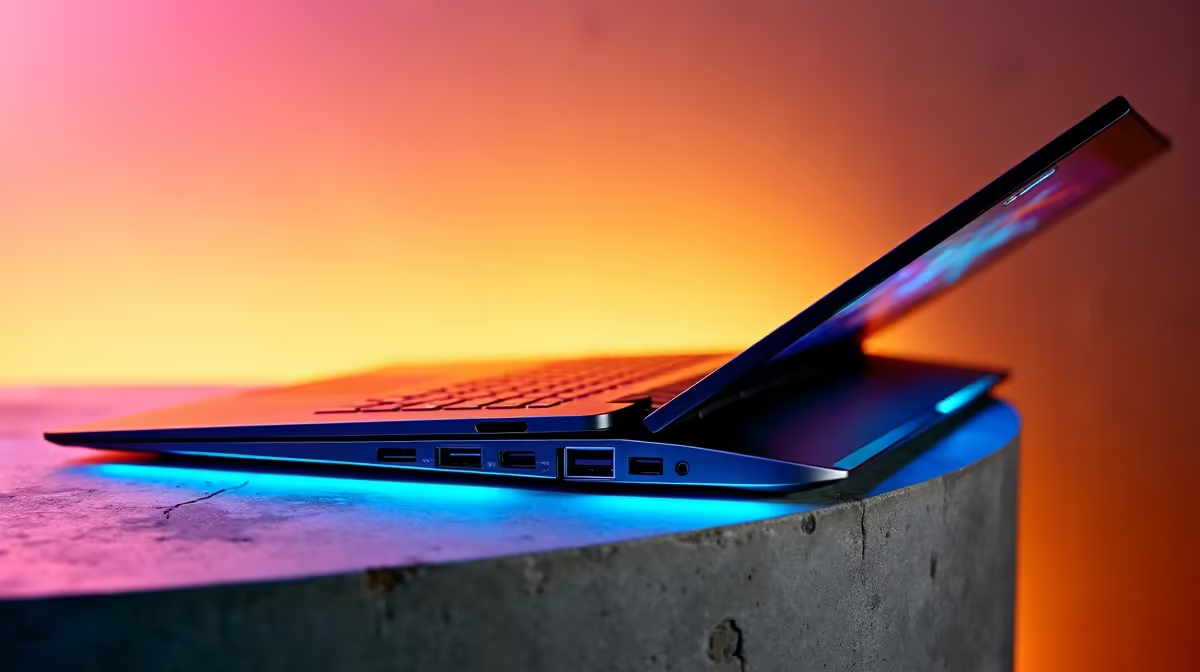
USB-C Power Delivery for Laptops: Why it matters to South African gamers ⚡
If you game on a laptop or buy one for work-and-play, USB-C Power Delivery can change how you think about chargers and cable clutter. In South Africa, where plug points, travel and value matter, understanding USB-C Power Delivery for your laptop helps you choose a single charger that powers laptops, phones and consoles without fuss — and saves you space in your backpack. 🔧
How USB-C Power Delivery works for your laptop
USB-C Power Delivery (PD) is a negotiated charging standard. When you plug a PD-capable charger into your laptop, the USB-C host and charger exchange power profiles so they both agree on voltage and current. Modern PD 3.1 supports higher voltages and up to 240W for demanding machines; the USB Implementers Forum explains the PD tiers and safe negotiation behaviour (see usb.org for the spec). Because negotiation happens over the cable, PD prevents over‑delivery and keeps devices safe.
Picking the right wattage and cable for real-world use
Think of wattage like plumbing: more flow lets heavier systems run and charge faster. Ultrabooks often need 45–65W; gaming laptops commonly require 100W or more. If you’re unsure, check your laptop's charger label or spec page. For convenience, shops list chargers by price and power so you can match budget with capability — for example, browse a broad EVETECH charger range to compare models and specs.
Practical tips for South African buyers (and gamers)
- Match the charger's maximum wattage to peak laptop draw. Underpowering gives slow charge; overpowered PD simply negotiates down.
- Use cables rated for the power you intend to draw. A cheap USB-C cable might misreport capabilities.
- If you commute, choose a compact PD charger under R1,000 that still supports 65–100W for a balance of cost and capability — see a curated selection of chargers under R1,000.
- For a tight budget, there are solid options under R500 that cover phones and light laptops — check budget chargers under R500.
Charging Smart ⚡
Store one short, high-watt PD charger in your laptop bag and a low-profile USB-C cable. If your laptop supports 100W PD, a 100W-rated cable avoids throttles; for phones, a 60W cable is fine.
Safety, compatibility and real examples
PD negotiation prevents running a laptop at wrong voltage, but not all USB-C ports are equal — some are data-only. Confirm your laptop's manual or product page before relying on third-party chargers. If you want a reliable brand or specific capabilities like GaN tech for smaller bricks, compare models on EVETECH's main charger listings. For brand-focused shopping, Promate chargers are a popular option among local buyers and listed on Evetech if you prefer a known brand.
Micro-story: A Cape Town commuter’s switch
Jabu swapped three bricks for one 100W USB-C PD GaN charger. He travels with a single charger that tops up his laptop on the train, powers his phone, and keeps his Switch docked at a friend’s flat. Fewer chargers, fewer blown sockets, and he saved space in his backpack. Small choices like proper cables and a good-rated charger made it work — and his laptop still performs during sessions.
Where to start shopping right now
If you want to compare full ranges and spec sheets, visit Evetech's comprehensive charger range. Looking for value? Start with curated budget chargers under R500, or step up to chargers under R1,000 for more power and GaN designs. If brand is important, take a look at Promate chargers listed on Evetech.
- Browse the comprehensive charger range at Evetech for specs and options: https://www.evetech.co.za/PC-Components/charger-397.aspx
- Find chargers under R1,000 to balance portability and power: https://www.evetech.co.za/PC-Components/charger-397.aspx?max-price=1000
- Need a tight-budget option? Check budget chargers under R500 here: https://www.evetech.co.za/PC-Components/charger-397.aspx?max-price=500
- Prefer a specific brand? Browse Promate chargers on Evetech: https://www.evetech.co.za/PC-Components/charger-397.aspx?brands=Promate ✨
Ready to Find Your Perfect Match? The Mac vs Windows debate is complex, but for maximum power, choice, and value in South Africa, Windows is hard to beat. Explore our massive range of laptop specials and find the perfect machine to conquer your world.











