

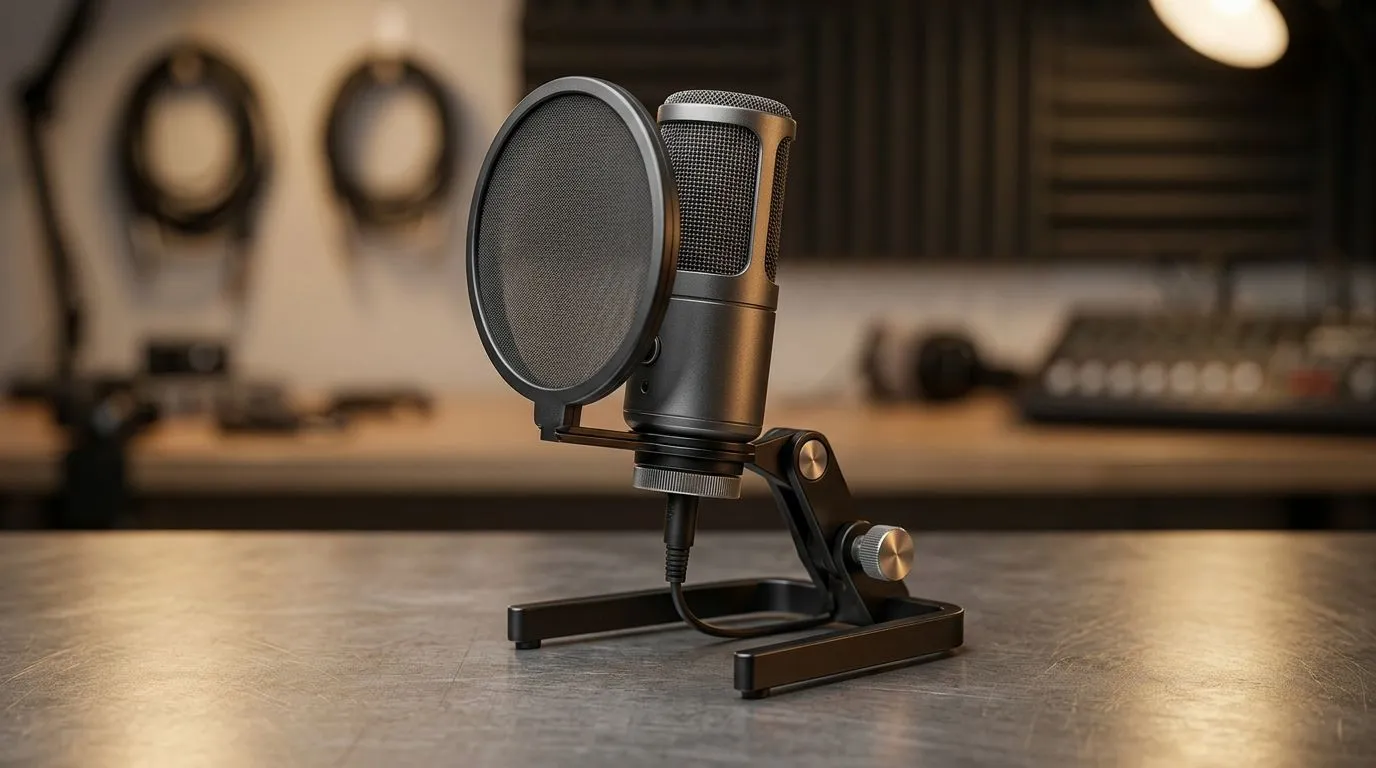
Why USB Microphone Placement Matters for Clear Voice Audio
Every South African streamer or podcaster knows how frustrating muffled voice can be. You’ve got the passion, the hardware, and a killer setup — but your audio sounds like it’s trapped in a tunnel. The secret to crystal-clear sound isn’t just the mic itself, but how you position your USB microphone. Get placement right and your voice will cut through the noise, making every word sharp and engaging for your audience ⚡.
Best Practices for USB Microphone Placement
Find the ‘Sweet Spot’ for Your Mic
Position your USB microphone about 15 to 30 centimetres from your mouth. Too close and you risk popping sounds and distortion; too far and your voice can appear distant and muffled. Angle it slightly upwards or straight on, depending on your speaking style and environment.
For consistent quality, avoid placing the mic directly in front of your computer fans or near reflective surfaces that bounce sound around. A simple pop filter combined with smart placement can work wonders.
Room and Environment Impact Audio Quality
Acoustic reflections from walls, desks, or windows can colour your voice audio. Use soft materials or foam panels to reduce unwanted echoes. If your setup isn’t flexible, consider a dynamic USB microphone which often performs better in untreated rooms.
Explore streaming essentials at Evetech to find mic stands, pop filters, and acoustic treatments that suit your gaming or podcasting space: check out streaming gear here.
Pro Tip for Better Audio
Adjust your microphone’s angle and distance a little each session. Small tweaks help you discover the perfect setup for your unique voice and room.
Choosing the Right USB Microphone with Placement in Mind
Not all USB microphones handle placement challenges equally. For instance, the CORSAIR range offers versatile mics with flexible arms and noise-cancelling features that make ideal placement and clear audio easier to achieve. See the full collection here: CORSAIR streaming essentials.
Optimising audio isn’t only about the mic position but the entire setup, including webcams — essential for gaming streamers who want to pair compelling visuals with great sound. Explore Evetech’s webcams section for the best options.
Practical Setup Tips to Avoid Common Pitfalls
Avoid placing your microphone directly in front of your PC’s heat exhaust or near your keyboard. These create unwanted hiss or tapping that ruins clean audio. A desktop boom arm can lift and position your mic more flexibly than a fixed stand.
Good cable management helps too. Tangled cables can cause mic interference or accidental shifts in placement during intense gaming sessions. Check out ambient lighting to reduce eye strain without adding noise—Cololight products are both stylish and practical: Cololight options here.
Your voice deserves a setup that matches your skills and personality. Proper USB microphone placement makes listeners feel like they’re right next to you—clear, crisp, and alive.
Optimise Your Voice Audio Today Don’t settle for muffled sound. Elevate your streaming or recording setup with high-quality gear — Shop now at Evetech for performance that leaves lag in the dust.











