


GPU Setup Guide for SA Gamers
GPU Setup Guide Gamers. Clear setup instructions with SA-specific considerations, troubleshooting tips & recommended components.
Read moreUSB plug-and-play microphone benefits for PC, Mac, console, and handheld gaming: set up fast, stable audio, and no extra drivers. Plug in, speak, and play 🎙️✅
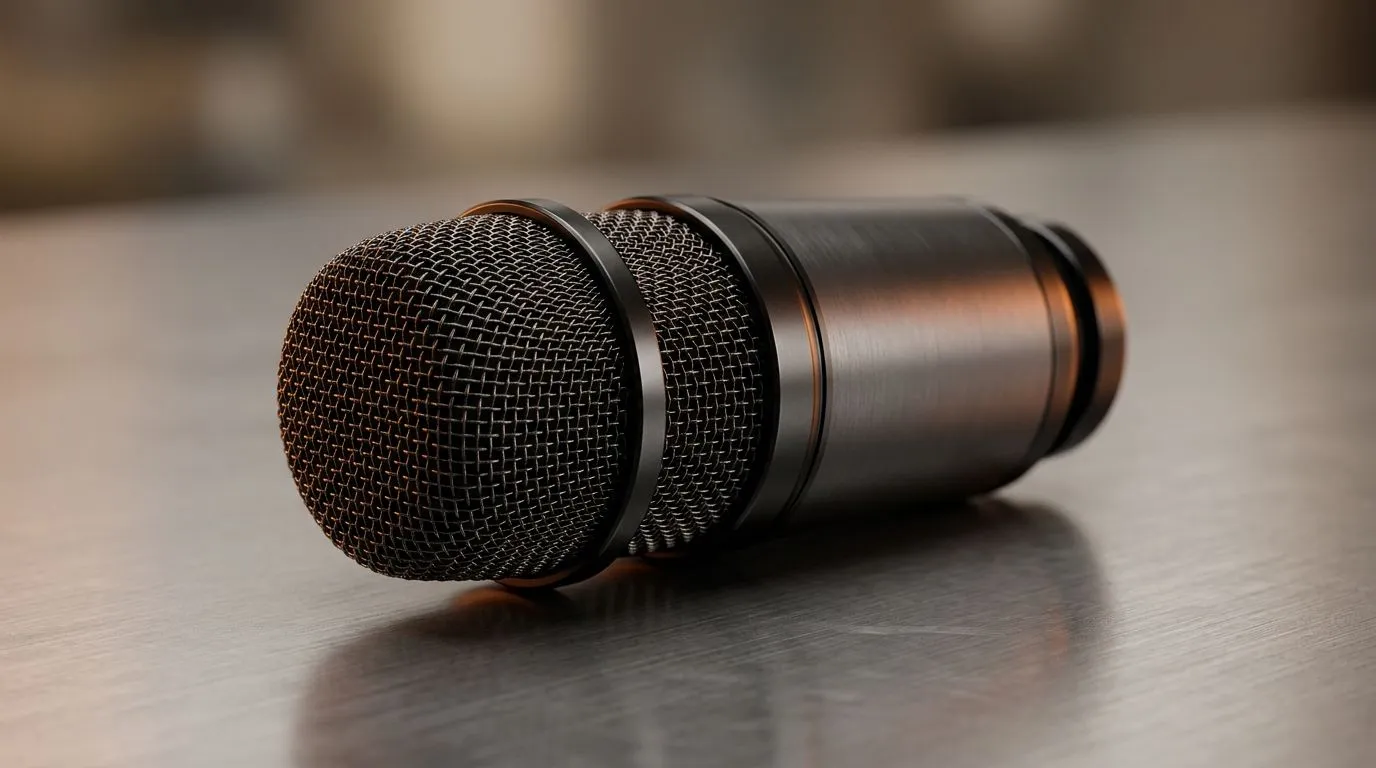
South African gamers know that clear voice chat can make or break a match. No one wants to fiddle with complicated setups when you're aiming to clutch that final round. USB plug-and-play microphones bring simplicity to your gaming PC — just plug it in and start communicating. No driver headaches, no delays. This streamlined setup means you focus on your game, not your gear 🔧.
One major perk is compatibility. Most USB microphones work right out the box across Windows PCs and many laptops. Forget scouring forums for driver fixes — the plug-and-play feature simplifies your gaming rig. Whether you’re streaming or just chatting in Discord, you get clear, stable audio without fuss.
If you want a smooth start, check out streaming essentials that include reliable USB mics at Evetech’s streaming essentials page — curated for hassle-free setups.
Using a dedicated USB microphone outperforms built-in mic options by far. Gamers report clearer calls, with reduced background noise and latency. This clarity can heighten your team's coordination during intense gameplay. Plus, good USB mics capture your voice fully, so friends don’t miss crucial calls or game tactics.
Have a gaming session at a mate’s place? USB headphones don’t need bulky gear or special soundcards. Just plug your mic into any gaming PC or laptop—ideal for LAN parties or quick streams. Their compact design suits South African gamers on the move.
-and-play USB mics work best alongside a quality webcam and lighting setup. For flawless streaming, browse [Evetech’s CORSAIR streaming accessories](https: www.evetech.co.za PC-Components buy-streaming-essentials-369.aspx?brands=CORSAIR) for gear that complements your mic’s quality.
High-quality audio pairs perfectly with clear visuals. South African streamers can elevate their broadcasts by pairing USB mics with reliable webcams. Browse Evetech’s selection of webcams designed for content creators to create a professional streaming setup that’s easy to build.
To match your style and mood, some USB microphones come bundled or coordinate well with RGB lighting systems. Brands like Cololight offer ambient light kits that sync with your PC vibe and enhance your gaming room’s atmosphere. Check out Evetech’s offerings at Cololight streaming gear to add flair and function.
Whether you’re a beginner or a seasoned gamer, USB plug-and-play microphones unlock a fuss-free way to upgrade your voice communication without breaking the bank. You stay focused on gaming, confident your squad hears you loud and clear.
Upgrade Your Gaming Setup Today Ready for crystal-clear chat and quick setup? Shop now at Evetech and level up your gaming communication effortlessly.
USB plug-and-play microphone benefits include instant recognition by your device, fewer driver steps, and consistent audio for streaming, chatting, and gaming.
Most plug-and-play USB microphones are driver-light. Windows usually detects them automatically, so you can start voice chat or streaming quickly.
Yes. A USB microphone for Mac typically appears as an input device right away in Sound settings, making setup fast for calls, recordings, and gaming.
Many USB mics work with PS5 and Xbox as long as the console supports USB audio input. Check your console audio settings after plugging in.
Some handheld setups support USB audio, letting you use a handheld gaming microphone usb option for clearer comms. Verify port and audio input support.
Often yes for detail and clarity, but it depends on your room noise. For noisy spaces, a more controlled mic pickup can sound cleaner.
USB mics usually deliver low latency for voice chat. Actual delay depends on your apps and any monitoring or processing settings you enable.
Set the USB mic as your input device, adjust gain/output levels, and test in your game chat or streaming software to avoid clipping or muffled speech.
GPU Setup Guide Gamers. Clear setup instructions with SA-specific considerations, troubleshooting tips & recommended components.
Read more
When Will the RTX 6090 Launch in South Africa Detailed answer with SA data, expert analysis & practical recommendations for local buyers.

Top Valorant Settings for RTX 5070: FPS Optimisation picks evaluated on performance, value & SA availability with current Rand pricing from Evetech.

RDNA 3.5 Graphics in Ryzen AI 400? Can You Game. Plain-English explanation of what it means, why it matters & how it affects your buying decisions in SA.

GPU Price Index : December Report. Current stock data & price tracking for SA buyers. See what is available and where prices are heading.

Core i5-14600K + B760 + RTX 5060 Build Under. Full parts list, Rand pricing & expected performance. Build confidently with SA-available components.

RX 7600 Apex Legends at 4K: FPS Benchmark. Real-world benchmark data, FPS numbers & performance analysis. What SA gamers can actually expect.

RX 7900 XTX GTA 6 at 4K: FPS Benchmark & Optimal. Real-world benchmark data, FPS numbers & performance analysis. What SA gamers can actually expect.

Head-to-head comparison of RTX 5070 vs RX 9070 XT: Gaming Performance for SA gamers. Performance benchmarks, Rand pricing & which delivers better value.

Top Laptop with Ryzen 5 + RTX 4090 Laptop: Picks picks evaluated on performance, value & SA availability with current Rand pricing from Evetech.

Top Budget GPU for Marvel Rivals picks evaluated on performance, value & SA availability with current Rand pricing from Evetech.

Valorant Settings on RTX 5070: Performance. Real-world benchmark data, FPS numbers & performance analysis. What SA gamers can actually expect.

Top Budget GPU for Assassins Creed Shadows picks evaluated on performance, value & SA availability with current Rand pricing from Evetech.