

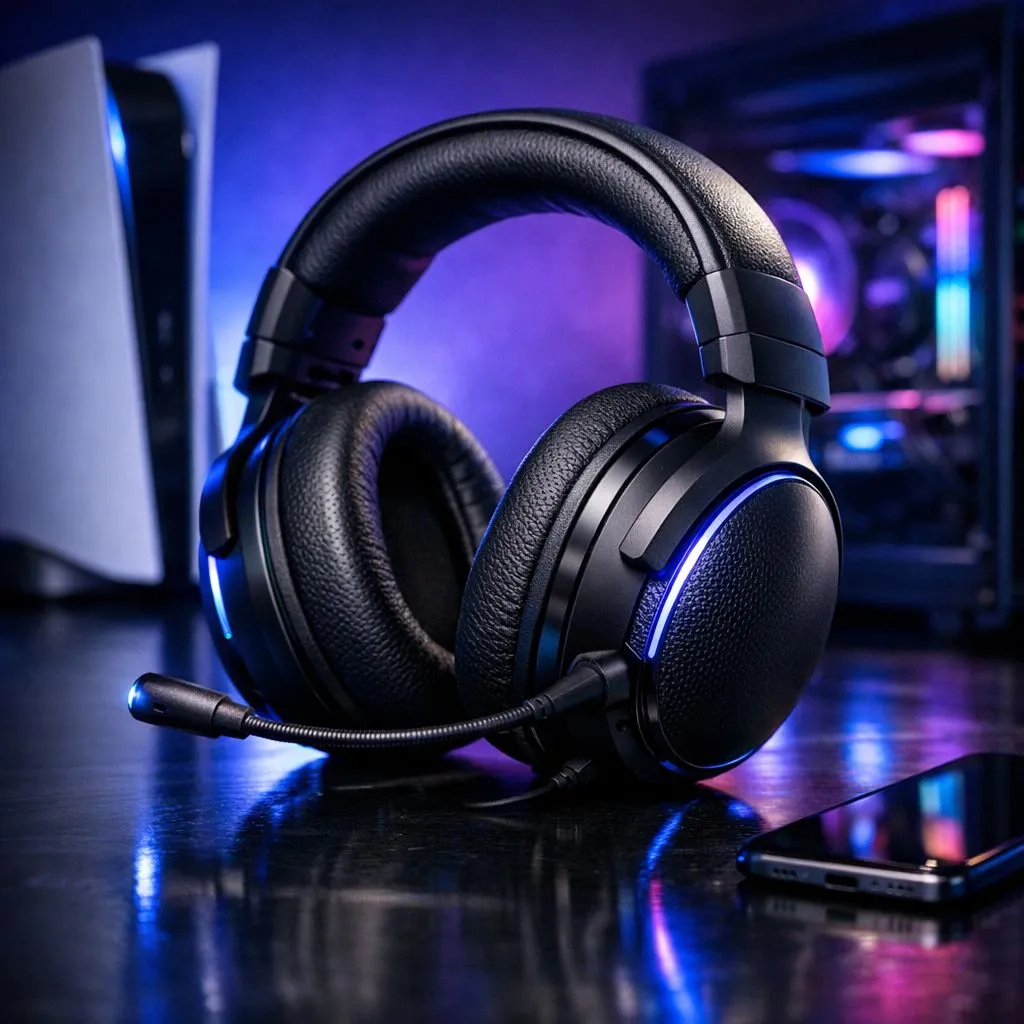
Use One Gaming Headset Across PC and Consoles — why bother? 🎧
Tired of swapping headsets whenever you switch from PC to console? In South Africa, where every rand counts, getting one versatile headset saves space and cash. This quick guide drops practical setup tips, real-world compatibility notes, and where to look first so you can game tonight without fuss.
Use One Gaming Headset Across PC and Consoles — compatibility basics
First: check how your headset connects. USB dongles, wired 3.5 mm jacks and Bluetooth behave differently across PCs, PS5, Xbox and Nintendo Switch. If you want the smoothest path, look for headsets that support a wireless USB transmitter and wired analogue fallback. For a solid example to compare, see the Razer Barracuda X Chroma on Evetech for its multi-platform approach and full spec list. 🔌
Use One Gaming Headset Across PC and Consoles — practical setup tips
- On PS5 and Switch, USB transmitters are usually plug-and-play.
- Xbox tends to prefer Microsoft-certified wireless protocols; a wired 3.5 mm connection often works best.
- For Windows, confirm your sound device is set as default and disable onboard enhancements if audio sounds colored.
If you want a quick look through brand options and drivers that matter, browse Evetech’s Razer headphones and headsets collection for compatible picks and driver links.
Quick Compatibility Tip ⚡
Always test both wired and wireless modes before a competitive session. Use the console's microphone test tool, and on PC try a voice call app to confirm mic levels. If latency appears on wireless, switch to a wired 3.5 mm connection for zero-latency chat.
Use One Gaming Headset Across PC and Consoles — audio, mic tuning and battery
Audio tuning matters as much as physical compatibility. Use the headset’s companion app on PC to tweak EQ, surround simulation and sidetone. For battery-managed wireless headsets, keep a short USB-C cable handy so you can keep playing while charging. Want variety? Evetech’s wider headphone and headsets section helps you compare specs and prices across brands and models so you can pick the best fit for your budget and setup. 🚀
Use One Gaming Headset Across PC and Consoles — purchase & support notes
Before you buy, check official product pages for warranty details and South African stock or deals. If local support matters, filter for retailers and models stocked in SA. For a top pick that blends PC and console ease, the Razer Barracuda X Chroma is a good place to start; check its current listing for ZAR pricing and local availability.
Ready to Find Your Perfect Match? The Mac vs Windows debate is complex, but for maximum power, choice, and value in South Africa, Windows is hard to beat. Explore our massive range of laptop specials and find the perfect machine to conquer your world.











