

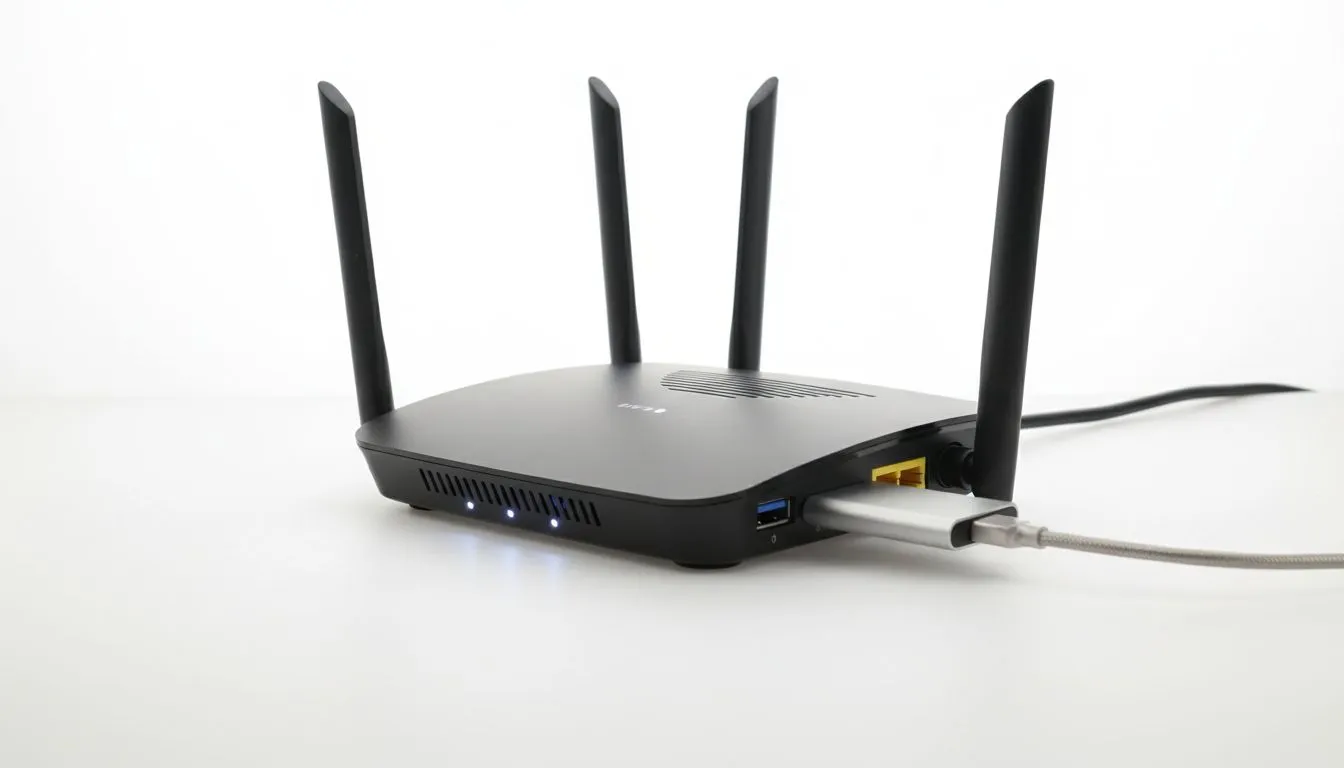
The Benefits of Local USB 3.0 File Sharing
Ever looked at the back of your router and wondered what that blue USB port is for? Most of us ignore it, but it is actually the key to building your own budget-friendly network storage. By learning how to use your router as a NAS, you can share movies, backups, and documents across your whole South African home without spending thousands on dedicated server hardware... it is a simple way to keep your data local and fast. 🔧
Setting up USB 3.0 file sharing transforms a standard networking device into a central hub. Instead of plugging a hard drive into your laptop every time you want to watch a movie, you can access it from your TV, tablet, or PC simultaneously. This is particularly useful for local gamers who want to store large installation files or media libraries without cluttering their primary SSDs.
How to Set Up Your Router NAS
The process is surprisingly straightforward. Most modern units from the Cudy South Africa range feature a built-in media server or Samba service. First, ensure your external hard drive is formatted to a compatible file system... usually NTFS or exFAT for larger files. Once you plug it into the USB 3.0 port, you will need to log into your router's web interface (usually via 192.168.1.1 or 192.168.0.1) to enable the sharing service. ⚡
Storage Format Tip ⚡
When setting up your drive, prefer the NTFS file system if you are primarily a Windows user. It handles large 4K movie files better than FAT32, which has a 4GB individual file limit. This ensures your high-bitrate local streaming remains uninterrupted during your weekend binge-watching sessions.
Choosing the Right Hardware for Your Network
Not all routers are created equal when it comes to data throughput. If you are looking for a reliable backbone for your home network, exploring the latest TP-Link wireless routers is a smart move. These devices often include robust software that makes managing user permissions for your shared files a breeze, ensuring your private documents stay private.
For those who need a portable or LTE-based solution, the Cudy LT700 AC1200 4G Router provides an excellent entry point. It allows you to maintain a local file share even if your primary fibre line goes down... a common reality for many of us. This ensures that your local "cloud" stays active regardless of external connectivity. 🚀
Optimising Performance and Security
To get the most out of your USB 3.0 file sharing guide implementation, always use shielded cables. Interference can slow down transfer speeds significantly, especially if your router is tucked away near other electronics. Additionally, always set a password for your network share. Leaving it open might be convenient, but it exposes your personal files to anyone who manages to get onto your Wi-Fi.
By taking these small steps, you can create a powerful, localised storage solution for just the cost of an external drive. It is an efficient way to reuse old hardware and keep your digital life organised without a monthly subscription fee in Rands. ✨
Ready to Build Your Home Network? Whether you need high-speed USB 3.0 sharing or a robust Wi-Fi 6 connection, we have the hardware to get you connected. Explore our massive range of wireless routers and find the perfect hub for your South African home or office.











