

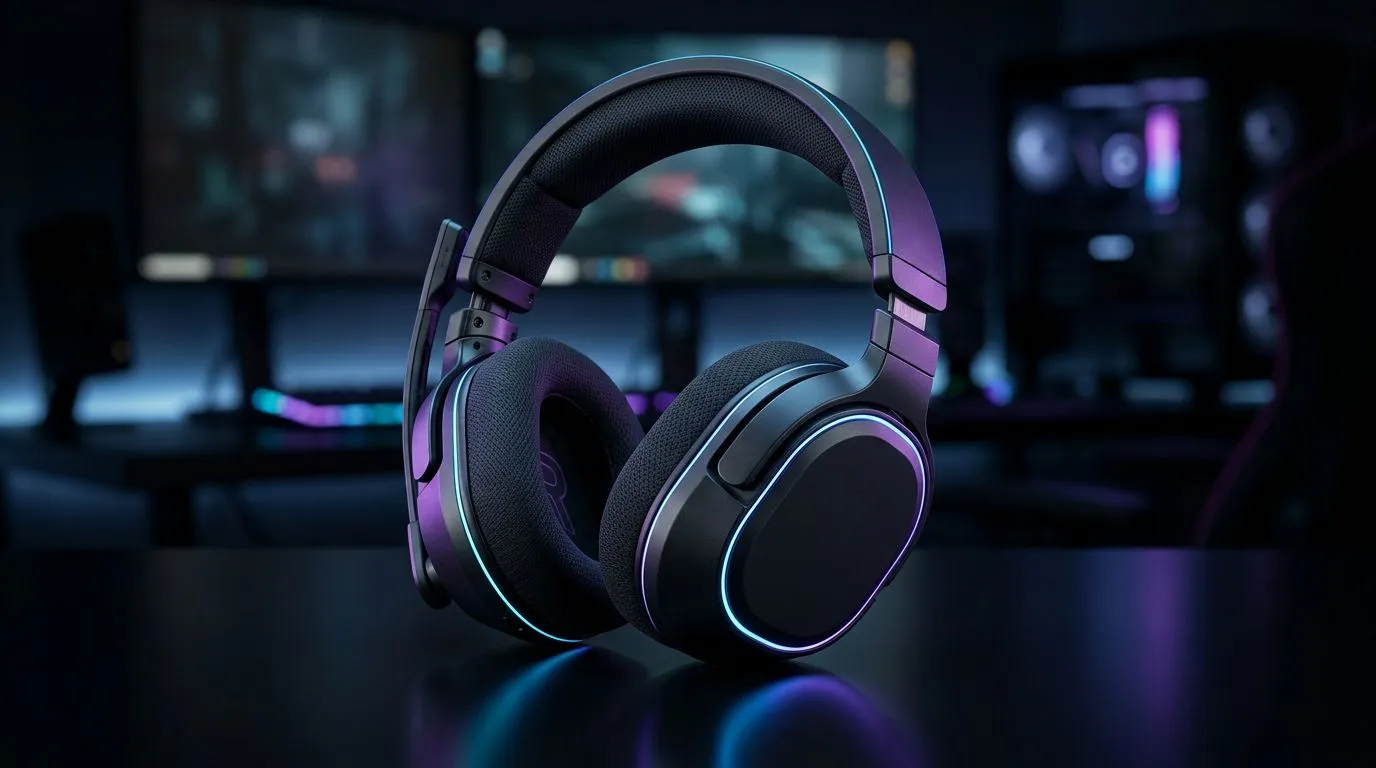
The Dual-Audio Dilemma
If you are like most South African gamers, your desk is a battlefield of cables and conflicting audio sources. You have your PC running your Discord chats and your console handling the latest AAA title on your monitor. Constantly unplugging your headset to switch between devices is a chore that kills your flow. Learning how to use one wireless headset for console and PC simultaneously is the ultimate way to streamline your setup and keep your head in the game. 🎧
Choosing the Right Hardware
Not every headset is built for multitasking. To achieve seamless audio switching, you need gear that supports simultaneous connections or rapid-fire pairing. If you are looking for a reliable starting point, the Razer Barracuda X Chroma is an excellent choice for gamers who value versatility without the messy wires. When browsing for your next upgrade, always check the compatibility list on our Razer headphone category page to ensure your chosen model supports your specific console platform.
Audio Routing Pro Tip ⚡
If your headset doesn't support dual-Bluetooth, consider using a dedicated hardware audio mixer. This allows you to pipe both your PC and console audio into one set of cans, giving you individual volume control for each source right at your fingertips.
Connectivity Strategies for SA Gamers
The most effective way to manage your audio is by prioritising headsets that offer both 2.4GHz wireless and Bluetooth connectivity. By keeping your PC connected via the 2.4GHz dongle and your phone or secondary device via Bluetooth, you can take calls or listen to guides without dropping your game audio. When you are ready to upgrade your entire audio ecosystem, our full range of premium headsets provides the specs you need to stay ahead of the competition. 🚀
Optimising Your Audio Workflow
Once you have your hardware sorted, take a moment to configure your Windows sound settings. Setting your headset as the default communication device ensures that your voice chat software automatically routes to your ears while game sounds stay crisp. Remember that consistent firmware updates via the manufacturer's software suite can often unlock hidden features like improved multi-source balancing. Keep your gear updated, keep your latency low, and enjoy the freedom of a clutter-free desk setup. ✨
Ready to Find Your Perfect Match? The audio setup debate is complex, but for maximum performance, comfort, and value in South Africa, a high-quality wireless headset is hard to beat. Explore our massive range of gaming headsets and find the perfect gear to conquer your world.











