

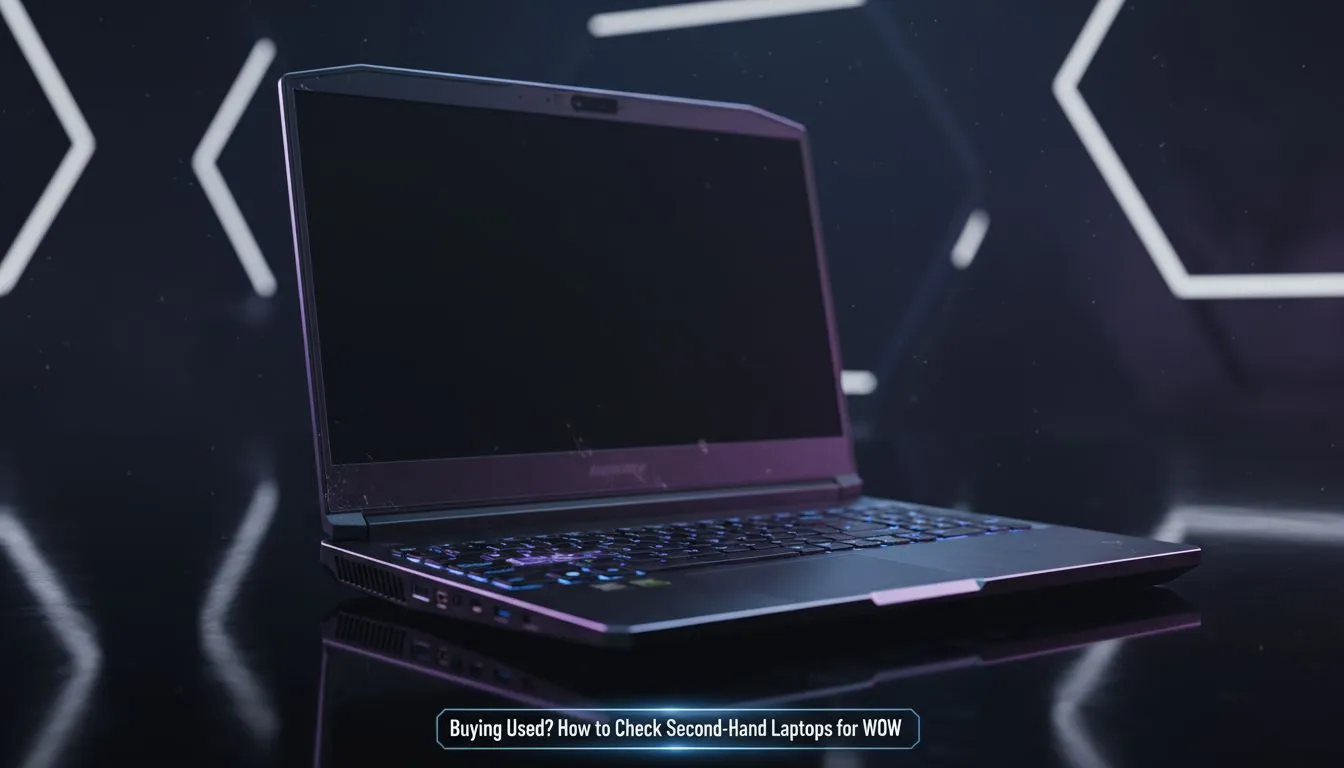
Dropping into Urzikstan requires more than just quick reflexes. If your frame rate tanks during a 1v1, it is game over. Buying a used gaming laptop for Warzone in South Africa can save you thousands of Rands, but it carries risks. You do not want a machine that overheats the moment you launch Battle.net. Here is how to verify a second-hand rig before you pay. 🚀
Verify the CPU and RAM Performance
Warzone is notoriously heavy on the processor. Unlike many titles that rely solely on the graphics card, this battle royale needs high clock speeds to manage player counts and physics. When inspecting a machine, check if it features modern architecture. You can often find incredible value in Intel laptops on special that offer the high single-core performance Warzone craves.
If the seller is offering an older unit, ensure it has at least 16GB of RAM. Running this game on 8GB will result in stuttering that makes the experience unplayable. Many local gamers also hunt for Ryzen laptop deals because these chips handle background tasks like Discord or Spotify much better while you are in-game.
Thermal Stress Test ⚡
Before handing over your cash, run a free tool like HWInfo64 alongside a benchmark like Cinebench. If the laptop hits 95 degrees Celsius within seconds and stays there, the thermal paste is likely dried out or the fans are failing. In the South African heat, a laptop with poor cooling will throttle and ruin your match... always check the temps first.
Check the Graphics Card and Display
To get a competitive edge, you need to see your enemies before they see you. This means looking for a GPU that supports modern upscaling tech. When hunting for a used gaming laptop for Warzone, try to find one with an NVIDIA RTX card. Having access to geforce rtx gaming laptops on special gives you DLSS support, which can boost your frame rate significantly without sacrificing too much visual clarity.
Inspect the screen for "ghosting" or dead pixels. A high refresh rate screen (120Hz or 144Hz) is almost mandatory for modern shooters. If the used unit only has a 60Hz panel, you might find yourself at a disadvantage against players with smoother displays. 🔧
Inspect the Physical Condition and Battery
South African conditions can be tough on hardware. Dust buildup is common, and frequent load shedding might have degraded the battery if the previous owner constantly ran it to zero. Check the battery wear level using the "powercfg /batteryreport" command in Windows.
If the price of a second-hand unit is creeping too high, compare it against new gaming laptops under R20k. Sometimes, the peace of mind that comes with a full local warranty outweighs the slight savings of a risky private sale. Look for signs of "keyboard shine" on the WASD keys... this indicates heavy use and might mean the mechanical components are nearing the end of their lifespan. ✨
The Final Verdict
Buying used is a great way to enter the PC Master Race on a budget. However, you must be diligent. Test the Wi-Fi stability, check every USB port, and ensure the SSD is not failing. Before you commit to a used deal, it is always worth browsing the latest best gaming laptop deals to ensure you are actually getting a bargain. Sometimes, a brand-new machine with the latest architecture is closer in price to a used one than you might think.
Ready to Find Your Perfect Match? Finding a reliable used gaming laptop for Warzone can be a mission, but you don't have to settle for second-best. For maximum power, local warranties, and the best value in South Africa, our new range is hard to beat. Explore our massive range of laptop specials and find the perfect machine to conquer your world.











