

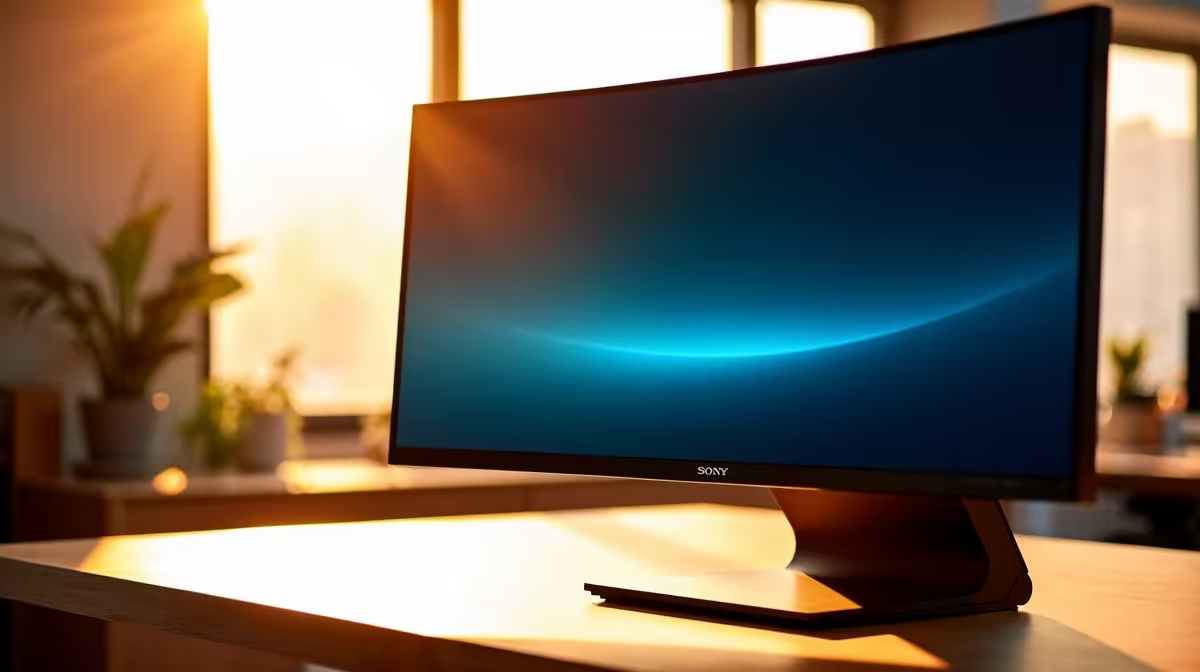
Ever tried to show your mate a killer play on your new screen, only for them to say it looks... washed out? Chances are, you've met the infamous viewing angle limitations of a VA panel. While they boast incredible contrast, their off-axis performance can be a real headache. This guide breaks down the real-world VA monitor viewing angle test, giving you practical insights for your office or gaming setup, so you always get the perfect picture. 🖥️
Understanding VA Panels: The Good and The Not-So-Good
Before we dive into the test, what exactly is a VA (Vertical Alignment) panel? Think of it as the master of contrast. The liquid crystals in a VA panel align vertically, blocking the backlight almost perfectly when a pixel is black. This is why they deliver those deep, inky blacks that make dark scenes in games like Alan Wake 2 or movies look so spectacular.
The trade-off, however, is viewing angles. When you move away from the centre, you start to see colour and gamma shifts. This is the core issue we'll explore.
The Real-World VA Monitor Viewing Angle Test
You don't need fancy lab equipment to run your own VA monitor viewing angle test. Simply open a colourful image or a game with a vibrant scene. Now, stand up and look down at the screen, then move from side to side.
Notice how the colours lose their punch and the darker areas start to look greyish? That’s called “gamma shift,” and it’s the primary weakness of VA technology. For a solo gamer sitting front-and-centre, it's a non-issue. But for anyone who shares their screen for work collaboration or couch co-op gaming, it can be a deal-breaker. When evaluating our wide range of PC monitors, this is a critical factor to consider.
Why It Matters for Office & Gaming
In an office setting, if you're presenting something to a colleague at your desk, they won't see the same accurate colours you do. For gamers, it means spectators get a sub-par view of the action. This effect can be even more noticeable on large, high-resolution screens, where even the corners of the display can show minor shifts if you sit too close. It's something to keep in mind when shopping for those crisp 4K monitors that offer incredible detail.
Check The Specs Before You Buy
When browsing online, always check the panel type (VA, IPS, or TN) in the product specifications. Knowing the pros and cons of each technology helps you make a much more informed decision and avoid buyer's remorse.
How to Optimise Your VA Screen Setup
So, you love the contrast of a VA panel but hate the viewing angle issue. What can you do? Luckily, you have a few powerful options to improve your experience.
Positioning is Everything 🔧
The simplest fix is ergonomic. Ensure your monitor is directly in front of you, with the centre at eye level. This is where the best picture quality lies. Investing in quality monitor accessories like an adjustable stand or a VESA mounting arm gives you the flexibility to dial in that perfect position with ease.
The Curve Is Your Friend
This is where VA technology truly shines. A curved screen bends the edges of the display towards you, effectively reducing the viewing angle difference between the centre and the sides. This simple geometric trick dramatically lessens colour shift and creates a more uniform, immersive experience. It's why so many of the best immersive curved monitors on the market use VA panels.
Know Your Use Case
Are you a solo competitive gamer? A VA panel's high contrast might give you an edge in spotting enemies in shadows. Do you often work with a partner or need a screen for presentations? Perhaps consider one of our handy portable monitors with an IPS panel as a secondary display for excellent colour accuracy from any angle.
The Verdict: Is a VA Monitor for You?
Ultimately, the choice comes down to your priorities. If you crave the deepest blacks for cinematic gaming and primarily view your screen head-on, a VA monitor offers incredible value and visual punch. The viewing angle limitations are a known trade-off, but one that can be managed with smart setup choices or by opting for a curved model. ✨
By understanding the results of a VA monitor viewing angle test, you can confidently choose a screen that fits your exact needs. Explore our full catalogue of all our gaming monitors to compare VA, IPS, and other panel technologies side-by-side.
Find Your Perfect View at Evetech Ready to upgrade? We've got a screen for every setup and budget, delivering stunning visuals and unbeatable performance. Check out the best PC monitor deals and find the perfect display for your rig today.











