

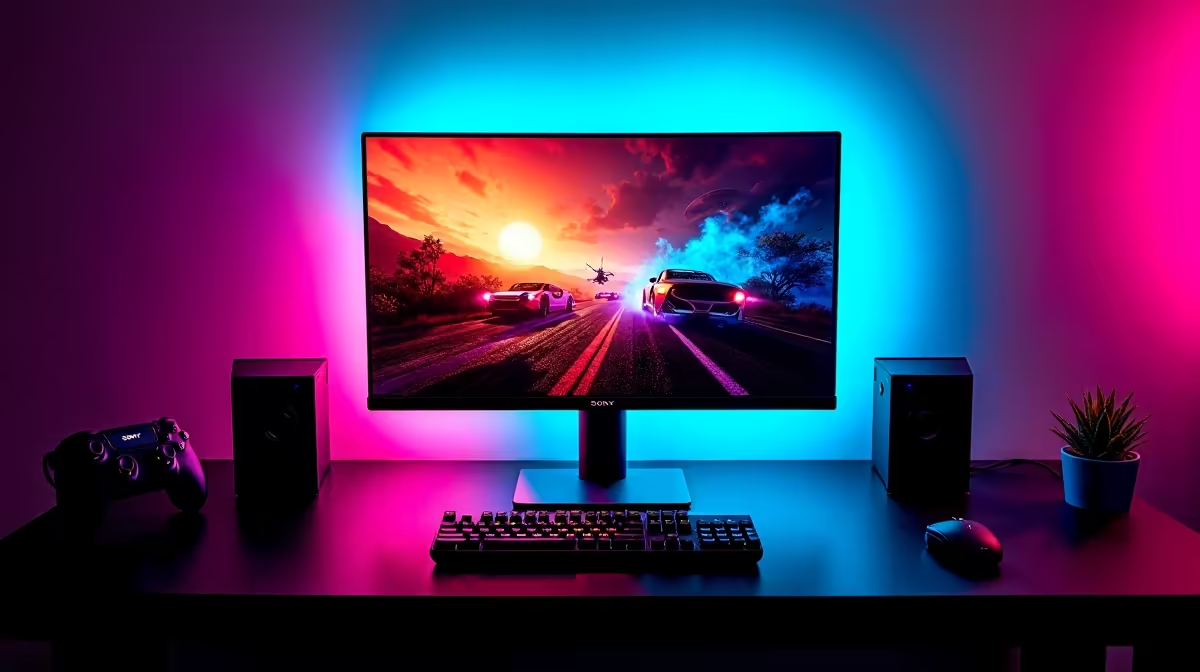
Valorant is a tactical shooter that rewards precision over raw firepower, which means your setup - particularly your mouse, monitor refresh rate, and network stability - can directly impact your ranked performance. South African players on the African servers have some unique considerations around latency and ISP choice that international guides do not cover.
Quick Answer
What setup do SA gamers need for Valorant? For Valorant in South Africa, prioritise a gaming monitor with at least 144Hz refresh rate, a gaming mouse with a precise optical sensor running at 400-800 DPI, and a stable fibre connection through a local ISP. The game is CPU-sensitive, so a modern mid-range CPU matters more than GPU for frame rate performance.
🔧 Hardware Requirements and Recommendations
Valorant is intentionally accessible - it runs on modest hardware. But for competitive play, here are the targets:
CPU: Valorant scales strongly with CPU single-core performance. A modern mid-range CPU (Core i5 or Ryzen 5 from the last three generations) will push 200+ FPS at low settings on a 1080p display.
GPU: The GPU is less critical than the CPU for Valorant at 1080p low/medium settings. Even integrated graphics can run Valorant - a dedicated mid-range GPU is for players who want to maintain frame rates at higher visual settings or higher resolutions.
RAM: 16GB DDR4 or DDR5 is comfortable. Valorant itself uses around 4-5GB of RAM, leaving plenty for Windows and background apps.
Monitor: A 144Hz 1080p IPS monitor is the minimum competitive recommendation. 240Hz or 360Hz panels are used by high-ranked players where the extra frames translating to smoother motion is a genuine advantage in tracking targets.
Mouse: Low weight (under 90g), high-precision optical sensor, and 1000Hz polling rate. Most SA competitive players run 400-800 DPI with higher in-game sensitivity.
📊 Network Setup for SA Valorant Players
Valorant's African servers are hosted in Johannesburg, making ping from major South African cities predictable:
- Johannesburg: 5-15ms (essentially negligible)
- Cape Town: 30-50ms (comfortable for ranked play)
- Durban: 20-35ms
- Port Elizabeth / Gqeberha: 30-50ms
Wired Ethernet is strongly recommended over WiFi for ranked play. On SA fibre networks (Vumatel, Openserve, MTN Fibre), wired connections deliver stable sub-20ms ping to JHB servers from most major cities. WiFi adds jitter that appears as inconsistent registration - you will clip enemies and not get the kill.
💡 SA-Specific Tips
- Set your Valorant region to Africa (Johannesburg) in the client settings - some accounts default to European servers which adds 150ms+
- Use Afrihost or Vumatel-connected ISPs for the most consistent gaming latency on SA fibre
- Disable background downloads and cloud sync during ranked sessions
❓ Frequently Asked Questions
What DPI should I use for Valorant? Most SA competitive players run 400-800 DPI. The optimal setting depends on your mousepad size and personal preference - lower DPI with a large pad gives more control for precise aiming.
Do I need a 240Hz monitor for Valorant? Not for casual or even low-to-mid ranked play. 144Hz is a significant jump from 60Hz. The 240Hz to 360Hz upgrade is marginal and only relevant if you are Diamond rank or above.
Which SA ISP is best for Valorant? Any ISP on a quality fibre network (Vumatel, Openserve, MetroFibre) with a stable wired connection will give good results. The ISP matters less than the fibre provider's infrastructure quality and your physical connection to the router.
Evetech stocks Graphics Card Deals and Evetech Best Sellers — shop online with fast delivery across South Africa.
Ready to Find Your Perfect Match? Shop at Evetech











