

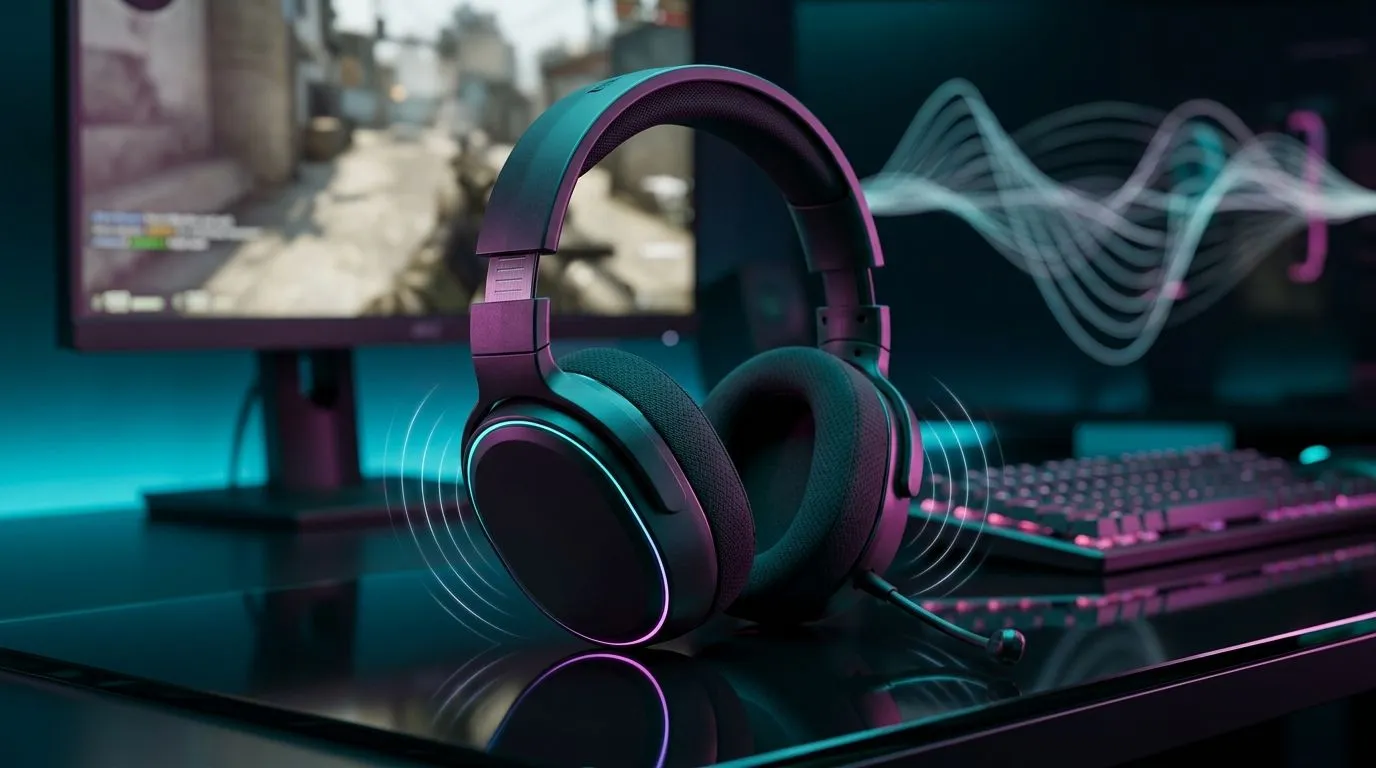
Virtual 7.1 Surround Sound: Positional Audio in FPS Explained
If you’ve ever heard an enemy “somewhere behind you” but it felt… wrong, you’re not alone. South African FPS players often chase better footsteps, clearer gun cues, and that “instant awareness” in hectic fights. The good news? Virtual 7.1 and positional audio can make a real difference when set up properly. ✨
Virtual surround isn’t magic. It’s smart audio processing… and it only works as well as your headset, settings, and game support.
What “Virtual 7.1” Actually Does in Positional Audio
Virtual 7.1 surround sound simulates multiple speaker channels using processing algorithms inside your headset. Instead of true speakers around you, the software “places” sounds in a wider soundstage and tries to cue direction (left, right, front, rear) based on audio characteristics.
In an FPS, positional audio helps you identify threat direction faster:
- Footsteps to the left or right
- Reloads and utility sounds behind you
- Grenade cook times and impacts at range
That direction cues accuracy depends on two things: your headset drivers and the audio profile you’re using. For example, gaming headsets like the Razer Barracuda X Chroma are built for spatial-style gaming audio, using features designed to enhance in-game cues. You can browse it here: Razer Barracuda X Chroma Wireless Headset (Phantom White) deal page.
Virtual 7.1 vs Stereo: Which One Helps Most?
Many players assume “7.1 is always better.” Sometimes it is… but not always. Stereo can sound more natural in some mixes, and fewer processing steps can mean fewer odd reverb artefacts.
If your game or headset tuning is already excellent in stereo, virtual surround can actually blur the exact positioning.
Use this rule of thumb:
- If footsteps feel “washed out” with 7.1 on… try stereo.
- If directional cues feel sharper but slightly narrow… try virtual surround again.
You can compare the kinds of headsets Evetech stocks in general here: Razer headphones and headsets collection, and then narrow down by category: Headphone & headset options.
Quick Setup Checklist for FPS Positional Audio 🎧
Before you blame the headset, check your settings. Small changes can fix a lot.
Windows and in-game audio alignment
- Match the game’s output mode (stereo vs surround) to your headset profile.
- Keep audio format consistent. If Windows is outputting one mode and the game expects another, cues can get weird.
- Turn off extra “enhancers” if you’re already using a virtual surround mode.
Don’t guess… test like a pro 🔧
Load a map section with predictable sound paths (hallways, staircases). Then:
- Stand in one corner.
- Have a friend make noise at known positions.
- Flip between 7.1 and stereo.
- Pick the setting where you identify direction fastest, not the one that sounds “loudest.”
Productivity Pro Tip ⚡
On Windows, create a dedicated audio preset per game and only switch when needed. Keep your communication app (Discord) on a separate output where possible, so your game audio stays clean and positional cues remain consistent during long ranked sessions.
Choosing the Right Headset for Virtual 7.1 Explained in FPS
Not every headset processes virtual surround the same way. If you want positional accuracy, you’ll generally care about:
- Driver quality (clear mids for footsteps)
- Comfort for long play (bad fit = fatigue = less precise play)
- A tuning profile that suits FPS mixes
If you’re specifically browsing for 7.1 capable options, here’s a useful filter starting point: Headsets with 7.1 options. And if you’re leaning toward simpler tuning, you can also explore stereo-focused picks: Headsets with Stereo audio options. 🚀
Final Thoughts: Better Cues, Better Decisions
Virtual 7.1 surround sound can absolutely improve positional audio in FPS… but only when your setup doesn’t fight itself. Take five minutes, test in a real map scenario, then commit to the profile that gives you the clearest left-right and front-back cues.
If you’re upgrading for performance this month, match the headset to your preferred audio mode, not just the feature name. ✨
Ready to Find Your Perfect Match? The Mac vs Windows debate is complex, but for maximum power, choice, and value in South Africa, Windows is hard to beat. Explore our massive range of laptop specials and find the perfect machine to conquer your world.











