

Dropping into Al Mazrah with stuttering frames is a quick ticket to the Gulag. South African gamers know the pain of high ping... but what if your hardware was entirely bulletproof? Achieving maximum visual fidelity on new hardware is not just a dream anymore. It is pure, unadulterated visual dominance. Let us explore how to configure this absolute beast for ultimate frame rates.
Unleashing the Ultimate GPU 🚀
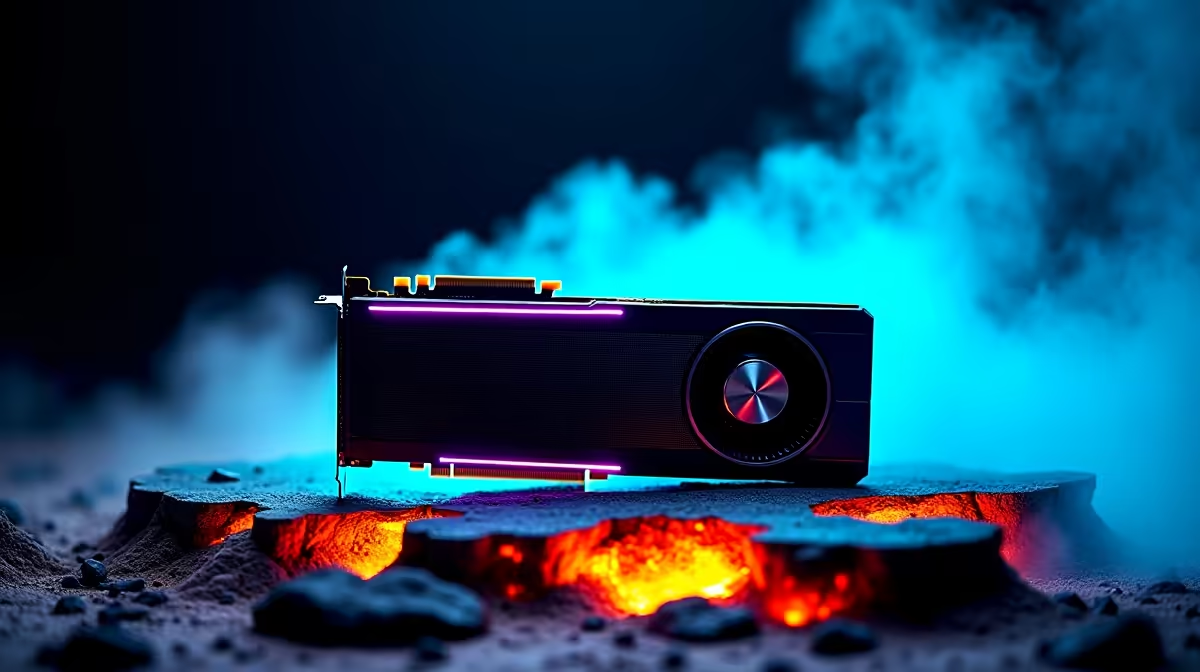
Pushing Warzone 2 Max Settings on RTX 5090 architecture requires serious horsepower. NVIDIA packs this flagship GPU with massive VRAM. It makes 4K gaming look completely effortless. The CUDA core count is simply staggering. It handles heavy textures without breaking a sweat. You will see every shadow, water reflection, and distant muzzle flash in breathtaking detail. If you are planning a massive system upgrade soon, browsing the latest graphics cards is your very first step.
But raw GPU power is only part of the complex equation. To truly optimise your competitive experience, you need a perfectly balanced system. Hardware bottlenecks will quickly ruin your frame pacing. Pair your incredible new card with top-tier processors and ultra-fast DDR5 memory. This prevents any stuttering during intense firefights.
Building the Perfect Rig 🔧
You cannot just slap a massive GPU into an outdated motherboard and expect miracles. To maintain those glorious frames, your entire system must communicate flawlessly. Your power supply must also deliver clean energy. High-end cards draw significant wattage under full load. Many local players prefer to skip the assembly stress entirely. Exploring custom gaming PCs ensures your components are perfectly matched and expertly built. They are rigorously tested before shipping.
Alternatively, you might want to plug in and play immediately. Beat the next load shedding schedule hitting your suburb. Checking out pre-built PC deals is a brilliant move. These premium rigs are specifically engineered to handle extreme thermal demands.
Warzone 2 Optimisation Tip ⚡
Even with a powerful GPU, always enable NVIDIA DLSS 3.0 in your graphics menu. Set it to 'Quality' mode for 4K displays. You get a massive frame rate boost without losing any visual clarity... which is absolutely crucial for spotting snipers across the map.
Portable Power and Smart Upgrades ✨
What if you travel often for work or studies? Desktop power is undeniably great... but portability matters. Modern mobile tech has evolved rapidly. Today, high-end gaming laptops pack desktop-class performance into a sleek chassis. You can easily throw it in your backpack. You can still dominate the lobby from absolutely anywhere in South Africa.
Building or buying a top-tier machine is a serious financial investment. ZAR pricing fluctuates heavily with global exchange rates. Smart buyers always keep an eye out for daily component specials to stretch their hard-earned budget much further. Every Rand saved on a premium motherboard is another Rand toward a beautiful 4K monitor. You need a high-refresh-rate display to do your new GPU justice.
Ready to Dominate the Warzone? Achieving true max settings requires hardware that refuses to compromise. Whether you want to build a custom monster or buy a ready-to-play rig in South Africa, Evetech has you covered. Explore our massive range of gaming PC specials and find the perfect machine to conquer your world.











