

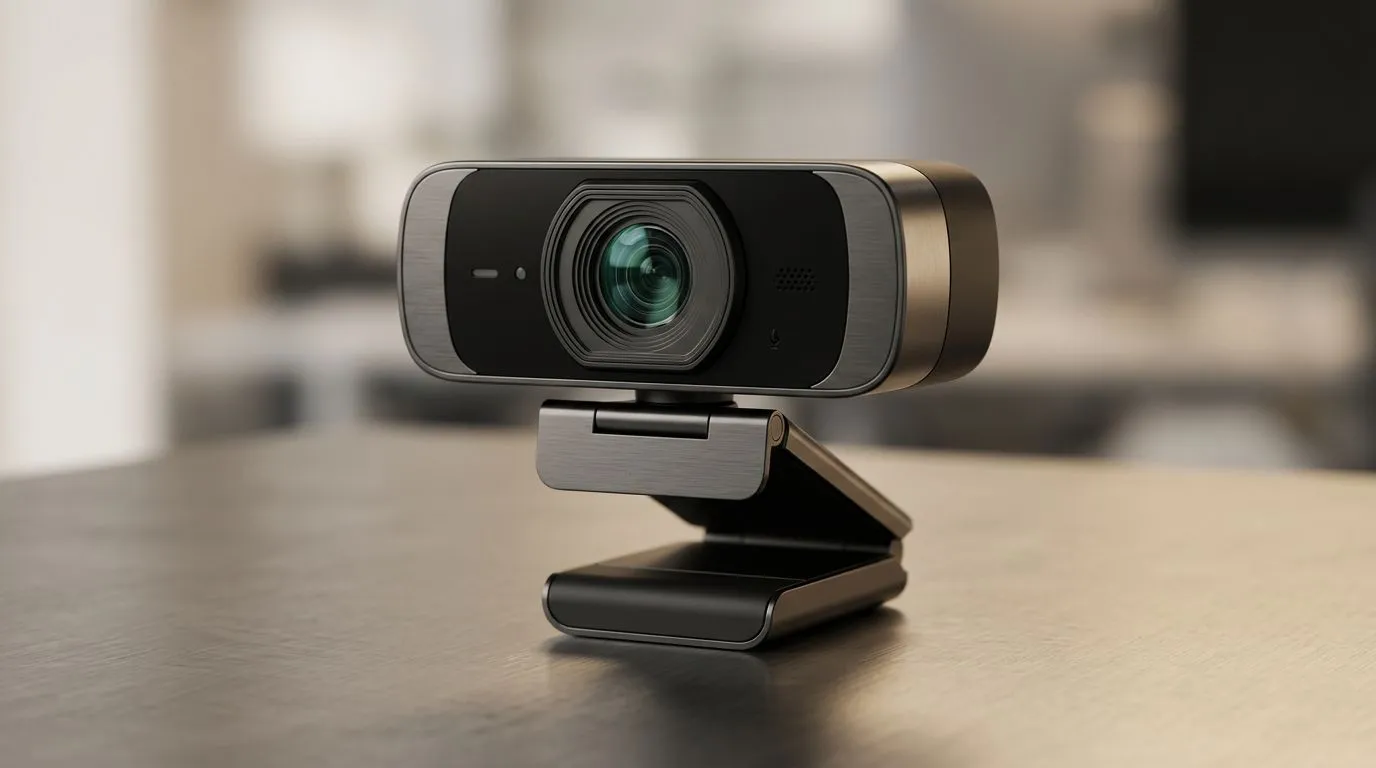
Why Your Webcam Looks “Off” on Calls… and How to Fix It ✨
If your Zoom or Teams call makes you look washed out, grainy, or mysteriously “late to the party”, it’s usually not your lighting… it’s the sensor. South African gamers and remote workers both feel this. One bad webcam can ruin the whole vibe, from squad coordination to client meetings.
So let’s unpack a very real piece of hardware: Webcam Sensor Technology Explained: CMOS vs Sony STARVIS. Once you understand CMOS sensors and why Sony’s STARVIS line gets mentioned so often, buying the right webcam becomes way less stressful.
Webcam Sensor Technology Explained: CMOS vs Sony STARVIS (Plain-English) 🔍
A webcam’s “brain” is its image sensor. Most webcams use CMOS (Complementary Metal–Oxide–Semiconductor). In simple terms, the sensor turns light into an electrical signal, then the camera processes it into a video stream.
CMOS: the common standard in most webcams
CMOS sensors are widespread because they can be manufactured efficiently and they perform well across different lighting conditions. For buyers, the key question is not “is it CMOS?” but how well it handles low light and how clean the image is when the room gets darker (think winter evenings, load-shedding lighting, and ring lights that are… slightly too far away).
You can compare webcam options on Evetech here:
Sony STARVIS: designed for better night capture ⚡
Sony’s STARVIS is a branded sensor technology that targets improved performance in low-light environments. The idea is to reduce noise and keep details more usable when light levels drop.
Important note for shoppers: “STARVIS” is not a magic label that guarantees studio quality. It’s about better low-light behaviour, and the real-world result depends on the rest of the camera pipeline too, like image processing and lens.
If you want a calmer way to browse different price tiers, you can filter by budget on Evetech, starting here:
What to Look For When Buying a Webcam (So You Don’t Regret It) 🎮
The best webcam is the one that matches your setup. Before you click “add to cart”, check these practical factors:
1) Low-light performance (your biggest quality win)
If you game at night, stream from a darker room, or work after sunsets, prioritise webcams that are known for low-light handling. This is where CMOS variants and STARVIS-style sensors tend to matter most in real usage.
A useful way to think about it: if the sensor is good at collecting usable light, the camera can avoid cranking gain so aggressively, which helps reduce noise. Less noise often means clearer facial features and cleaner skin tones.
2) Resolution isn’t the whole story
You’ll often see 1080p across many webcams. Higher resolution can help, but it won’t fix a sensor that struggles in darkness. If your room is dim, a 720p camera with better low-light performance might look better than a 1080p webcam with weaker low-light capture.
3) Frame rate and compression
30fps is common for video calls. Higher frame rates are nice for smoother motion, but the real bottleneck is usually upload bandwidth and how the webcam compresses the signal. If your internet gets shaky, your “quality” may drop no matter what sensor is inside.
4) Autofocus reliability
A webcam that can’t hold focus will look worse than one with slightly lower raw capability. Look for webcams with autofocus that’s stable, especially if you move around during calls or gameplay.
Webcam Sensor Technology Explained: CMOS vs Sony STARVIS (Real-World Scenarios) 🌍
Let’s make this relatable. Picture a typical South African home office or gaming corner:
Scenario A: Bright desk, daylight in the room
If you have a window facing you or strong overhead lighting, most CMOS webcams will look decent. In this case, the “sensor branding” matters less than focusing, framing, and signal stability.
Scenario B: Late-night gaming with muted lights
Now it’s 19:00. The room lighting is darker. Your monitor glow does half the job. This is where low-light sensors stand out. If you’ve ever seen your video turn into a noisy mess with greenish shadows, you already know the pain.
Scenario C: Backup power, ring light, and sudden changes
When your lighting conditions change day to day (load-shedding schedules, lamp placement, turning off lights mid-call), you want a webcam that can adapt without looking terrible. That’s usually where STARVIS-style low-light improvements can be noticeable.
Productivity Pro Tip for Better Video (Even on a Mid-Range Webcam) 🔧
Productivity Pro Tip ⚡
On Windows, use the built-in Camera app to quickly check exposure and focus before your call. Then adjust your webcam position so the light hits your face from the front, not from behind. Even with a strong CMOS or Sony STARVIS sensor, front lighting reduces noise and makes skin tones look more natural.
Spend Smart: Pick the Right Webcam for Your Budget (ZAR) 💸
A sensor matters, but your budget decides what options you’ll actually get. Start with your needs:
- Under R1 000: you’re mainly buying for basic calls and simplicity. Use this Evetech list: webcams under R1 000
- Up to R2 000: you’re more likely to see better low-light behaviour and more consistent autofocus. Check: webcams under R2 000
- Up to R3 000: this is where you can often get a more “set-and-forget” webcam for streaming and work. Check: webcams under R3 000
And if you want to browse everything first, you can also start from the main webcam category page:
Ready to Choose? Use Sensor Knowledge to Buy Confidently ✨
Here’s the quick takeaway for Webcam Sensor Technology Explained: CMOS vs Sony STARVIS:
- CMOS is the dominant sensor type. Focus on real performance: low light, noise, and stability.
- Sony STARVIS is a low-light oriented approach. It can help you look clearer when lighting is not ideal.
If you’re buying for calls, streaming, or gaming comms, the sensor is one piece of the puzzle. But it’s a piece you can’t ignore. The right choice means fewer “camera looks terrible” moments, and more time actually playing or working.
Ready to Find Your Perfect Match? Sensor tech can be confusing, but choosing the right webcam shouldn’t be. For South African gamers and home-office setups, explore options that fit your lighting and budget, then upgrade with confidence. Browse our massive webcam range on Evetech and find the perfect fit for your setup.











