

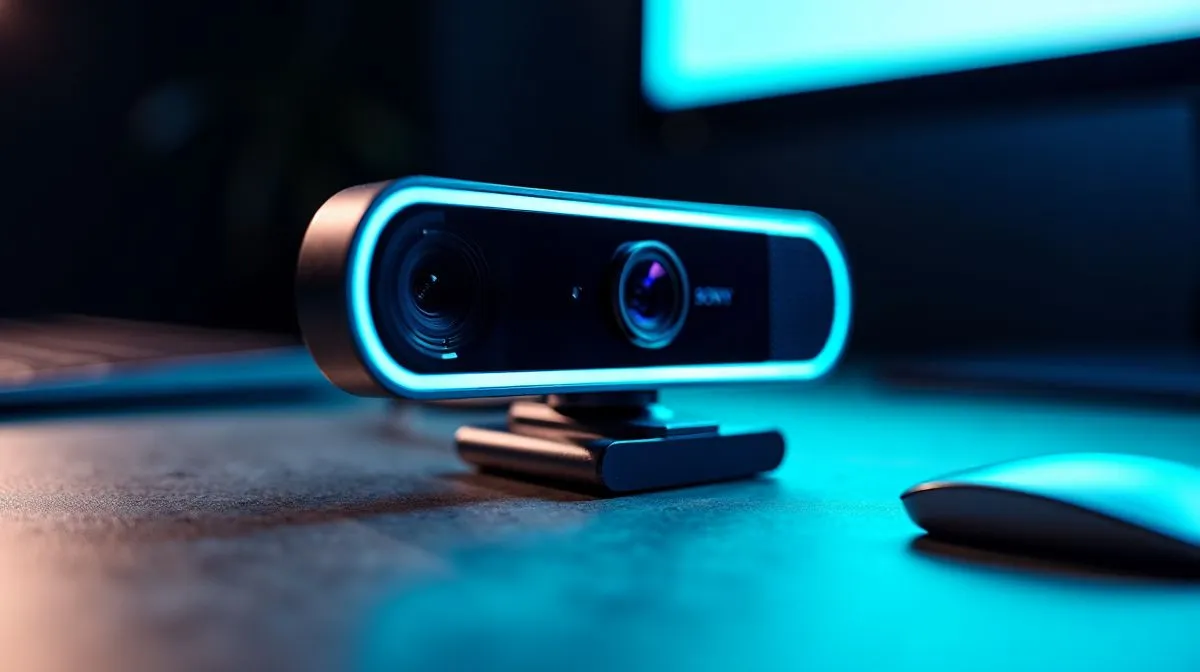
Why Does Your Webcam Video Look Blurry Even at 1080p? 🔧
If your webcam video looks muddy despite using a 1080p setting, you’re not alone. Many South African gamers and remote workers face this frustrating issue. The resolution alone doesn’t guarantee crisp images—lighting, focus, and bandwidth all play a role. Fixing blurry webcam footage fast means understanding these factors and making precise adjustments to your setup.
Clearer Webcam Video at 1080p Starts with Proper Lighting and Focus ⚡
Even the best 1080p webcam can produce blurry video if lighting is poor. Soft, natural light from a window or a well-placed LED beside your monitor helps sharpen your image. Avoid harsh overhead lights that create shadows or glare.
Next, check your camera’s focus. Autofocus on cheaper models may struggle, so try manual focus if it’s available. Some webcams sold below R1000 struggle with this precision—consider investing in a mid-tier camera with a reliable autofocus motor. You can browse quality webcams under R1000 here on Evetech.
Improve Your Webcam Focus
Try adjusting the distance between you and the webcam. Sitting too close can confuse autofocus; moving back can create a sharper image.
Upgrade Your Webcam for Crystal Clear Video 🚀
If lighting and focus aren’t the issues, your webcam sensor or lens quality might be the culprit. Low-end cameras underperform in dimmer rooms and have weaker image processing chips. South African users who stream or attend meetings often upgrade to webcams priced between R1000 and R2000 for better clarity and frame rates.
Discover webcams with advanced sensors on Evetech, offering solid 1080p performance for around R2000 browse these models. Beyond specs, look for webcams that state their minimum lighting requirements and lens types for consistent clarity.
Network Speed & Software Settings Matter Too
Your internet connection affects video quality. Slow or unstable fibre can cause dropped frames or blurry streams during calls. Prioritise your webcam app in your router’s settings or use a wired Ethernet connection.
Also, explore software tweaks like adjusting bitrate and resolution in your streaming or video chat app. Some software explicitly compresses video to reduce data usage, impacting clarity even at 1080p. For seamless experiences, top webcams under R3000 often come bundled with optimized drivers or streaming suites check those out here.
How to Choose the Best Webcam for Sharp 1080p Video in South Africa
When hunting for a webcam that actually delivers crisp 1080p video, consider:
- Lens quality and autofocus system
- Sensor size and low-light capability
- Software support and driver updates
- Price range fitting your budget
South African retailers like Evetech stock a wide range of webcams tailored for local conditions. You can explore all webcams currently in stock right here to compare features and prices.
Understanding and upgrading your webcam setup doesn’t have to be a hassle. A little attention to lighting, focus, and device choice can make all the difference 🚀.
Refresh Your Video Today Don’t settle for blurry 1080p webcam footage any longer. Shop now at Evetech for webcams that deliver sharp, clear video every time.











