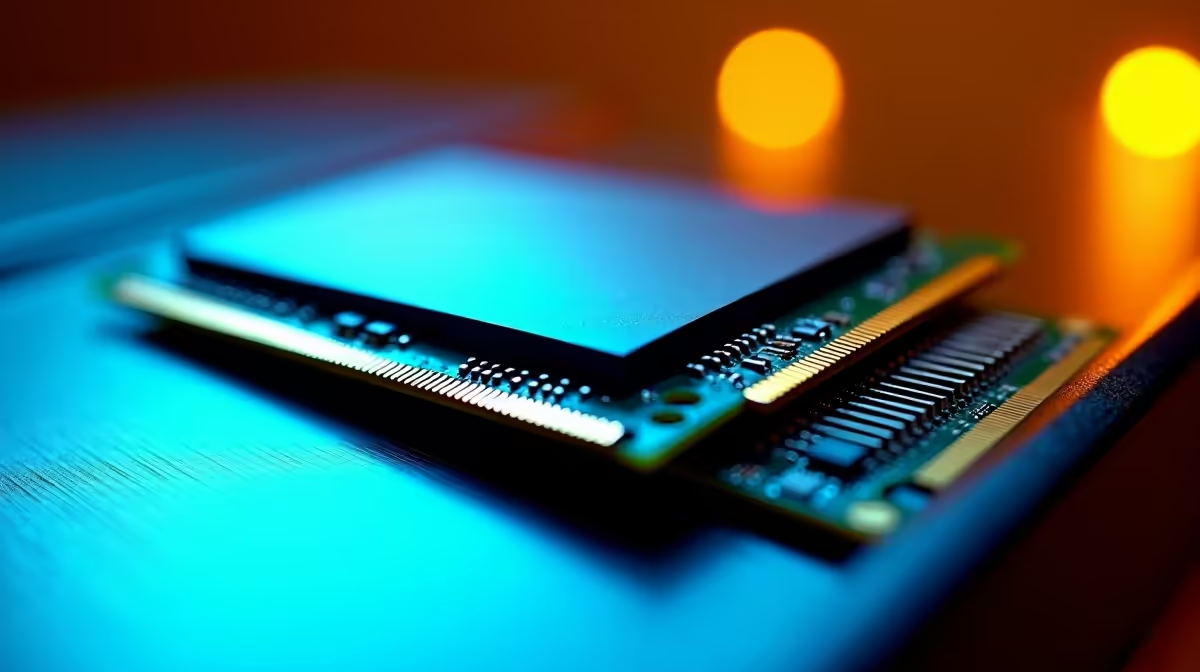
For years, buying a thin and light laptop meant accepting that its memory was soldered to the board, fixed at whatever you chose on day one and sealed for the life of the machine. CAMM2, and specifically its low-power form LPCAMM2, quietly reverses that. It turns low-power laptop memory back into a removable module, which means the RAM in a slim laptop can finally be upgraded instead of being a permanent decision you make at the till.
Quick Answer
LPCAMM2 is a removable memory module that brings upgradeable RAM back to thin laptops that previously used soldered LPDDR. It delivers the power efficiency of soldered low-power memory while letting you swap or increase capacity later. For South African buyers who want a laptop that stays useful for years, choosing a CAMM2 model means a real upgrade path instead of buying a whole new machine when memory needs grow.
How laptops lost upgradeable memory
There are two broad families of laptop RAM. Traditional SO-DIMM modules slot into a socket and have always been removable, but they are physically chunky and less power-efficient. To make laptops thinner and to squeeze out better battery life, manufacturers increasingly moved to LPDDR memory soldered directly onto the mainboard. Soldered LPDDR is compact and sips power, which is ideal for a slim chassis, but it has one hard cost: the RAM can never be changed. Whatever you buy is what you keep.
That trade-off has frustrated buyers for years. A laptop that was perfectly capable apart from being short on memory became disposable far sooner than it should have, simply because there was no way to add RAM. The component that most often dictates how long a machine stays comfortable was the one component you could not touch.
Why soldered memory became so common
Soldered LPDDR was not laziness on the part of manufacturers. It genuinely enables thinner designs and better battery life, both of which sell laptops. The problem was never the technology itself but the lack of an alternative that kept those benefits while restoring upgradeability. That is the gap LPCAMM2 fills.
What CAMM2 changes
CAMM2 is a memory module standard, and LPCAMM2 is the low-power variant built around LPDDR memory. The key shift is mechanical: instead of being soldered down, the memory lives on a flat, compact module that mounts to the board and can be removed and replaced. It keeps the low-power, space-efficient character that made soldered LPDDR attractive, while restoring the ability to upgrade.
In other words, LPCAMM2 stops forcing the choice between efficiency and upgradeability. A laptop using it can be thin, run cool, last on battery, and still let you double its memory two years later when your workload outgrows the original spec. That is a meaningful change to how long a single machine stays worth keeping.
The efficiency and upgrade path together
The headline benefit is having both qualities at once. Previously, upgradeable meant SO-DIMM with its bulk and lower efficiency, while efficient meant soldered with no upgrades. LPCAMM2 collapses that compromise, delivering low-power operation in a thin module that is also field-replaceable. For a buyer, that means the laptop's memory is no longer a permanent ceiling.
Why this matters more in South Africa
The case for upgradeable memory is sharper in a market where hardware carries an import premium. When a full laptop replacement is an expensive proposition, the ability to extend the life of a machine you already own by adding RAM rather than replacing the whole thing is real money saved. A CAMM2 laptop that you top up from 16GB to 32GB partway through its life gets you more years out of a single purchase, which matters when every new machine arrives at a Rand price inflated by importing.
It also changes how you should think about the initial buy. With soldered memory, the safe move was to overspend on RAM up front because you could never add more. With LPCAMM2, you can buy a sensible amount now and upgrade only if and when you actually need it, which keeps more money in your pocket on day one. When the time comes, the right DDR5-class memory at Evetech covers the modules and capacities you would be looking at.
What to check before you rely on it
CAMM2 is not yet universal, so the most important step is confirming a specific laptop actually uses it rather than assuming. Many laptops still ship with soldered LPDDR, and some use SO-DIMM, so the upgrade path you want only exists on models that explicitly support the removable module. Check the specification before buying, because a thin laptop that looks modern may still have its memory soldered down.
It is also worth being realistic about the upgrade itself. Replacing an LPCAMM2 module is more involved than swapping a desktop stick, since it means opening the laptop, but it is genuinely possible in a way soldered memory never is. Comparing models with this in mind is easier when you weigh them against current options, and scanning the best-selling memory and upgrade range at Evetech gives a sense of what capacities and prices are in play for when you do upgrade.
Who benefits most from choosing CAMM2
The buyers who gain the most are those who keep laptops for several years and whose memory needs grow over time: students who start with light study tools and later run heavier software, professionals whose workloads expand, and anyone who simply hates replacing a machine that is otherwise fine. For someone who upgrades laptops constantly, the benefit is smaller, but for the majority who want longevity, a removable-memory machine is a genuinely better long-term buy.
Frequently Asked Questions
Can I upgrade RAM on any thin laptop now?
No. LPCAMM2 only restores upgradeability on laptops that actually use it. Many thin laptops still solder their LPDDR memory in place, so always confirm a specific model supports CAMM2 before counting on a future upgrade.
Is LPCAMM2 as power-efficient as soldered LPDDR?
Yes, that is the point of it. LPCAMM2 is built around low-power LPDDR memory, so it keeps the efficiency and slim profile of soldered designs while adding the ability to remove and replace the module.
How is CAMM2 different from a normal SO-DIMM upgrade?
SO-DIMM has always been removable but is bulkier and less power-efficient, which is why thin laptops moved away from it. CAMM2 offers the removability of SO-DIMM with the low-power, compact nature of soldered memory, combining the strengths of both.
Will choosing CAMM2 save me money over time?
It can, especially in South Africa. Instead of replacing a whole laptop when you run short on memory, you upgrade the module, which is far cheaper than a new machine carrying an import premium.
Should I still buy extra RAM up front?
Less than before. With soldered memory you had to overspend early because you could never add more. With LPCAMM2 you can buy a sensible amount now and upgrade later only if your needs grow.
Choose a laptop whose memory is not a permanent ceiling, and plan the upgrade for when you actually need it. Explore the DDR5 memory range at Evetech and keep a capable machine useful for years rather than months.