

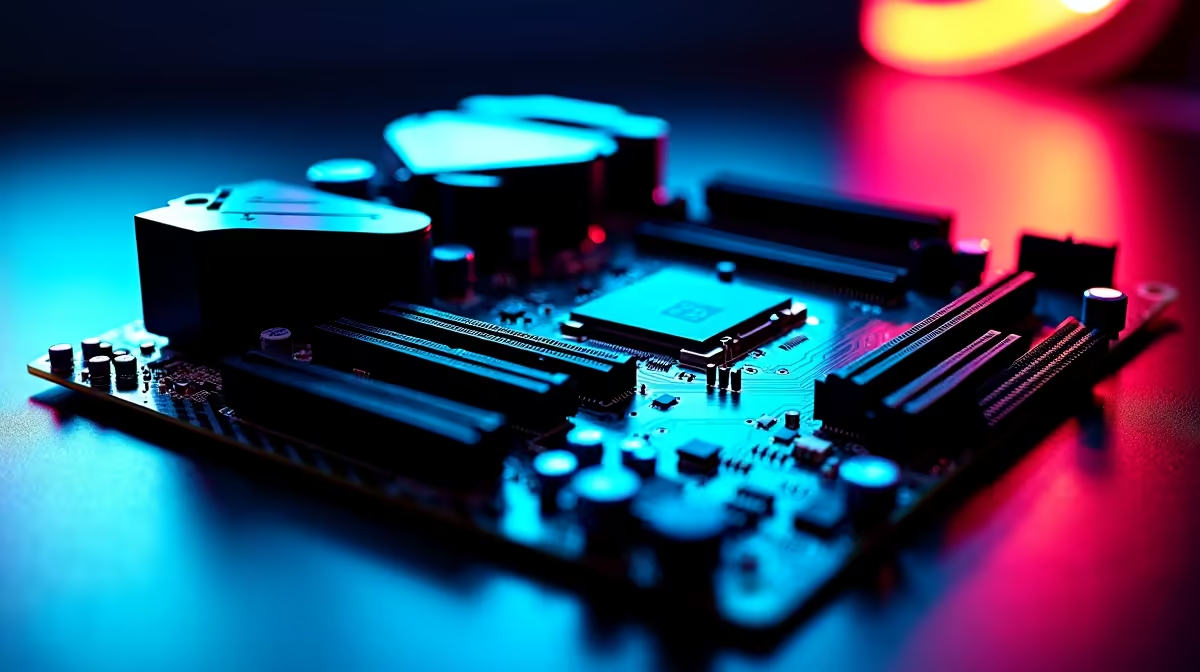
Remember the days of crashing your PC just to squeeze out an extra 200MHz? Manual tuning used to take hours of stressful BIOS tweaking and stress testing. Today, AI overclocking on a high-end gaming motherboard changes everything. If you want maximum frame rates without the dreaded blue screens of death, this smart tech is exactly what your rig needs. Let us explore how it actually works.
The Magic Behind AI Overclocking on a High-End Gaming Motherboard
AI overclocking is not just a flashy marketing gimmick. It is a highly sophisticated piece of software baked directly into modern boards. The system constantly monitors your CPU silicon quality and evaluates your specific cooling setup. Instead of blindly guessing voltages, it calculates the perfect frequency curve in real time. It learns how your system behaves under heavy gaming loads. If you are looking to upgrade your motherboard, this built-in feature saves you hours of frustrating trial and error. 🧠
Pushing Your Silicon and Memory to the Limit
A smart board does much more than just boost your processor clock speeds. It actively evaluates thermal limits and makes micro-adjustments on the fly. When ambient temperatures rise during a blistering South African summer, the AI scales back slightly. This prevents dangerous thermal throttling and protects your investment. It also works beautifully alongside fast RAM profiles. Pairing this intelligent tech with premium desktop memory kits ensures your entire system runs in perfect harmony... giving you buttery smooth gameplay. ⚡
Overclocking Pro Tip 🔧
Always ensure your BIOS is updated to the latest version before enabling AI tuning. Manufacturers constantly refine their algorithms. A quick update could unlock even better stability and lower temperatures for your specific CPU.
Finding the Perfect AI-Powered Platform
Not all hardware brands handle automated tuning the exact same way. ASUS has pioneered some of the most reliable AI overclocking tools currently on the market. Their predictive algorithms are incredibly accurate and safe to use. If you are running Team Blue, checking out ASUS Intel motherboards will give you direct access to their advanced AI Suite.
Prefer the multi-core power of Ryzen processors? You are completely covered. The equivalent ASUS AMD motherboards feature similar smart tuning capabilities. They optimise Precision Boost Overdrive to squeeze every single drop of performance out of your chip safely.
Maximising Your ZAR with Smart Tech
Building a top-tier gaming rig is a serious financial investment. You absolutely want every bit of performance you paid for. AI overclocking on a high-end gaming motherboard gives you that free performance boost. Best of all, it does this without the risk of frying your expensive hardware. It is literally like having a professional overclocker living inside your PC case. If you want a complete system that leverages this incredible technology, browsing the latest gaming PC deals is the smartest place to start your journey. 🚀
Ready to Unlock Your PC's True Potential? Stop leaving free performance on the table. Whether you are building from scratch or upgrading your core components, we have the perfect hardware for you. Explore our massive range of PC components and let AI do the heavy lifting for your next gaming session.











