


RTX 4060 Ti Throttling Under Load: SA Temperature Guide
RTX 4060 Ti Throttling Under Load: Temperature. Everything you need to know with SA pricing, step-by-step instructions & expert recommendations.
Read moreEvery spec on Thunderbolt 4 explained in plain English. What matters for gaming and creator work in 2026, what's marketing fluff, and how each number translates to real-world performance.
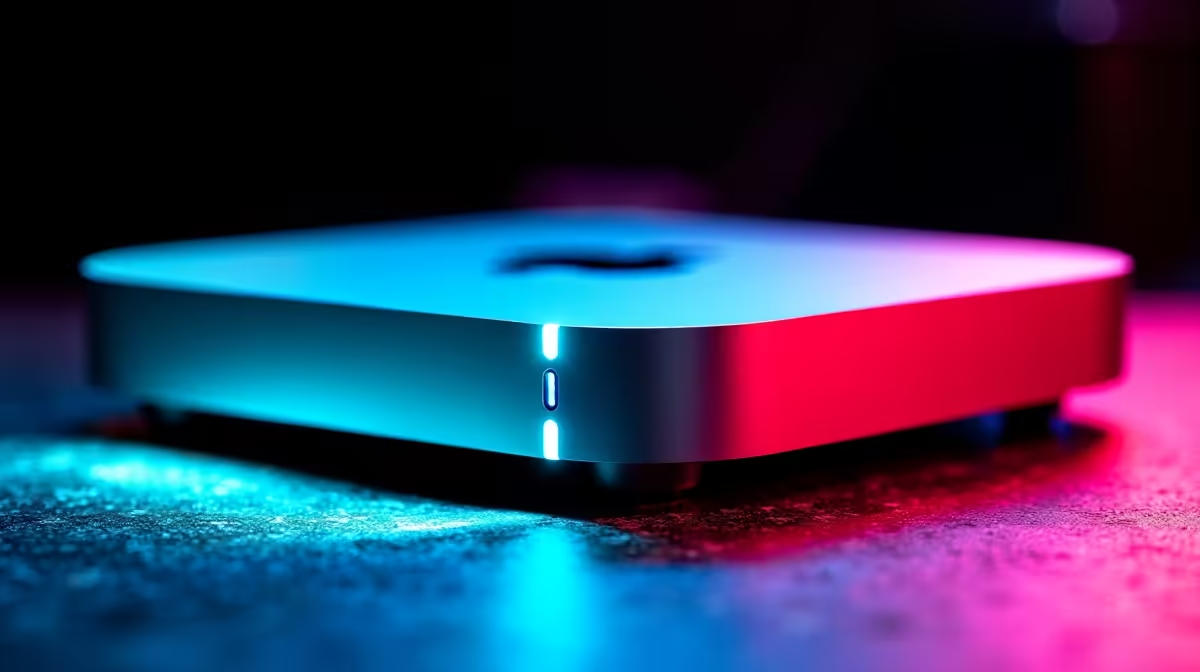
Apple's compact desktop powerhouse is turning heads across South Africa. But what does Thunderbolt 4 on the Mac Mini actually allow you to connect and do? If you are tired of cable clutter and slow transfer speeds, this port is your golden ticket. From driving massive displays to hooking up ultra-fast external storage... let us dive into exactly what this technology unlocks for your daily workflow.
Thunderbolt 4 is not just another standard USB-C port. It pushes a massive 40Gbps of bidirectional bandwidth. This means you can move heavy 4K video files in seconds rather than minutes. For local creatives, saving time means saving precious ZAR.
The standard also guarantees strict performance minimums. You always get top-tier speeds... unlike older USB standards that often confuse buyers. If you prefer the Windows ecosystem for your heavy lifting, you might want to browse our premium laptops for sale in South Africa. Many of these notebooks also feature this lightning-fast connectivity for ultimate portability.
One of the biggest perks of Thunderbolt 4 on the Mac Mini is display flexibility. You can effortlessly drive two 4K monitors at 60Hz. You can even connect a single massive 6K display for colour-accurate creative work. 🖥️
This is absolutely perfect for video editors needing maximum screen real estate. A dual-monitor setup transforms how you organise your timeline and asset folders. To get the most out of your setup without breaking the bank, keep a close eye on our weekly tech specials. You will often find premium monitor upgrades and docking stations priced perfectly for the local market.
You can daisy-chain up to six Thunderbolt devices from a single port. Connect your monitor, external NVMe SSD, and audio interface in one clean line. This keeps your desk completely free of frustrating cable spaghetti.
Upgrading internal storage at the factory can cost thousands of Rands. Thunderbolt 4 on the Mac Mini offers a brilliant workaround. You can connect external NVMe SSD enclosures that hit speeds of up to 3000MB/s. 🚀
This gives you internal-level performance for a fraction of the cost. You can boot operating systems or edit raw footage directly from these external drives. It is a massive win for budget-conscious creators.
Of course... if you want raw, uncompromised graphics power for 3D rendering or playing the latest AAA titles, a dedicated rig is still king. You can explore our top-tier gaming PC deals to find a custom desktop build that pushes frame rates to the absolute limit.
Need to move terabytes of data across your home or office network? Thunderbolt 4 allows you to connect high-speed 10GbE network adapters. This ensures your local server backups happen instantly.
It is all about creating a seamless, bottleneck-free workflow. When load-shedding threatens your uptime, having fast local backups is a lifesaver. Thunderbolt 4 on the Mac Mini ensures your data is always secure and accessible at record speeds. ✨
Ready to Find Your Perfect Match? The Mac vs Windows debate is complex, but for maximum power, choice, and value in South Africa, Windows is hard to beat. Explore our massive range of laptop specials and find the perfect machine to conquer your world.
Thunderbolt 4 is available at Evetech.co.za with local SA warranty, Rand pricing and nationwide delivery. Stock and pricing is updated in real time on the product page.
The article breaks down the real-world impact on gaming FPS, creator workflows and everyday responsiveness — not just raw spec numbers.
Only a handful of specs meaningfully change your experience. The guide ranks them by real impact so you spend on what counts.
We cover upgrade headroom, platform longevity and the specific features worth paying extra for if you plan to keep this build for several years.
The article includes a clear generational uplift summary so you can judge whether upgrading from your current hardware is worthwhile.
RTX 4060 Ti Throttling Under Load: Temperature. Everything you need to know with SA pricing, step-by-step instructions & expert recommendations.
Read more
Apex Legends Max Settings on RTX 4080. Tested & verified settings for best FPS and visual quality on SA hardware budgets.
Read more
GPU Buying Guide. Everything you need to know with SA pricing, step-by-step instructions & expert recommendations.
Read more
GPU Terms Guide. Everything you need to know with SA pricing, step-by-step instructions & expert recommendations.
Read more
AMD Adrenalin Download & Setup Guide: GPU. Clear setup instructions with SA-specific considerations, troubleshooting tips & recommended components.
Read more
Back-to-School GPU Buying Guide. Everything you need to know with SA pricing, step-by-step instructions & expert recommendations.
Read more
Can RTX 4080 Super Run AI Workloads for SA Developers Detailed answer with SA data, expert analysis & practical recommendations for local buyers.

Can RTX 4090 Run AI Workloads for SA Developers Detailed answer with SA data, expert analysis & practical recommendations for local buyers.

Top Settings for Intel Arc B580 at Ultrawide 1440p picks evaluated on performance, value & SA availability with current Rand pricing from Evetech.

RX 7600 Overclocking Guide: Safe OC Settings for. Real-world benchmark data, FPS numbers & performance analysis. What SA gamers can actually expect.

RTX 4060 CS2 Low Settings at 1080p: FPS Results. Real-world benchmark data, FPS numbers & performance analysis. What SA gamers can actually expect.

Visual Artifacts: Possible GPU Issue Issue #1. Diagnosis steps, proven fixes & when to seek professional help. SA-specific support info included.

Can the RTX 4090 Handle 1440p 144Hz Gaming. Performance testing verdict with real data & practical recommendations for SA buyers.

Top ASUS GPU Under R15000 picks evaluated on performance, value & SA availability with current Rand pricing from Evetech.
RTX 4060 Ti Throttling Under Load: Temperature. Everything you need to know with SA pricing, step-by-step instructions & expert recommendations.
Apex Legends Max Settings on RTX 4080. Tested & verified settings for best FPS and visual quality on SA hardware budgets.
GPU Buying Guide. Everything you need to know with SA pricing, step-by-step instructions & expert recommendations.
GPU Terms Guide. Everything you need to know with SA pricing, step-by-step instructions & expert recommendations.