

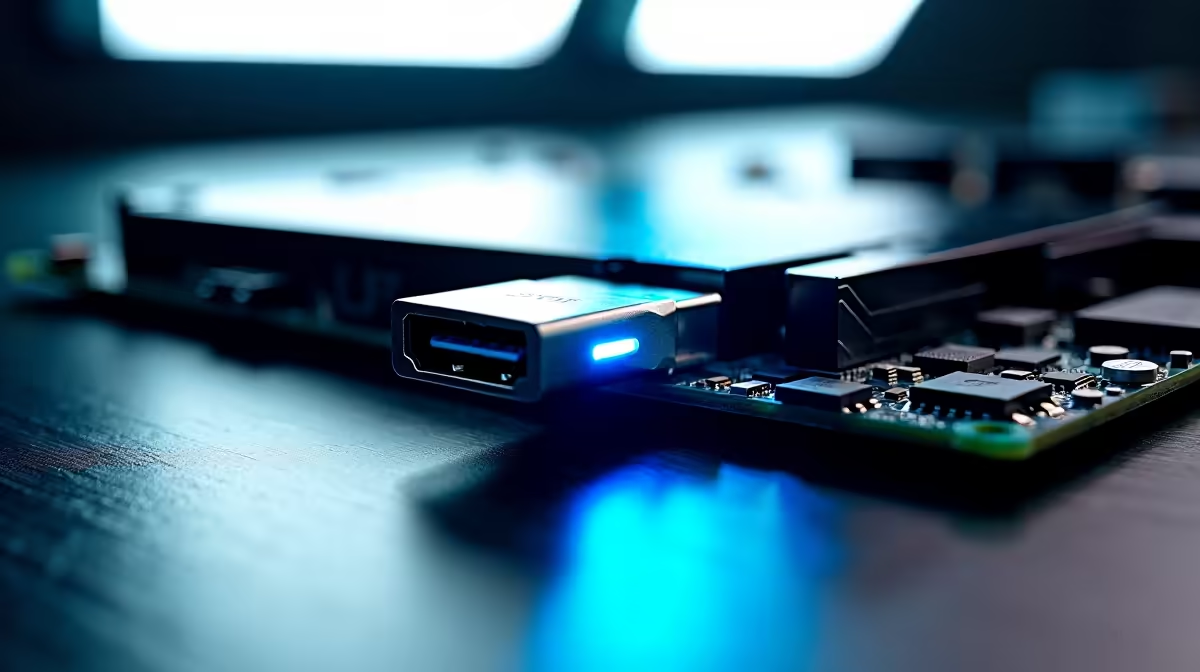
Building a new rig in South Africa usually means staring at a spec sheet filled with confusing port names. But what does USB4 Type-C on a motherboard actually let you connect and do? If you are dropping hard-earned ZAR on a premium setup, you need to know why this tiny port is an absolute monster for speed, displays, and future-proofing your battlestation.
Blistering Speeds for Gamers and Creators 🚀
USB4 is a massive leap forward for desktop connectivity. Pushing data transfer rates up to 40Gbps, it effectively matches Thunderbolt 4 performance. This means you can hook up ultra-fast external NVMe SSDs to your PC. You can transfer massive 4K video files or modern 100GB+ game installs in mere seconds.
For content creators working with large raw footage, this speed is vital. You no longer have to open your PC case to add fast storage. When you quickly need to back up project files before load shedding hits, that 40Gbps transfer rate becomes your best friend. If you are looking to buy motherboards equipped with this technology, you are investing in serious longevity and daily convenience.
One Cable to Rule Your Displays and Power ⚡
Gone are the days of a messy desk wired with a dozen different cables. A single Type-C port on a modern board can drive multiple 4K displays or even a single 8K monitor. It fully supports DisplayPort Alt Mode alongside high-wattage Power Delivery.
This means you can power a portable monitor, charge your wireless peripherals, and run your primary display... all from the back of your PC. The reversible shape also means no more fumbling behind your case in the dark. Whether you lean towards Team Blue and explore ASUS Intel motherboards or prefer Team Red with ASUS AMD motherboards, having this universal port simplifies your workspace drastically.
Cable Warning 🔧
Not all Type-C cables are created equal. To actually get 40Gbps speeds and high-res display outputs from your new port, ensure you buy a certified USB4 or active Thunderbolt cable. A standard charging cable will bottleneck your performance instantly.
Unlocking External Graphics and Hubs
Beyond simple storage and screens, this standard allows for daisy-chaining multiple devices. You can connect a single cable to a desktop dock. That dock then splits out to your ethernet, audio interfaces, and extra USB ports.
For enthusiasts, it even supports external GPUs. While more common on laptops, having the option on a desktop board gives you incredible flexibility. You can test hardware or add rendering power without taking up a massive PCIe slot inside your chassis.
Maximising Your System Potential ✨
Having a cutting-edge port is brilliant, but the rest of your system needs to keep up. Fast external data transfers require serious internal bandwidth. Pairing your setup with high-speed memory kits ensures your CPU does not stall when pulling heavy assets from an external drive.
If building from scratch sounds like too much admin, you can always look for pre-built gaming PC deals that already feature the latest boards and high-end I/O panels. Ultimately, this tech lets you connect almost anything... faster, cleaner, and more efficiently than ever before.
Ready to Upgrade Your Connectivity? Stop bottlenecking your peripherals with outdated ports. Whether you are building a creative workstation or a hardcore gaming rig, we have the hardware you need. Explore our massive range of premium PC components and future-proof your setup today.











