

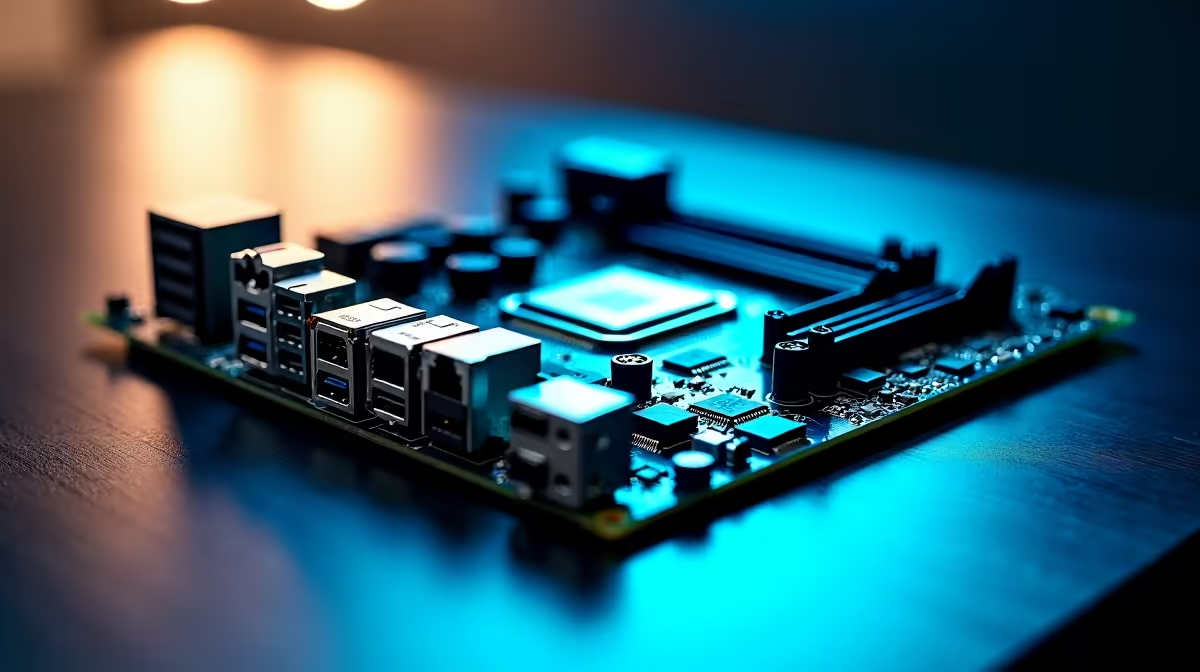
Building a rig is thrilling... until you stare at a spec sheet. When buying a motherboard in South Africa, you are instantly hit with a storm of acronyms. PCIe 5.0, DDR5, and Gen 5 M.2 sound impressive. But do they actually translate to better frame rates, or are they just draining your precious ZAR? Let us cut through the marketing noise and focus on what truly matters.
Decoding PCIe 5.0 vs DDR5 vs M.2
The foundation of any great build starts with the mainboard. If you want to browse the latest motherboards, you need to know which features justify the premium price tag. The big three features dominating the current tech market are PCIe 5.0, DDR5 memory, and ultra-fast M.2 storage. ⚡
Is PCIe 5.0 Worth the Hype?
Right now, PCIe 5.0 graphics cards are virtually non-existent. Even the most powerful GPUs barely saturate a PCIe 4.0 slot. This means you do not need to panic if your budget only stretches to Gen 4.
However, PCIe 5.0 M.2 NVMe drives offer blistering transfer speeds. If you are a heavy video editor moving massive 4K files, it is incredible. It cuts rendering transfer times down to mere seconds. For pure gaming? A solid Gen 4 drive is more than enough. Game load times will still be near-instant. This practical approach is clear in our best gaming PC deals... where balanced specs always win.
The DDR5 Memory Advantage
DDR5 is no longer an expensive luxury. It is the new standard for modern gaming. It offers massive bandwidth improvements over older DDR4 kits. This translates to smoother frame pacing. You will notice much better 1% low frame rates in modern, CPU-heavy titles.
When you upgrade your memory kits, ensuring your board supports high-speed DDR5 is a smart investment. It gives your rig a much longer lifespan.
RAM Speed Pro Tip 🔧
Always check your motherboard's QVL before buying RAM. Even if a board says it supports DDR5-6000, stick to the QVL. This ensures you avoid random blue screens or boot failures when enabling XMP profiles.
Do Not Ignore VRMs and Connectivity
Beyond the flashy PCIe 5.0 vs DDR5 vs M.2 debate... power delivery is crucial. Voltage Regulator Modules (VRMs) keep your CPU stable under heavy loads. If you plan to run a high-end processor, a board with chunky VRM heatsinks is non-negotiable. South African summers get incredibly hot. Good thermal design prevents your system from thermal throttling during intense gaming sessions.
Connectivity is another hidden cost. Do you need built-in Wi-Fi 6E? How many USB ports do your peripherals require? Paying extra upfront for a board with ample USB ports saves you from buying dongles later. It is all about optimising your build for your specific desktop environment. ✨
Choosing Your Platform Wisely
Your CPU choice dictates your motherboard socket. Intel fans have fantastic options that balance productivity and gaming. If Team Blue is your vibe, exploring ASUS Intel motherboards gives you robust power delivery and excellent connectivity.
On the flip side, AMD's AM5 platform promises long-term socket support. This means you could upgrade your CPU years down the line without changing your board. If that longevity appeals to you, checking out ASUS AMD motherboards is the perfect starting point. 🚀
Ready to Build Your Dream Rig? Choosing the right foundation is the most important step for your PC. Explore our massive range of PC components and find the perfect hardware to power your next epic gaming adventure.











