

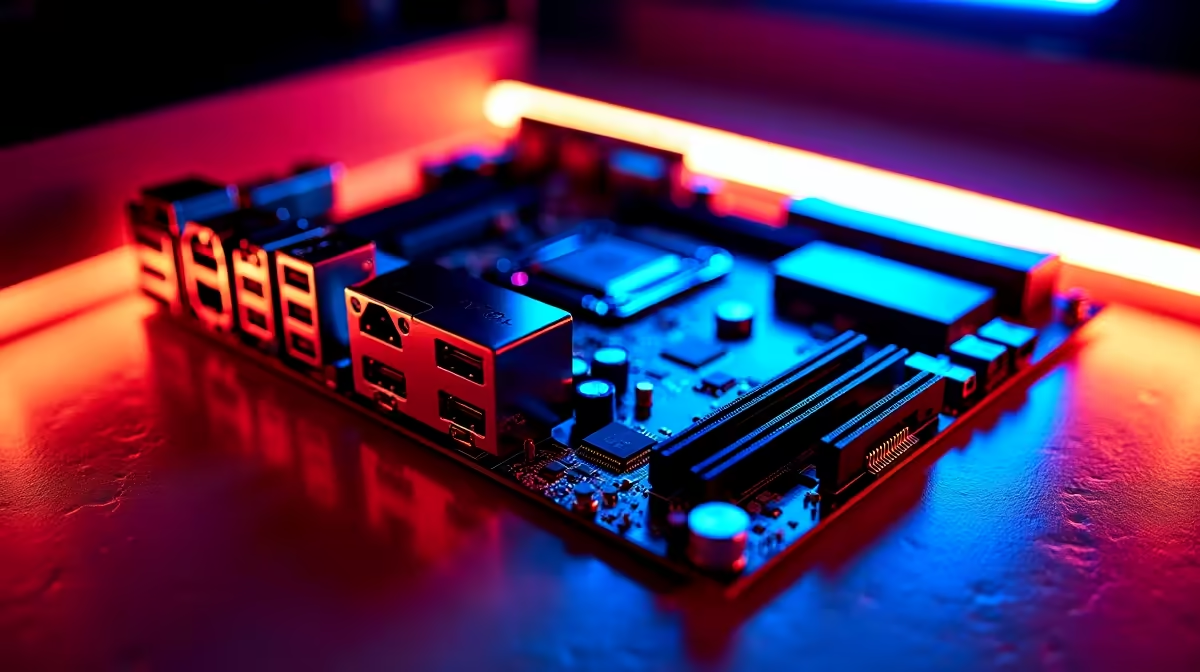
Building a workstation in South Africa means making every ZAR count. You probably spend hours researching the perfect graphics card or processor. But what connects them all? If you want a stable system that will not crash during a 4K render, you need the right foundation. Choosing the perfect creator motherboard for video editing, AI and design work is critical... it helps optimise your entire workflow.
Why Power Delivery is Crucial for Creators 🔧
Rendering high-bitrate footage or training local AI models pushes your hardware to the absolute limit. Standard boards might throttle under pressure. You need robust VRMs (Voltage Regulator Modules) to keep power delivery clean and stable. When you browse for top-tier motherboards, look for heavy heatsinks and high power phases. Clean power means your CPU maintains its boost clocks for longer... saving you precious minutes on every export.
The Intel vs AMD Platform Divide
Your choice of processor dictates your entire platform. If you prefer Intel Core processors for their Quick Sync video encoding, you will want to explore robust ASUS Intel motherboards designed for heavy lifting. They often offer incredible Thunderbolt 4 support. This is perfect for moving massive raw video files to external drives in seconds.
Alternatively, AMD Ryzen chips offer massive multi-core performance for heavy 3D rendering. Pairing a high-end CPU with premium ASUS AMD motherboards ensures you get full PCIe 5.0 support. This means your next-generation NVMe SSDs will run at blistering speeds... drastically cutting down load times in Premiere Pro or DaVinci Resolve.
Memory Capacity and High-Speed Connectivity 🚀
Video editing and AI generation eat RAM for breakfast. A solid creator motherboard for video editing, AI and design work needs at least four DIMM slots. You want the freedom to easily upgrade to 64GB or even 128GB of RAM later. Do not let your timeline stutter or your AI models crash... grab high-speed memory kits to keep your workflow buttery smooth.
Furthermore, look for boards featuring 10GbE LAN or Wi-Fi 6E. When you are pulling massive 8K video assets directly from a local NAS, standard gigabit ethernet simply will not cut it.
Storage Pro Tip ⚡
When installing multiple M.2 NVMe SSDs, check your motherboard manual for PCIe lane sharing. Sometimes populating the third or fourth M.2 slot will disable SATA ports or drop your graphics card to x8 speed. Always put your primary scratch disk in the top slot closest to the CPU!
Skipping the DIY Route ✨
Not everyone has the time to build a custom rig from scratch. If you have tight client deadlines looming and need out-of-the-box performance, buying a complete system is a smart move. Many high-end gaming rigs double perfectly as professional workstations. You can browse the best gaming PC deals to find a pre-built powerhouse. These systems feature premium motherboards, massive storage, and the exact GPU you need for hardware acceleration.
Ready to Build Your Dream Workstation? Finding the perfect foundation for your rendering and design tasks does not have to be stressful. For maximum power, choice, and value in South Africa, Evetech is hard to beat. Explore our massive range of motherboards and find the perfect board to conquer your creative world.











