

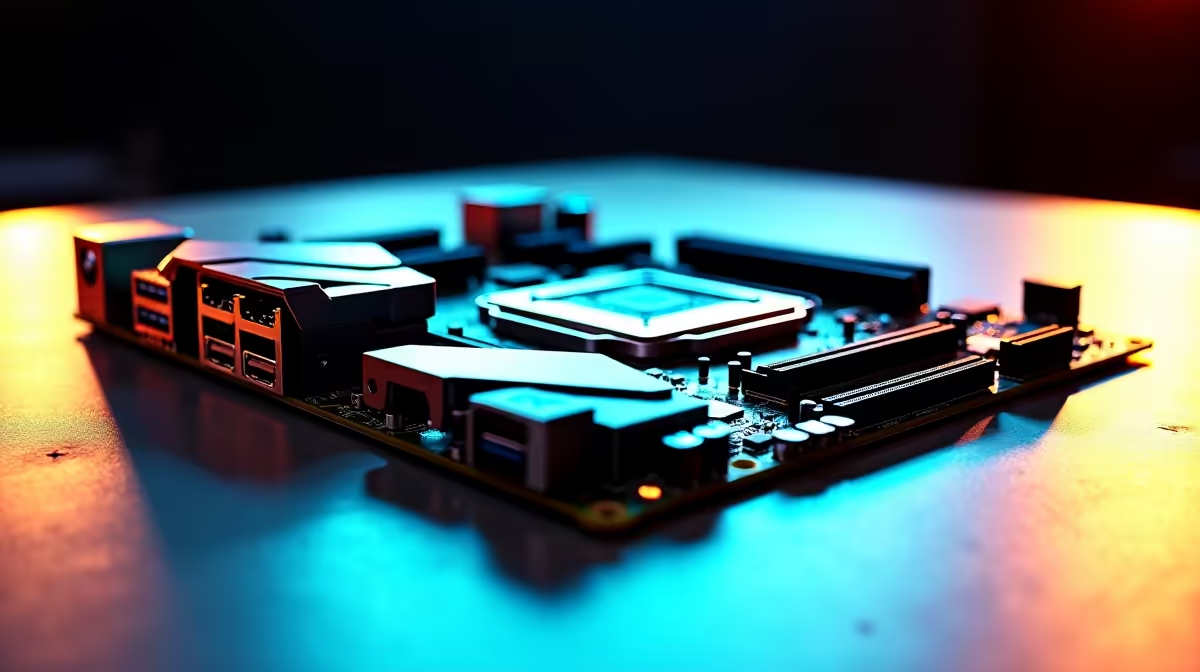
Building a next-generation Ryzen rig in South Africa? You might think making the jump to DDR5 and PCIe 5.0 means emptying your wallet. Think again. If you are wondering what should you look for in an AM5 motherboard under R4000, you are in the right place. We are going to show you exactly how to maximise your Rand without sacrificing performance or future-proofing.
Decoding the Chipset: A620 vs B650 🔧
When browsing a massive range of motherboards, the first hurdle is choosing the right chipset. For under R4000, you will mostly choose between AMD's A620 and B650 options. If you want to tweak your CPU clock speeds or need extra PCIe lanes for future expansion, a budget B650 is your best bet. A620 boards are fantastic for strict budgets, but they do lock down CPU overclocking. Both will game perfectly fine... but B650 offers that extra breathing room.
Power Delivery and VRM Cooling
Power delivery matters... even on a strict budget. Look for a board with decent VRM heatsinks. A bare VRM might overheat and throttle your shiny new Ryzen 5 7600X during heavy, sustained gaming sessions. Brands have seriously stepped up their budget game recently. For example, many entry-level ASUS AMD motherboards now include robust cooling solutions that were previously reserved for much higher-end models.
RAM Compatibility Tip ⚡
AM5 relies exclusively on DDR5 memory. When budgeting for your new board, remember you cannot carry over your old DDR4 sticks. Always check the motherboard QVL (Qualified Vendor List) to ensure your new memory runs flawlessly at its advertised speeds.
Memory Support and Essential Connectivity
At the R4000 price point, you should expect at least two M.2 NVMe slots for lightning-fast storage. Pay close attention to the RAM slots too. While two slots are perfectly fine for most gamers, four slots give you room to expand your capacity later. To get the absolute most out of your new Ryzen processor, you will want to pair it with high-speed memory kits clocked around the 6000MHz sweet spot.
Do not forget rear I/O and networking. Ensure there are enough USB ports for all your peripherals. Also, keep an eye out for built-in wireless connectivity. Many budget boards now feature Wi-Fi 6, which is a brilliant bonus if you cannot run an Ethernet cable directly to your gaming desk. Saving money on a separate Wi-Fi card means more ZAR to put towards your graphics card.
What About the Competition?
What if you are not entirely sold on Team Red just yet? It is always smart to compare platforms before you finalise your build. If you decide to pivot to an Intel Core i5 processor, you will find similarly priced ASUS Intel motherboards that offer excellent value for money. However... AMD's AM5 socket currently holds a strong advantage for long-term upgradeability, with support promised for years to come.
Putting Your Build Together 🚀
Finding the right AM5 motherboard under R4000 is all about balancing your immediate performance needs with future upgrades. Prioritise a B650 chipset if your budget allows, ensure the VRMs have adequate cooling, and double-check those M.2 slots. If sourcing individual parts and building from scratch feels a little overwhelming, you can always explore our best gaming PC deals to find a pre-built rig that already ticks all these critical boxes.
Ready to Build Your Dream AM5 Rig? Upgrading your gaming setup is easier than ever. Explore our AMD Motherboards and find the perfect foundation to conquer your favourite titles.











